
Vehicle Inspection Tool

Overview
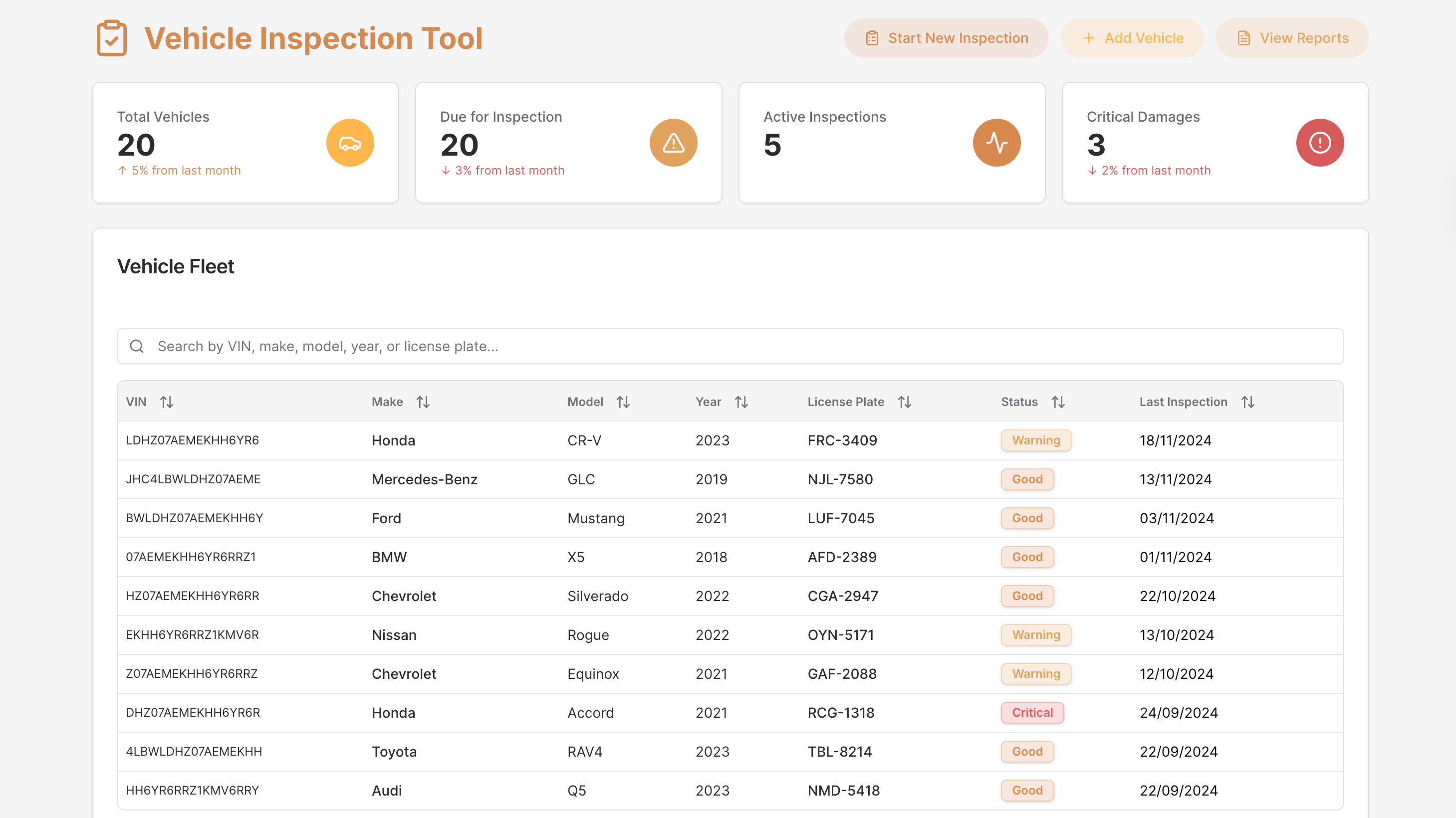
The Vehicle Inspection Tool streamlines fleet oversight by centralizing inspections, vehicle details, service reminders, and damage documentation into one efficient workspace.
Designed for fleet managers, rental operators, and service teams, it simplifies inspection workflows, boosts accountability, and supports timely maintenance decisions across an entire vehicle fleet.
Key Features
Vehicle Management & Fleet Visibility
View and manage your entire fleet through a searchable vehicle table with instant access to model details, specifications, photos, past issues, and scheduled service reminders.
Inspection Records & Report Access
Browse a complete inspection history with filters for dates, vehicles, and inspectors. Open any record to review detailed exterior and interior assessments, notes, photos, and digital signatures - and export reports to PDF for documentation or compliance.
Damage Documentation & Workflow Guidance
Capture accurate inspection results through a structured, three-step damage wizard, including exterior issues, interior assessments, photos, severity levels, and a final signature step to confirm inspector identity.
Quick Actions & Operational Efficiency
Accelerate daily workflows with fast-access links to start new inspections, add vehicles, and view reports - ensuring teams can take action without navigating multiple pages.
Use Cases
- Vehicle inspection tools for fleet management teams
- Operational dashboards for rental car companies
- Damage reporting systems for service & maintenance teams
- Compliance tracking for transportation & logistics operations
- Inspection record hubs for automotive service centers
Start Building Your Own Vehicle Inspection Tool
Use this Vehicle Inspection Tool template to create a purpose-built inspection system tailored to your fleet. Connect real vehicle data, streamline documentation, capture detailed assessments, and automate reporting - all with UI Bakery’s flexible low-code platform.
How Vehicle Inspection Tool template works?
UI Bakery enables you to transform your data into dynamic internal tools, leveraging a combination of pre-built and customized components.
- To initiate, click "Sign up".
- Establish your organization and create app "From template"
- Customize your generated application visually by intuitively dragging and dropping components and crafting queries for your resources.
- Expand the capabilities of this application by linking to your personal database, kickstarting the development of robust internal tools.
Other Vehicle Inspection Tool templates



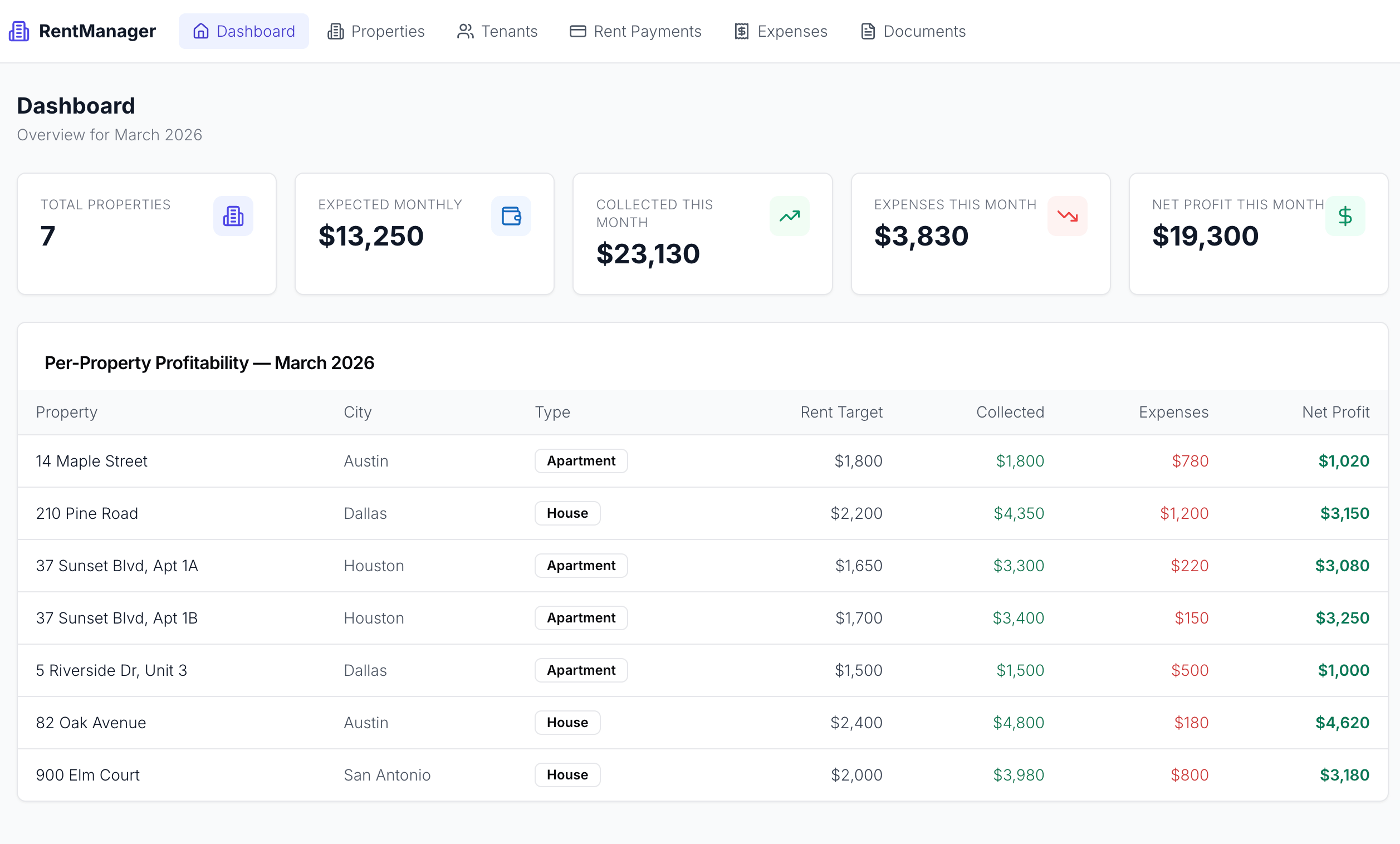
Other Vehicle Inspection Tool templates
Frequently Asked Questions
What is the Vehicle Inspection Tool template used for?
The Vehicle Inspection Tool template is designed for automobile businesses and inspection services. It provides a comprehensive digital platform for conducting vehicle inspections, capturing details, and generating reports efficiently.
Can this template handle various types of vehicles, including trucks and cars?
Yes, the Vehicle Inspection Tool template is versatile and can handle inspections for various types of vehicles, including trucks, cars, motorcycles, and other forms of transportation.
Does the template support photo and document attachments for inspection records?
Yes, the Vehicle Inspection Tool template supports photo and document attachments. Users can capture images and upload documents directly within the inspection records, ensuring detailed documentation for each inspection.
Is there a scheduling feature to manage inspection appointments?
Yes, the template includes a scheduling feature. It allows users to set up inspection appointments, assign inspectors, and manage the inspection calendar effectively, ensuring organized and timely inspections.
Can the inspection reports be customized and exported in different formats?
Yes, the inspection reports generated using the Vehicle Inspection Tool template are customizable. Users can tailor the reports to include specific details and branding elements. Additionally, reports can be exported in various formats such as PDF, CSV, or Excel for easy sharing and record-keeping.

"The UI Bakery platform offers a cost-effective approach to creating applications. With UI Bakery, you can achieve your app development goals without breaking the bank."
