
CRUD Dashboard

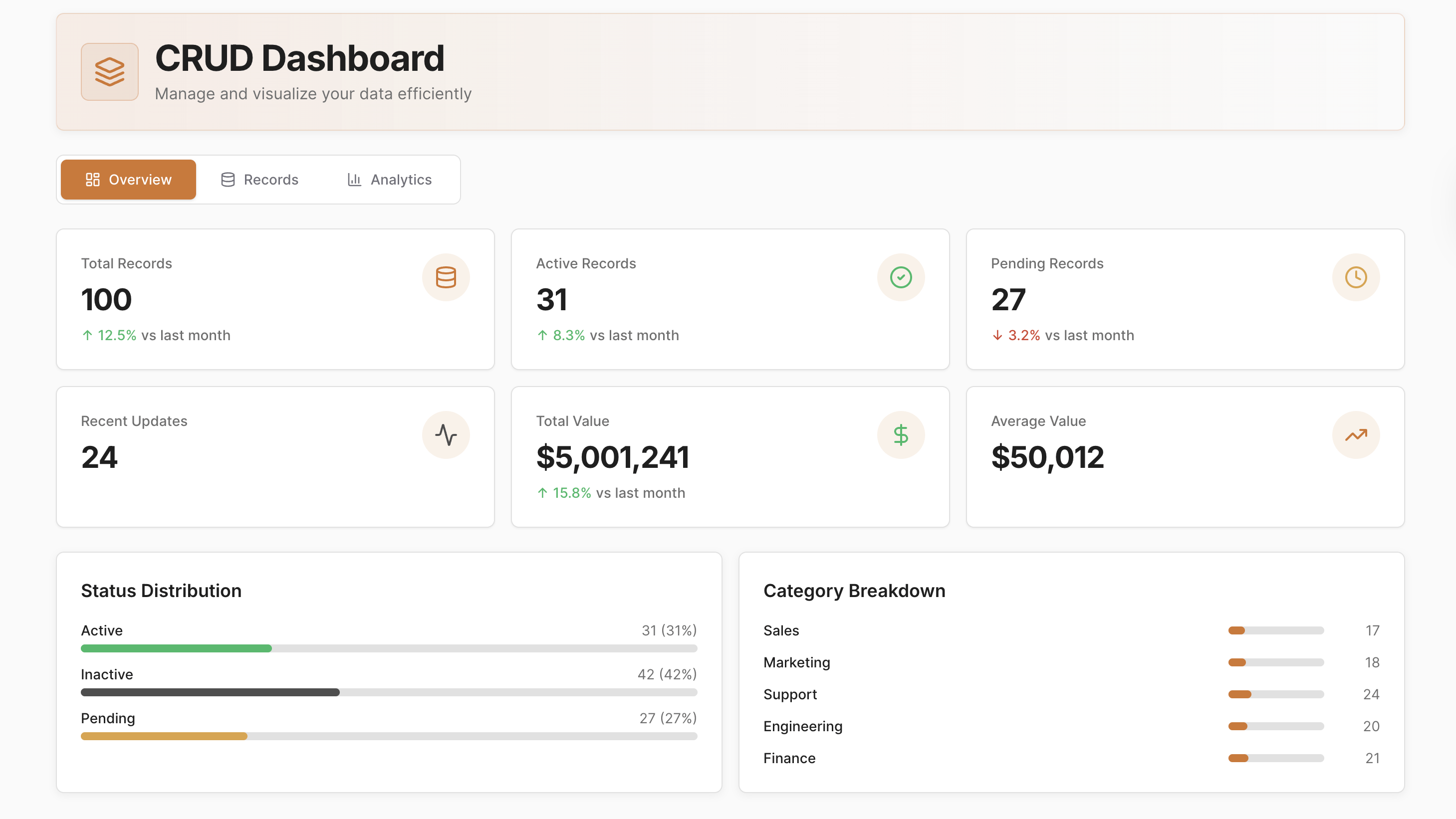
Overview
Manage and update records efficiently with a clean, intuitive interface designed for flexibility and speed.
The CRUD Dashboard provides a centralized view of your datasets, combining powerful table interactions, real-time updates, and visual insights to streamline data management for development, administration, or operational workflows.
Key Features
Record Management & CRUD Operations
Create, view, update, and delete records using intuitive modals or inline editing. Support bulk updates, multi-select actions, and efficient workflows that speed up record handling.
Interactive Table Experience & Customization
Work with a sortable, searchable, and paginated table featuring column resizing, status highlights, and filtering by any field. Modern UI patterns ensure a smooth, user-friendly experience.
Visual Analytics & Insight Generation
Track record trends through dynamic KPIs and visual charts that update as data changes. Gain clarity into status distribution, category performance, and value patterns.
Responsive Design & Modern UI
Enjoy a seamless experience across desktop and mobile with responsive layouts, hover effects, subtle animations, tooltips, and clear visual cues.
Export Options & Reporting
Export records or analytics to CSV or PDF for reporting, sharing, or offline analysis, supporting flexible data workflows.
Use Cases
- Internal CRUD systems for operational teams
- Database record management tools for administrators
- Admin panels for SaaS platforms or internal applications
- Analytics dashboards for dataset monitoring & reporting
- Flexible CRUD interfaces for prototypes or MVPs
Start Building Your Own CRUD Dashboard
Use this CRUD Dashboard template as a foundation to create a fully custom data management system. Connect live datasets, automate record operations, visualize key trends, and tailor workflows to your team’s needs with UI Bakery’s low-code tools.
How the CRUD Dashboard Template Works?
UI Bakery enables you to transform your data into dynamic internal tools, leveraging a combination of pre-built and customized components.
- To initiate, click "Sign up".
- Establish your organization and create app "From template"
- Customize your generated application visually by intuitively dragging and dropping components and crafting queries for your resources.
- Expand the capabilities of this application by linking to your personal database, kickstarting the development of robust internal tools.
Related CRUD Dashboard Templates


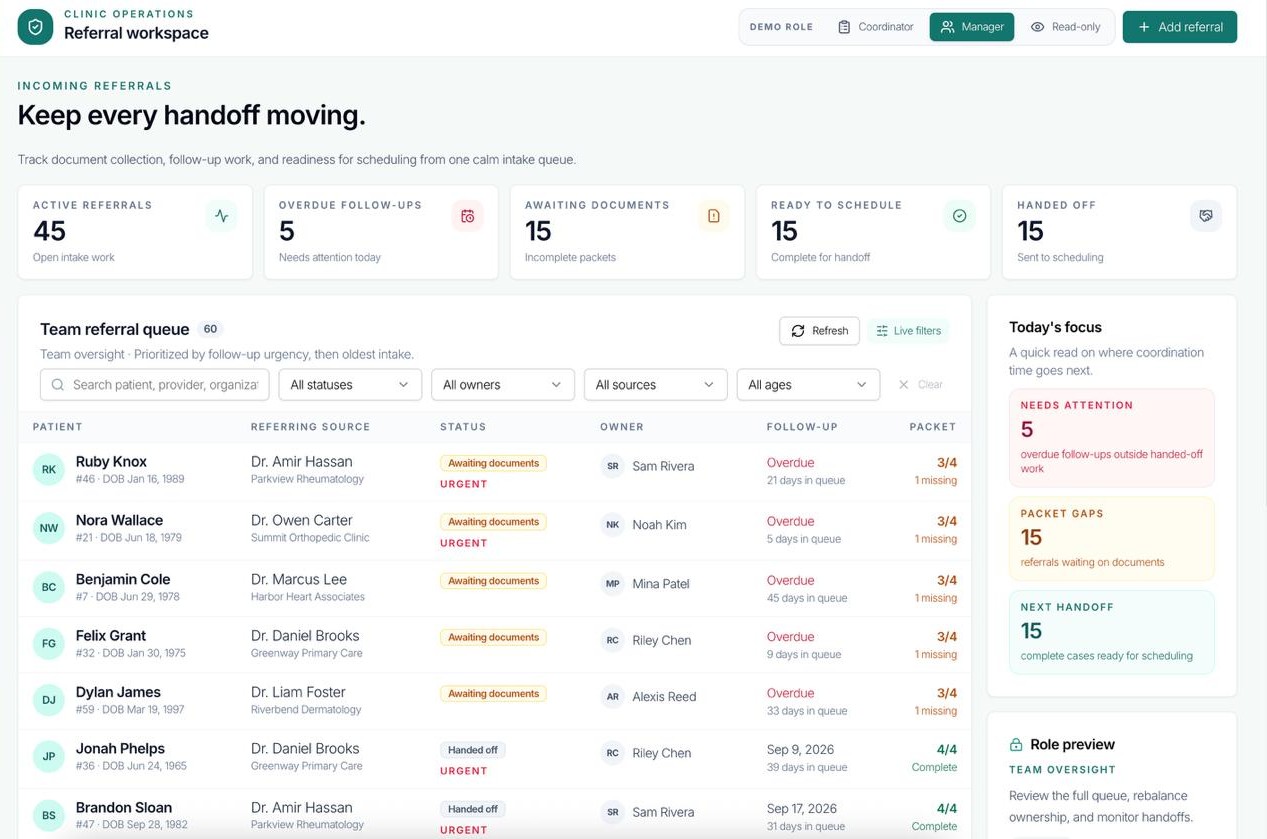
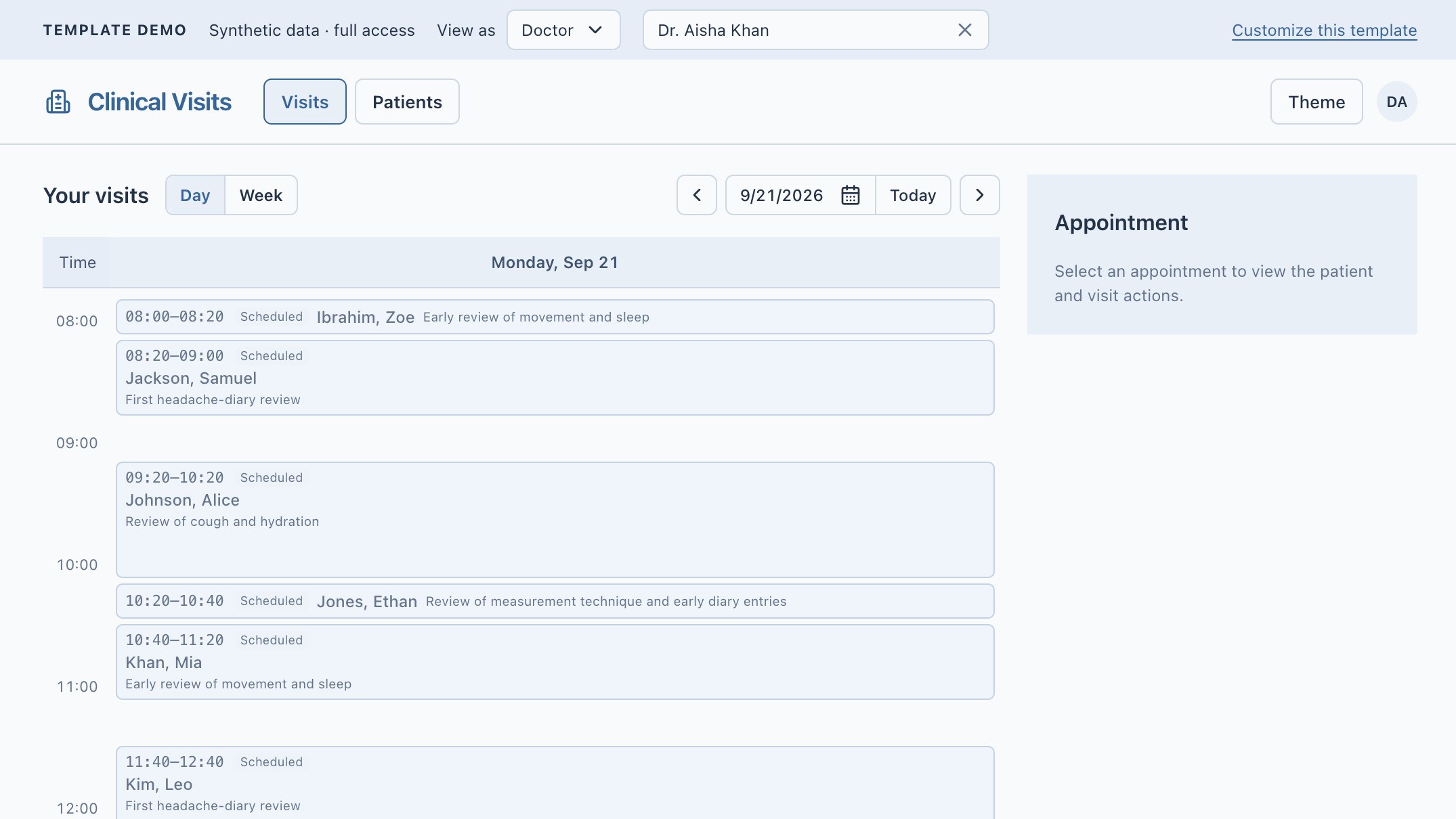

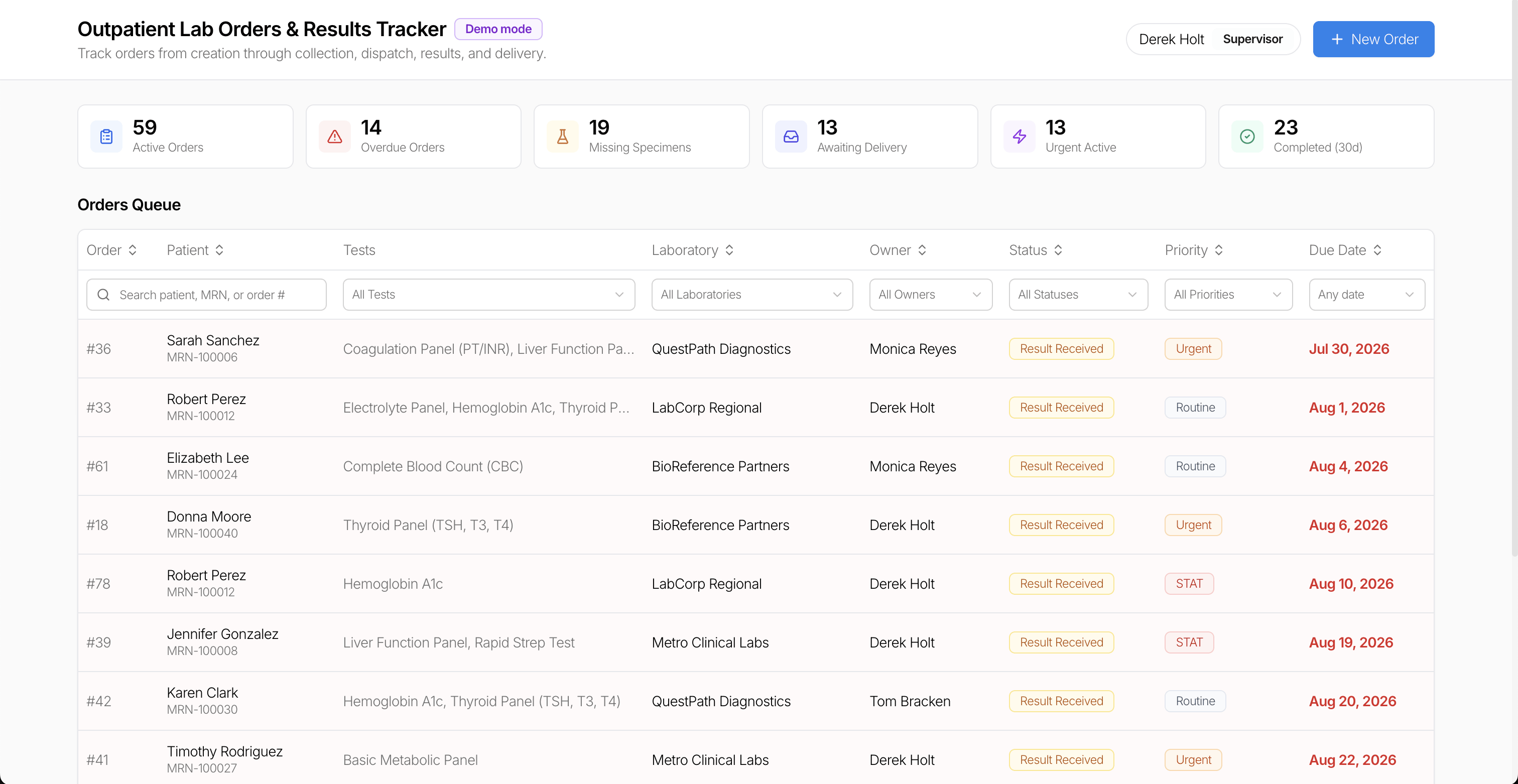
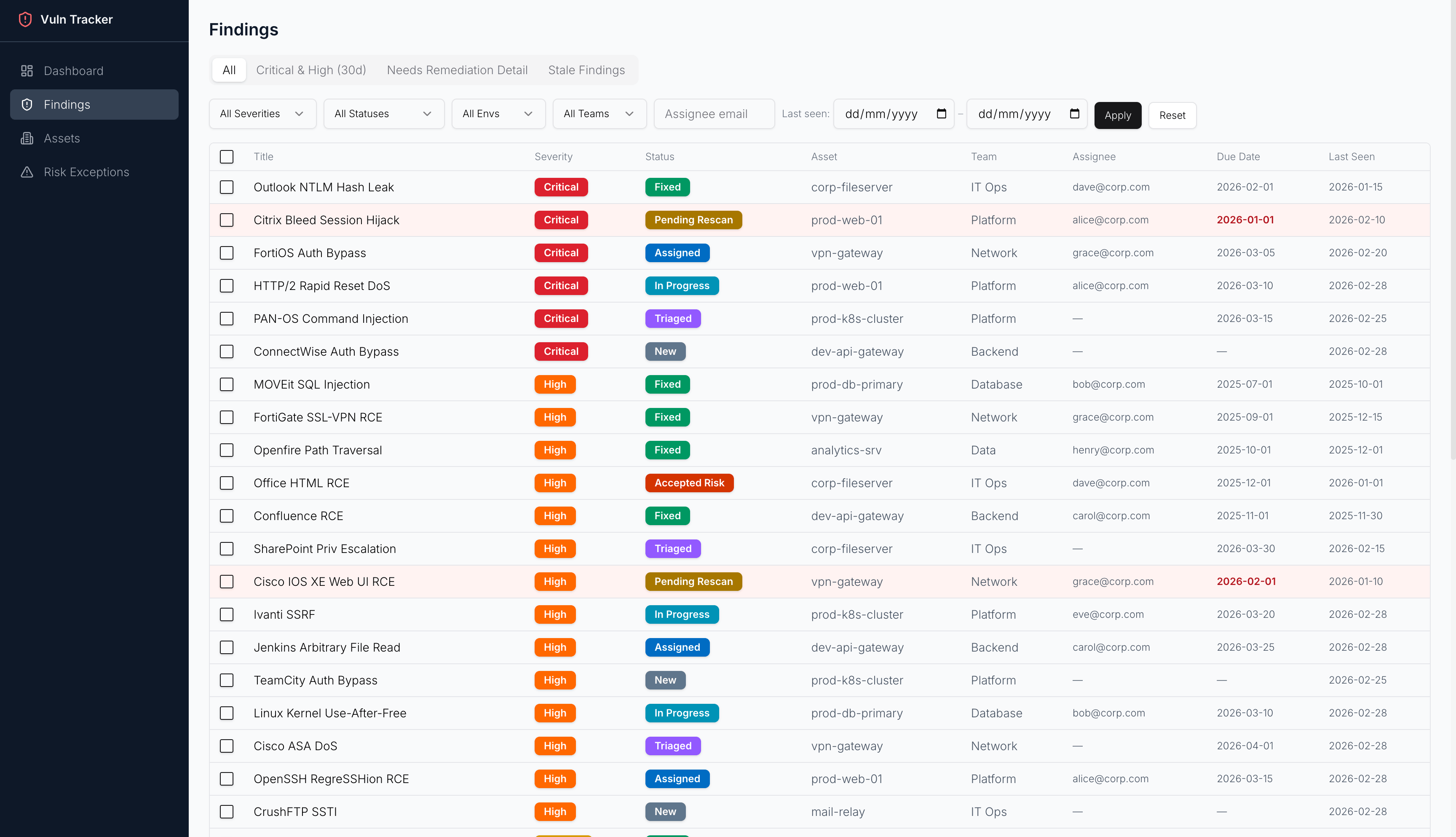
Related CRUD Dashboard Templates

"The UI Bakery platform offers a cost-effective approach to creating applications. With UI Bakery, you can achieve your app development goals without breaking the bank."
