

CodeGPT vs Copilot: Which Coding Assistant to Choose in 2026?

Updated:
November 27, 2025
AI-driven coding assistants have become essential tools for developers, but not all assistants are created equal. If you're interested in CodeGPT vs Copilot, you’re likely trying to understand which solution aligns better with your workflow, team structure, and coding style. With new tools emerging each year, choosing the right AI assistant can significantly impact productivity and code quality.
In this article, you'll get a clear, up-to-date comparison of CodeGPT vs GitHub Copilot – so you can decide which one fits your needs best.
What is CodeGPT?
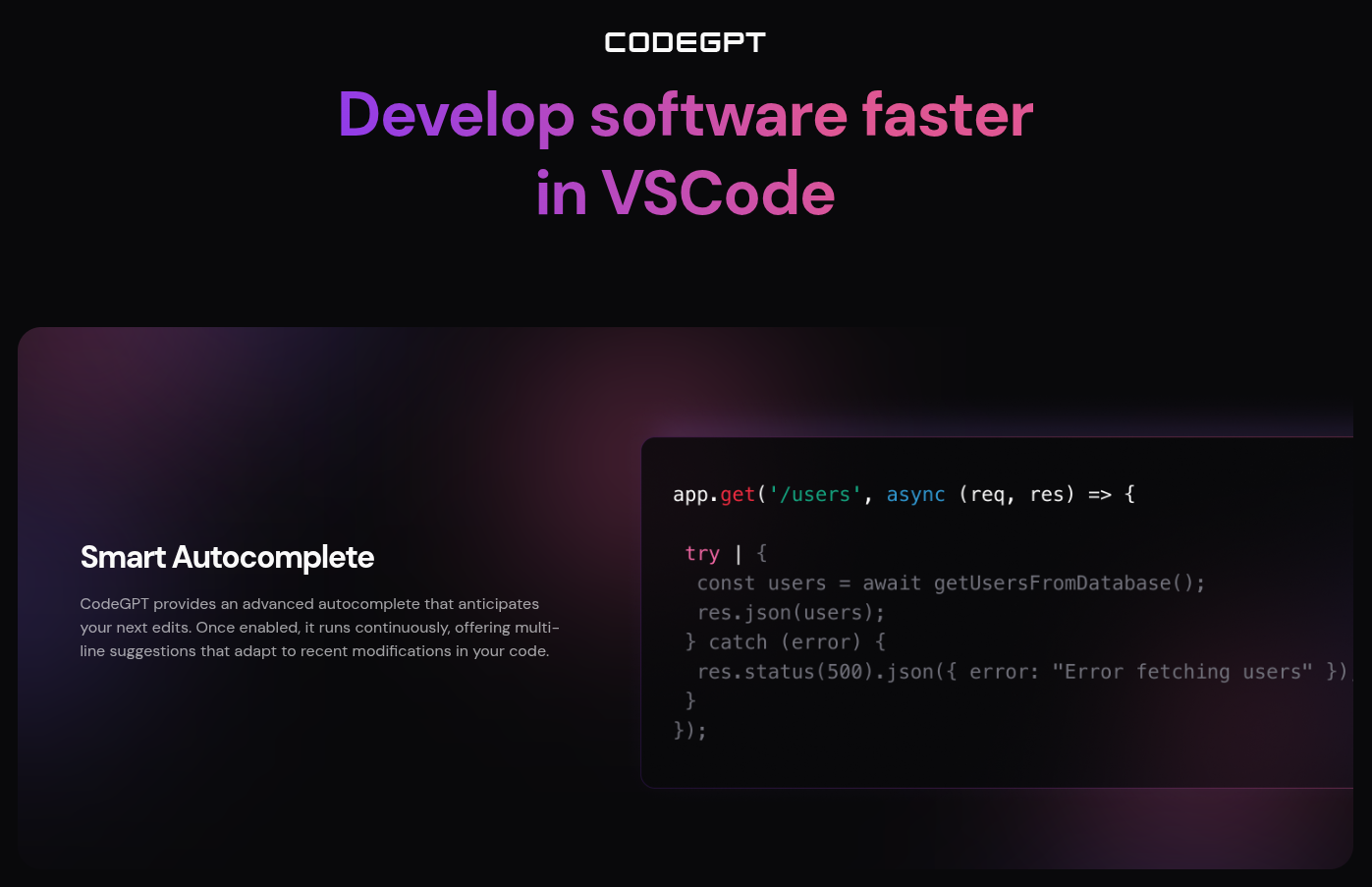
CodeGPT is an AI-coding assistant designed to integrate directly into developer’s workflows: capable of code generation, refactoring, documentation, and explanations. It also offers features like offline mode, data control, and custom model configuration. CodeGPT supports multiple LLMs (OpenAI, Anthropic, DeepSeek, and local models), making it ideal for developers who want control over performance, privacy, and cost.
Key features:
- Inline code completions and chat-based coding assistance.
- Respecting organization-level data policies.
- Model self-hosting and self-managed API keys.
- Using natural language requests + code explanations.
- Git, documentation, and testing assistance.
Pros:
- Works with many LLMs, giving freedom and flexibility.
- Strong privacy controls and self-hosting options.
- Excellent for enterprise compliance.
- More customizable than most coding assistants.
Cons:
- Request a setup and adaptation.
- Complexity varies depending on the model you choose.
- Some features require premium plans.
Best for: teams and developers who want full control over their AI stack, prefer choosing their own models, or require strict data privacy.
What is GitHub Copilot?
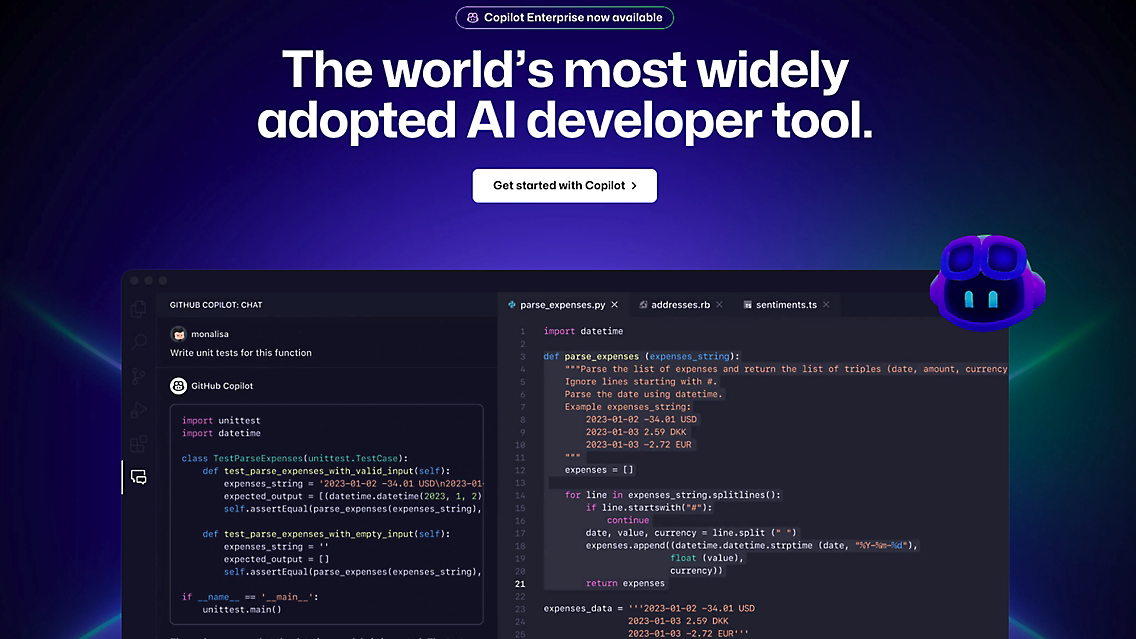
GitHub Copilot is an AI coding assistant that offers highly efficient code completions, chat-based guidance, and context-aware suggestions. It integrates deeply with GitHub and Visual Studio Code, so you plug and receive accurate, real-time coding support.
Key features:
- Strong Copilot Chat for accelerating everyday coding, debugging, explanations, and documentation.
- The system integrates with the GitHub ecosystem.
- Code-aware reasoning trained on massive codebases.
- Voice and natural-language programming features.
Pros:
- Excellent code auto-completions
- Minimal setup and easy onboarding.
- Tight integration with developer workflows.
- Optimized for GitHub workflows.
Cons:
- Limited to GitHub and Microsoft ecosystem.
- Fewer customization options.
- No multi-model support.
- Requires online connectivity.
Best for: developers in the GitHub ecosystem seeking fast, accurate code suggestions with minimal setup.
Bonus tool: UI Bakery

UI Bakery is an AI-driven tool focused on automating business workflows, creating internal tools, and streamlining workflows. It can generate apps, dashboards, and admin panels, create automations, produce logic flows, and streamline operational tasks using natural language prompts. It’s designed for teams that want to move fast, build internal tools, and automate processes, saving time, money, and resources.
Key features:
- AI-powered builder for internal tools and dashboards.
- Connects to databases and APIs.
- Automates workflows with natural language.
- Embeds AI agents directly into apps.
- Visual, drag-and-drop environment.
Pros:
- No-code/low-code friendly.
- Great for business teams and product managers.
- Easy integration with data sources.
- Customizable UI Components.
- AI Agents can automate entire workflows.
Cons:
- Not a pure developer coding assistant.
- Not suited for complex codebase work.
- Limited customization at a low-code level.
Best for: teams building internal tools quickly without heavy engineering involvement.
Comparison table: CodeGPT vs Copilot vs UI Bakery
FAQ
1. Which tool is better for everyday software development?
GitHub Copilot is typically better for mainstream coding tasks due to its highly optimized code completions and GitHub integration. It’s fast, intuitive, and requires almost no configuration.
2. Is CodeGPT more flexible than Copilot?
Yes. CodeGPT allows you to choose your own LLM, including local and self-hosted models. This offers far more customization compared to Copilot’s single-model system.
3. Which one is better for enterprise and security-sensitive environments?
CodeGPT. Its self-hosting and private API key usage give teams better control over data flows and compliance.
4. Can UI Bakery AI Agent connect easily to databases and external APIs?
Yes. UI Bakery supports quick integration with major databases and REST/GraphQL APIs. It lets you connect, query, and use data inside your internal tools with minimal setup, making data-driven app creation fast and straightforward.
5. Which AI tool is more budget-friendly?
It depends:
- CodeGPT can be more cost-efficient because you choose your own LLM pricing.
- Copilot has a fixed monthly subscription, which is simple but less flexible.
- UI Bakery may save costs for internal tool development because it reduces the need for full engineering resources.
6. Can I use multiple tools together?
Absolutely. Many teams use:
- GitHub Copilot for code generation.
- CodeGPT for explanations, custom models, or privacy workflows.
- UI Bakery for internal applications.
Next step
Planning a HIPAA-sensitive internal app?
Use the checklist above to map data flow, roles, audit events, vendors, and deployment decisions before the first production workflow ships.
Healthcare operations example
Action Behavior Centers scaled internal operations across clinics with UI Bakery
For a real operational example, review UI Bakery customer stories and healthcare operations patterns.
5,000+users supported in the customer story
400+clinics mentioned in the case study



"The UI Bakery platform offers a cost-effective approach to creating applications. With UI Bakery, you can achieve your app development goals without breaking the bank."

"Before switching to UI Bakery we developed a number of apps within the Retool system. The Retool system was good but ultimately did not have the flexibility and feature sets that we required."
Check the Story