

Cursor vs Windsurf (2026): Features, Differences, and Use Cases

Updated:
June 11, 2025
Cursor and Windsurf are two popular AI development tools, but they serve different purposes. Cursor is an AI-powered code editor built on top of VS Code that helps developers write and refactor code using AI. Windsurf, on the other hand, focuses on visual logic and rule-based automation for building application workflows without coding. In 2026, developers often compare Cursor vs Windsurf to decide whether they need AI-assisted coding or AI-driven product logic design.
Cursor AI: an IDE for the AI era
Cursor AI is a modern AI-powered code editor built on top of VS Code. Unlike traditional autocomplete tools, Cursor understands your full codebase, enabling intelligent refactoring, debugging, and code generation.
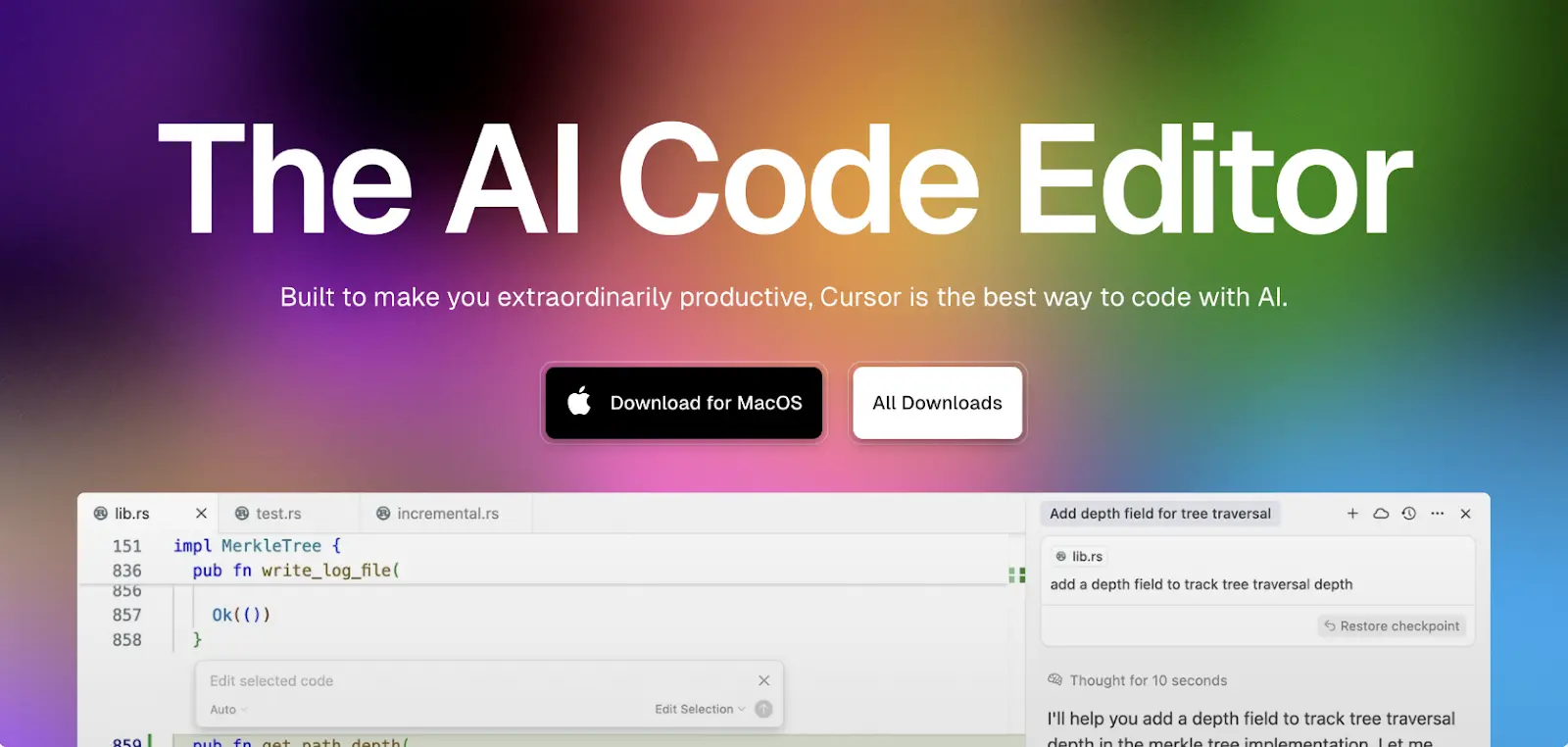
Key features:
- Full-codebase context with GPT-4o integration
- AI pair programming inside a familiar editor
- Inline suggestions, bug fixes, and test generation
- Supports any language compatible with VS Code
- Terminal, Git, and extension support built-in
Best for: Developers working with large codebases who want real-time, contextual AI help.
Windsurf AI: from prompt to rule-based logic
Windsurf is not a code editor. It's a visual logic builder that turns natural language prompts into rule-based UI and app behavior. Windsurf's interface is simple, aiming to help teams map product logic without code.
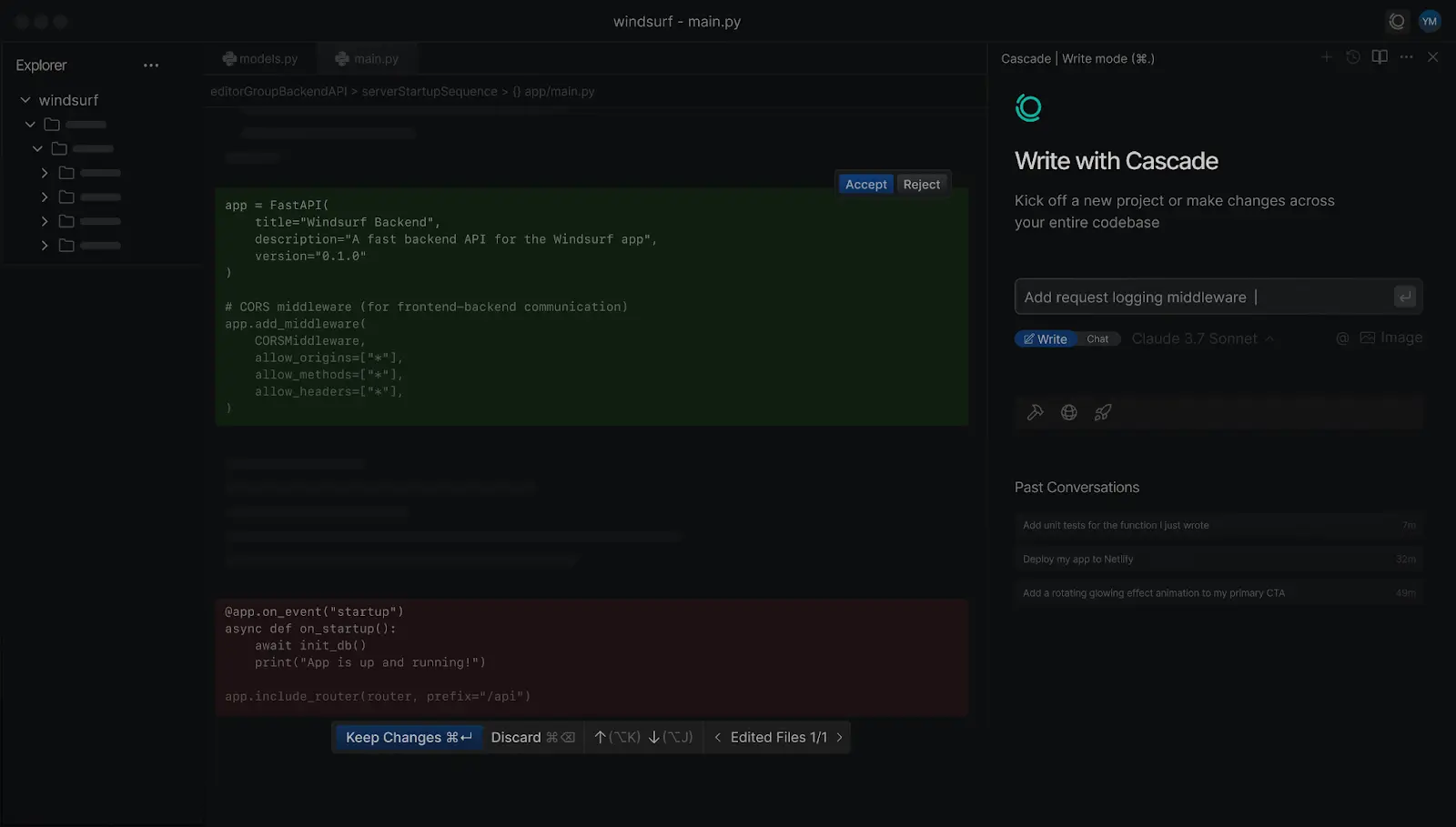
Key features:
- Prompt-to-rule engine for logic and UI behavior
- Visual editor for editing generated rules
- Great for early-stage prototyping
- No-code, non-technical team friendly
- Export-free logic simulation
Best for: Designers, founders, and product managers who need to define flows quickly without coding.
Cursor vs Windsurf: key differences
Wondering what are the main differences between Cursor and Windsurf? Here's a quick breakdown:
- Interface: Cursor is a full IDE. Windsurf is a visual logic editor.
- Output: Cursor outputs real code. Windsurf generates editable rules.
- Target audience: Cursor is for developers. Windsurf is for non-devs.
- Learning curve: Cursor assumes technical skills. Windsurf does not.
- Use cases: Cursor is for real coding. Windsurf is for prototyping logic.
If you’re comparing Cursor AI vs Windsurf AI, think of it as: do you want AI inside your codebase or AI defining your app’s logic from prompts?
Cursor vs Windsurf: feature comparison
Cursor vs Windsurf vs other AI tools
Cursor or Windsurf: which should you use?
If you’re asking, Cursor or Windsurf — the answer depends on your role and goals:
- Choose Cursor if you want AI to help write and manage code.
- Choose Windsurf if you want to define behavior visually, without coding.
If you’re comparing Windsurf vs Cursor IDE, Cursor wins as a true development environment. But if your goal is UX logic design and early-stage product thinking, Windsurf is unmatched.
Final thoughts on Windsurf vs Cursor
If you're deciding between Cursor or Windsurf in 2026, the key question is whether you need AI to assist with writing code or AI to define application logic. Many teams experiment with both depending on whether they are prototyping ideas or building production software.
For those looking beyond, tools like UI Bakery offer a hybrid approach that generates full-stack applications, dashboards, and CRUD tools from prompts while still allowing developers to customize the code.
FAQ
What is the difference between Cursor and Windsurf?
Cursor is an AI-powered code editor designed for developers who want AI-assisted coding, while Windsurf focuses on visual rule-based automation for defining application logic without writing code.
Is Cursor better than Windsurf for developers
Yes. Cursor is designed specifically for developers working with real codebases, while Windsurf is better suited for prototyping workflows and logic without coding.
Can non-developers use Cursor?
Cursor is primarily designed for developers because it requires working directly with code and development environments.
What is Windsurf best used for?
Windsurf is useful for mapping product logic, defining application workflows, and experimenting with AI-powered automation without writing code.
Are Cursor and Windsurf competitors?
They overlap in AI-assisted development but solve different problems. Cursor focuses on coding, while Windsurf focuses on visual logic design.
Next step
Planning a HIPAA-sensitive internal app?
Use the checklist above to map data flow, roles, audit events, vendors, and deployment decisions before the first production workflow ships.
Healthcare operations example
Action Behavior Centers scaled internal operations across clinics with UI Bakery
For a real operational example, review UI Bakery customer stories and healthcare operations patterns.
5,000+users supported in the customer story
400+clinics mentioned in the case study




"The UI Bakery platform offers a cost-effective approach to creating applications. With UI Bakery, you can achieve your app development goals without breaking the bank."

"Before switching to UI Bakery we developed a number of apps within the Retool system. The Retool system was good but ultimately did not have the flexibility and feature sets that we required."
Check the Story