

Windsurf AI: is it worth the hype?

Updated:
May 24, 2025
Windsurf AI is an emerging player in the field of AI-assisted software development tools. Built for developers and product teams, Windsurf software generates full-stack web applications using natural language prompts. The tool combines large language models (LLMs) with infrastructure scaffolding, Windsurf AI software aims to reduce the manual effort of setting up new projects, connecting APIs, managing databases, and writing frontend/backend code.
What does Windsurf AI do?
Windsurf is part of a new wave of AI code generation platforms that interpret English descriptions and transform them into working applications. Unlike traditional low-code tools, Windsurf isn’t about dragging and dropping UI elements—it’s about leveraging AI to write real code and wire it all together.
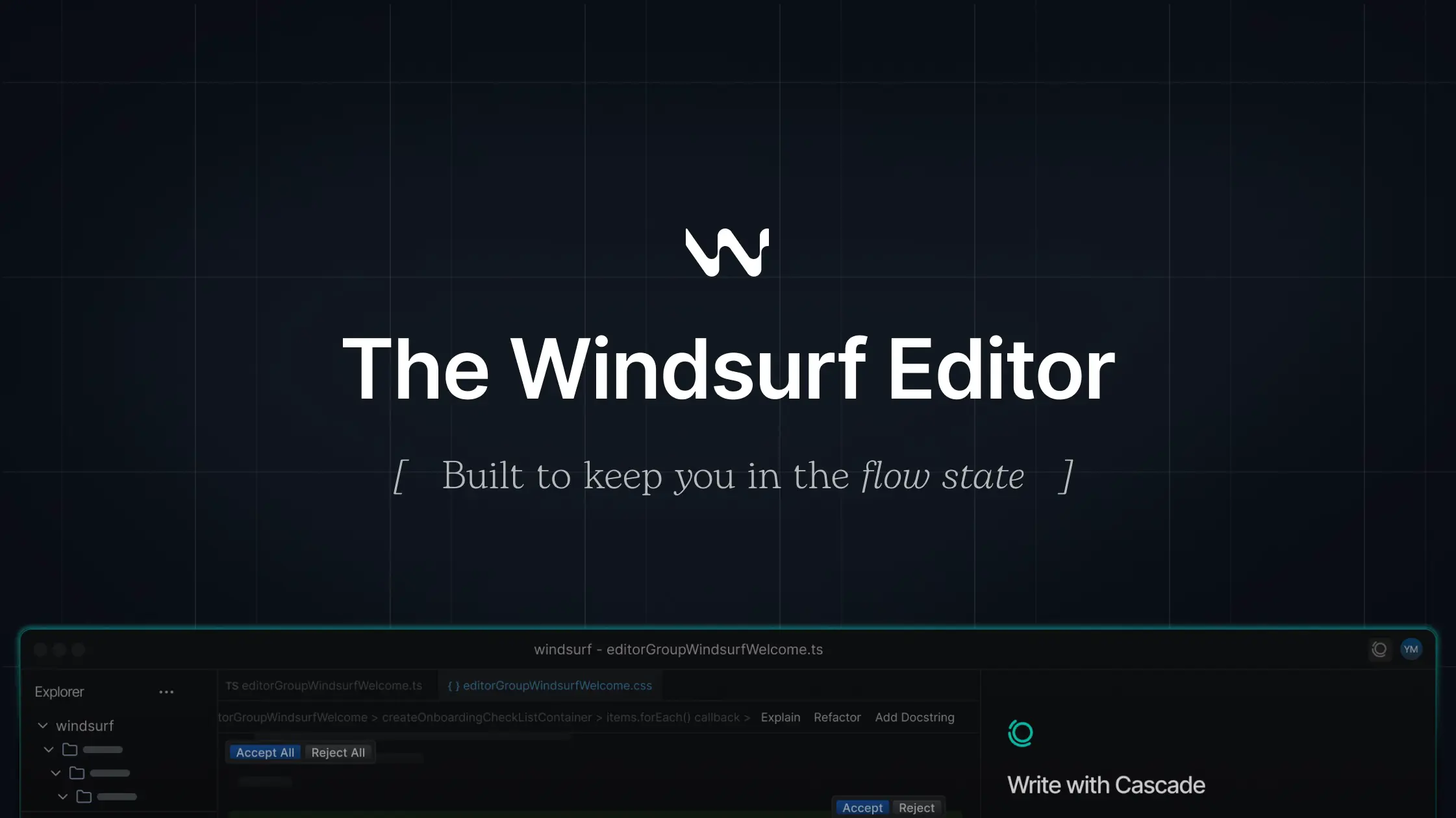
Key Windsurf software features:
- Natural language to full app: Windsurf Ai software allows users to describe the app they want (e.g., “a dashboard for tracking customer feedback with a PostgreSQL backend”), allowing the tool to scaffold the backend, generate UI components, and set up routing, forms, and authentication.
- Full-stack output: the tool generates both frontend (React/Next.js) and backend (Node.js/Express) components, including APIs, database schemas, and deployment configuration.
- Integrated dev environment: Windsurf AI offers a browser-based IDE where you can edit, preview, and deploy the code.
- Version control & git integration: apps can be exported to GitHub, giving developers full ownership of the code.
- Deployment options: this AI app generator supports deployment to Vercel, AWS, and other platforms via configuration files or GitHub Actions.
How it works
Windsurf AI coding uses large language models (likely OpenAI's GPT or Claude) to analyze your prompt and translate it into:
- UI code: Written in frameworks like React, with routing and styling.
- API logic: REST endpoints or GraphQL resolvers that connect to databases and services.
- Database schemas: In SQL or via ORMs like Prisma.
- Infra-as-code: Dockerfiles, .env templates, CI/CD pipelines.
Windsurf AI: best use cases
Now let's go through Windsurf AI best use cases:
- Developers who want a quick starting point or scaffolding for MVPs.
- Founders and Indie Hackers who need to build and ship prototypes fast.
- Product teams exploring AI-assisted app building without committing to no-code.
It’s especially handy if you know what you want to build but don’t want to spend hours on boilerplate code.
Windsurf AI pricing
As of now, Windsurf AI tool has its free beta, meaning you can try it without a subscription. However, the team recently added pricing plans with a more advanced functionality:
- Pro plan starts from $15 a month;
- Team plan starts from $30 per user/month;
- Enterprise plan starts from $60 per user/month.
Windsurf vs UI Bakery AI vs other AI tools
Conclusion
Windsurf AI is part of the next generation of developer tooling that leverages LLMs to generate usable code and infrastructure from simple English. While still evolving, it’s already proving useful for quickly scaffolding full-stack apps with minimal friction.
For more robust use cases, especially enterprise-grade internal tools, UI Bakery AI App Generator offers advanced permissioning, data security, and visual logic editing—while still supporting AI-generated UI and data models.
If you’re exploring tools for prototyping or rapid development, Windsurf is worth trying alongside others like v0.dev, Cursor AI, and UI Bakery.
Next step
Planning a HIPAA-sensitive internal app?
Use the checklist above to map data flow, roles, audit events, vendors, and deployment decisions before the first production workflow ships.
Healthcare operations example
Action Behavior Centers scaled internal operations across clinics with UI Bakery
For a real operational example, review UI Bakery customer stories and healthcare operations patterns.
5,000+users supported in the customer story
400+clinics mentioned in the case study



"The UI Bakery platform offers a cost-effective approach to creating applications. With UI Bakery, you can achieve your app development goals without breaking the bank."

"Before switching to UI Bakery we developed a number of apps within the Retool system. The Retool system was good but ultimately did not have the flexibility and feature sets that we required."
Check the Story