
GraphQL Dashboard


Overview of GraphQL Dashboard
GraphQL, known for efficient data-loading in APIs, requires an interactive interface for analysis and management. Our GraphQL Dashboard, built with UI Bakery, offers developers and data analysts a seamless interface to interact with their GraphQL APIs.
Highlights of GraphQL Dashboard
- Visualize GraphQL APIs: The dashboard gives you a clear visual representation of your GraphQL APIs wrapped in a sleek design. Now analyze the data sequences quickly with reduced cognitive load.
- Effortless API Navigation: Quickly navigate through the GraphQL API sequences based on your unique needs, rendering the API exploration process simpler.
- Real-time Data Modification: The Dashboard allows real-time data sequence modifications right from the interface, ensuring that your GraphQL APIs remain updated and accurate.
- Powerful Search Capabilities: Instantly filter the data sequences using the built-in search functionality, aiding you in pinpointing the relevant sequences in no time.
Experience GraphQL data management and interaction like never before with the GraphQL Dashboard, a must-have in your UI development toolkit.
Template integrations:

Template Solutions:
How does the GraphQL Dashboard template works?
UI Bakery enables you to transform your data into dynamic internal tools, leveraging a combination of pre-built and customized components.
Try UI Bakery
- To initiate, click "Sign up".
- Establish your organization and create app "From template"
- Customize your generated application visually by intuitively dragging and dropping components and crafting queries for your resources.
- Expand the capabilities of this application by linking to your personal database, kickstarting the development of robust internal tools.
Related templates to GraphQL Dashboard


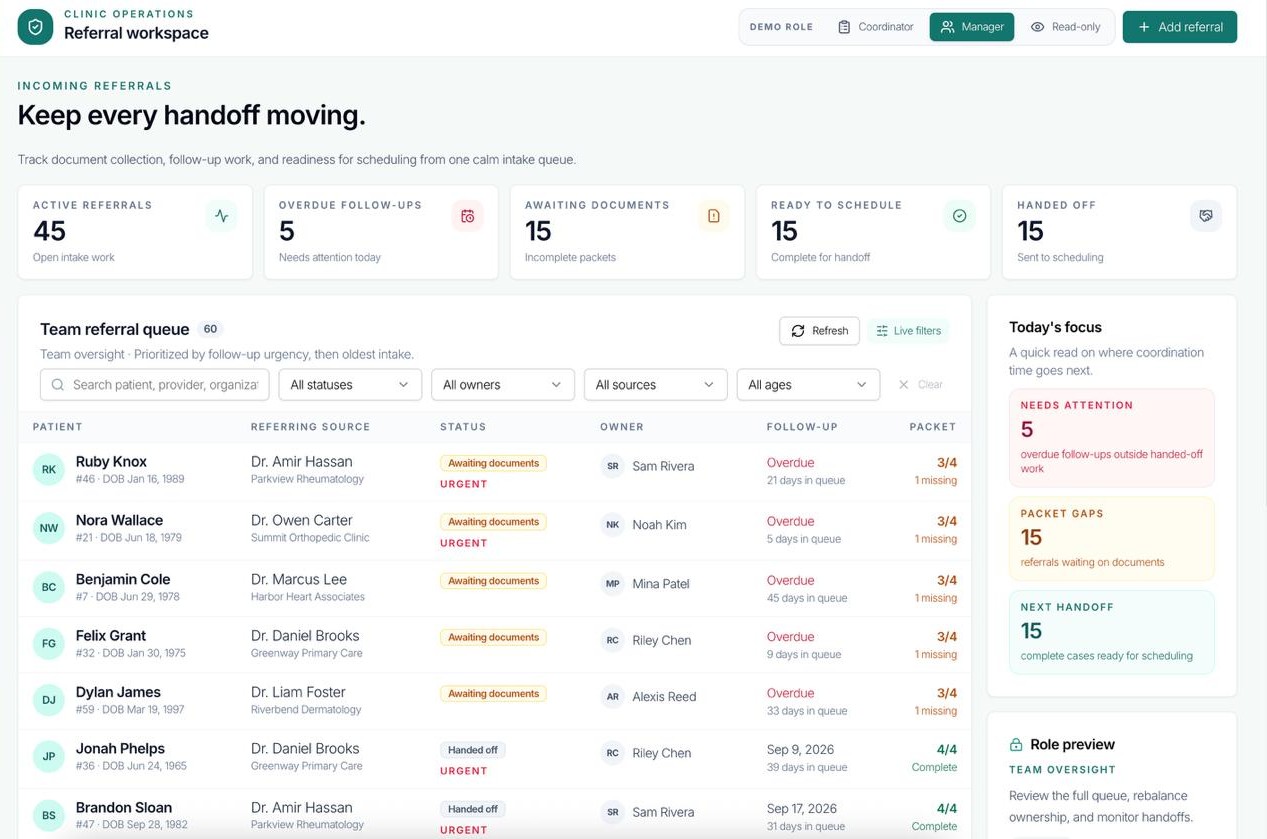
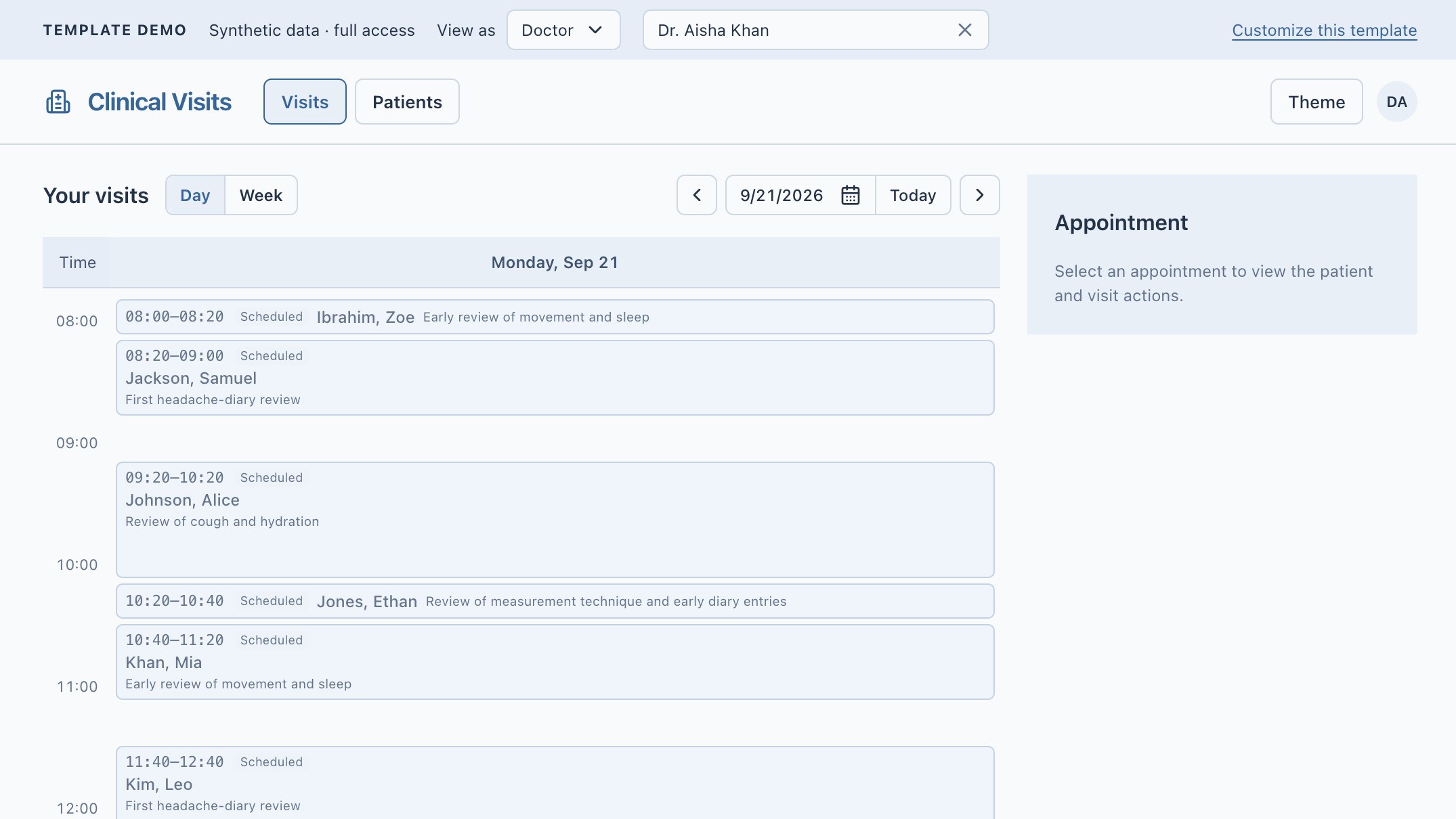

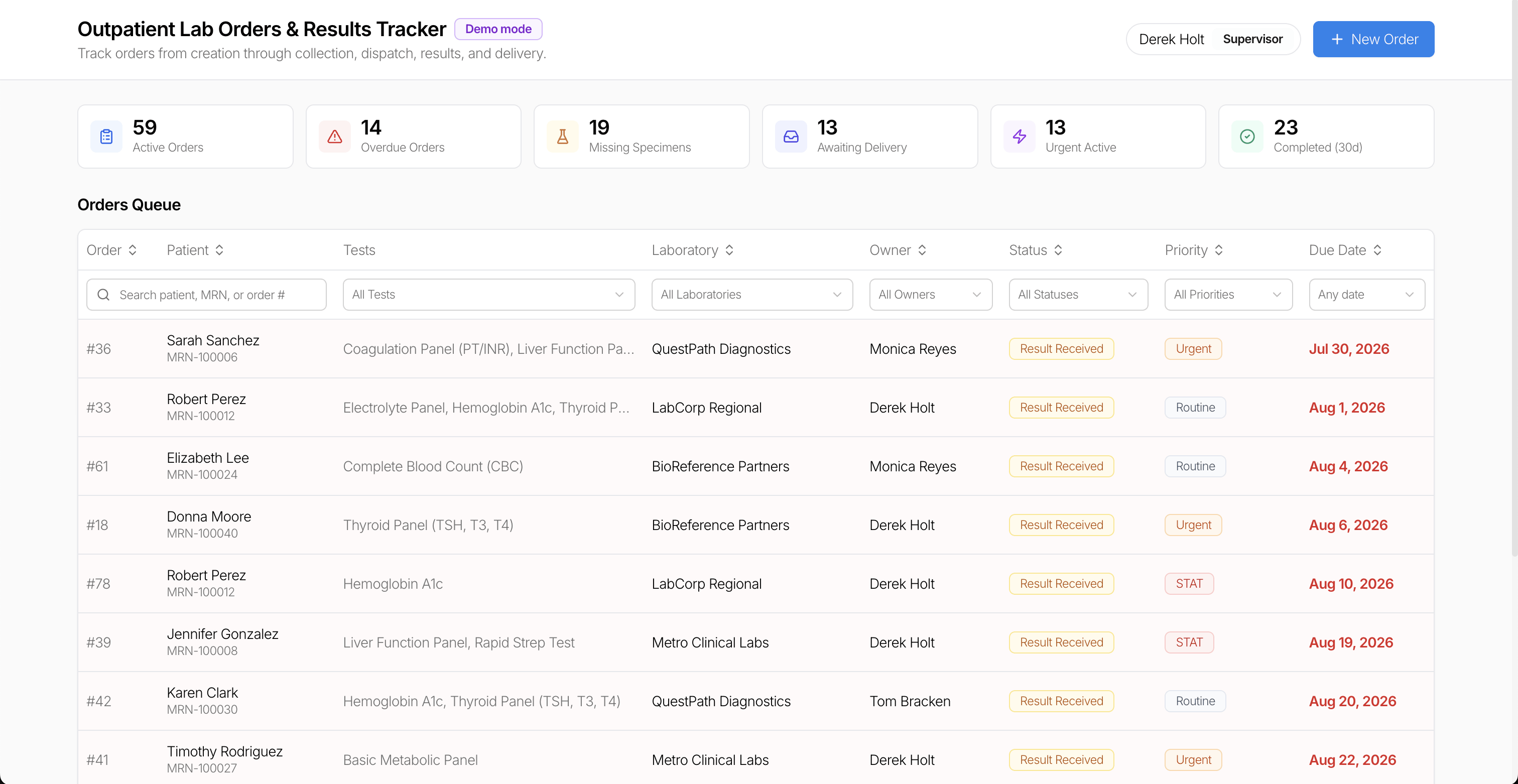
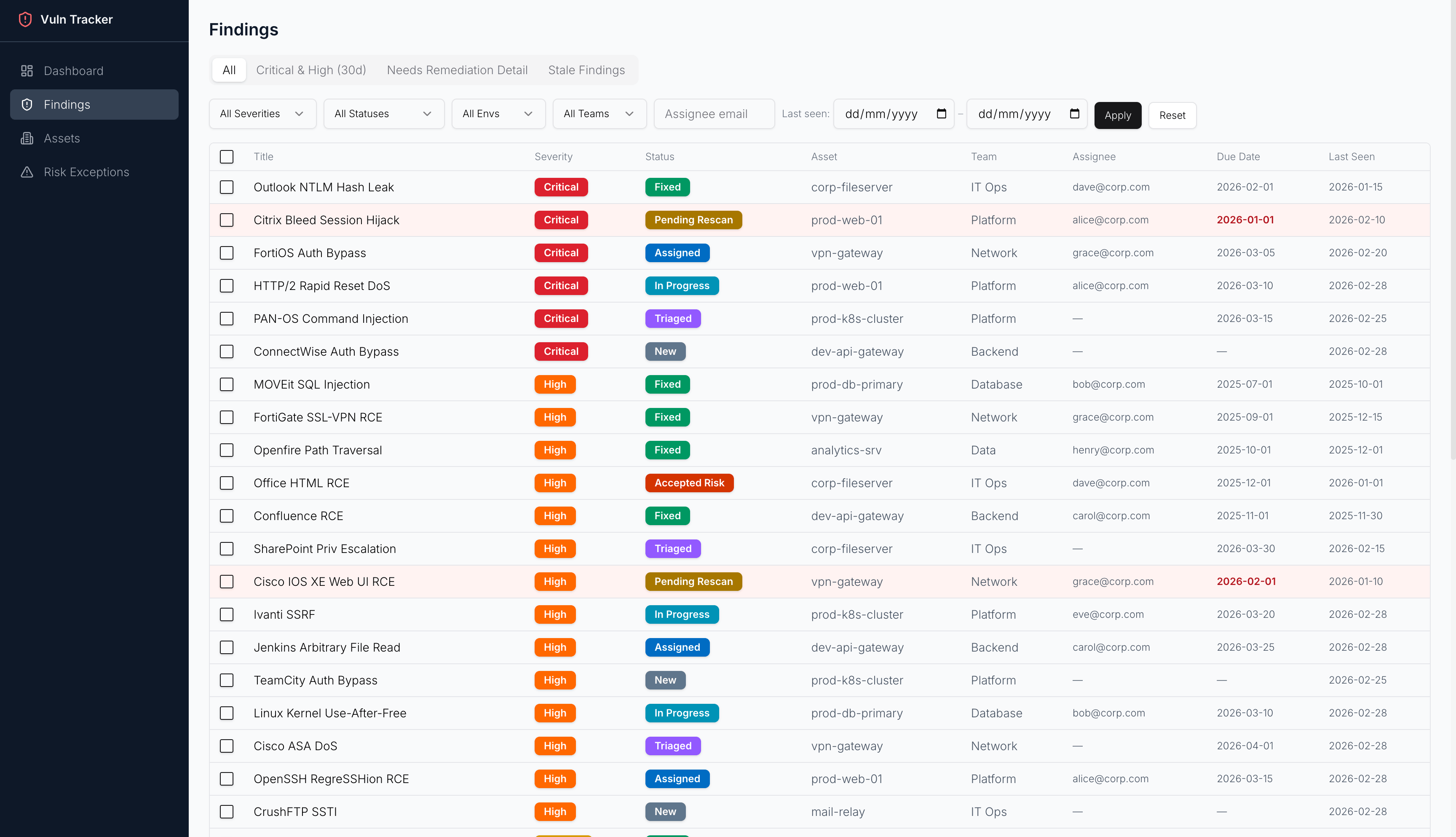
Related templates to GraphQL Dashboard

"The UI Bakery platform offers a cost-effective approach to creating applications. With UI Bakery, you can achieve your app development goals without breaking the bank."

"Before switching to UI Bakery we developed a number of apps within the Retool system. The Retool system was good but ultimately did not have the flexibility and feature sets that we required."
Check the Story