

Build like a boss: Top 10 internal tool builders in 2026

Updated:
March 18, 2024
Internal tool builders are platforms that help companies quickly create custom internal applications such as dashboards, admin panels, workflow tools, and data management interfaces. These platforms allow teams to build tools on top of their existing databases and APIs without starting development from scratch. In 2026, internal tool builders have become essential for operations, support, finance, and product teams that need reliable internal systems without long engineering cycles.
What is an internal tool builder?
An internal tool builder is a software platform or framework designed to help teams within a company create custom applications, tools, or workflows tailored specifically to their internal needs. Unlike commercial off-the-shelf software, internal tools are built in-house to streamline operations, improve efficiency, and solve unique challenges specific to a company's processes. These tools are often developed for tasks like data management, reporting, customer support, logistics, or any other internal function that requires specialized solutions.
Internal tool builders enable non-technical and technical employees alike to build applications without extensive coding. Many internal tool builders are "low-code" or "no-code," allowing users to create apps through drag-and-drop interfaces, prebuilt templates, or by connecting data sources. By making it easier to create customized solutions, internal tool builders reduce dependence on engineering resources, allowing companies to iterate quickly and improve productivity across various departments.
Glide
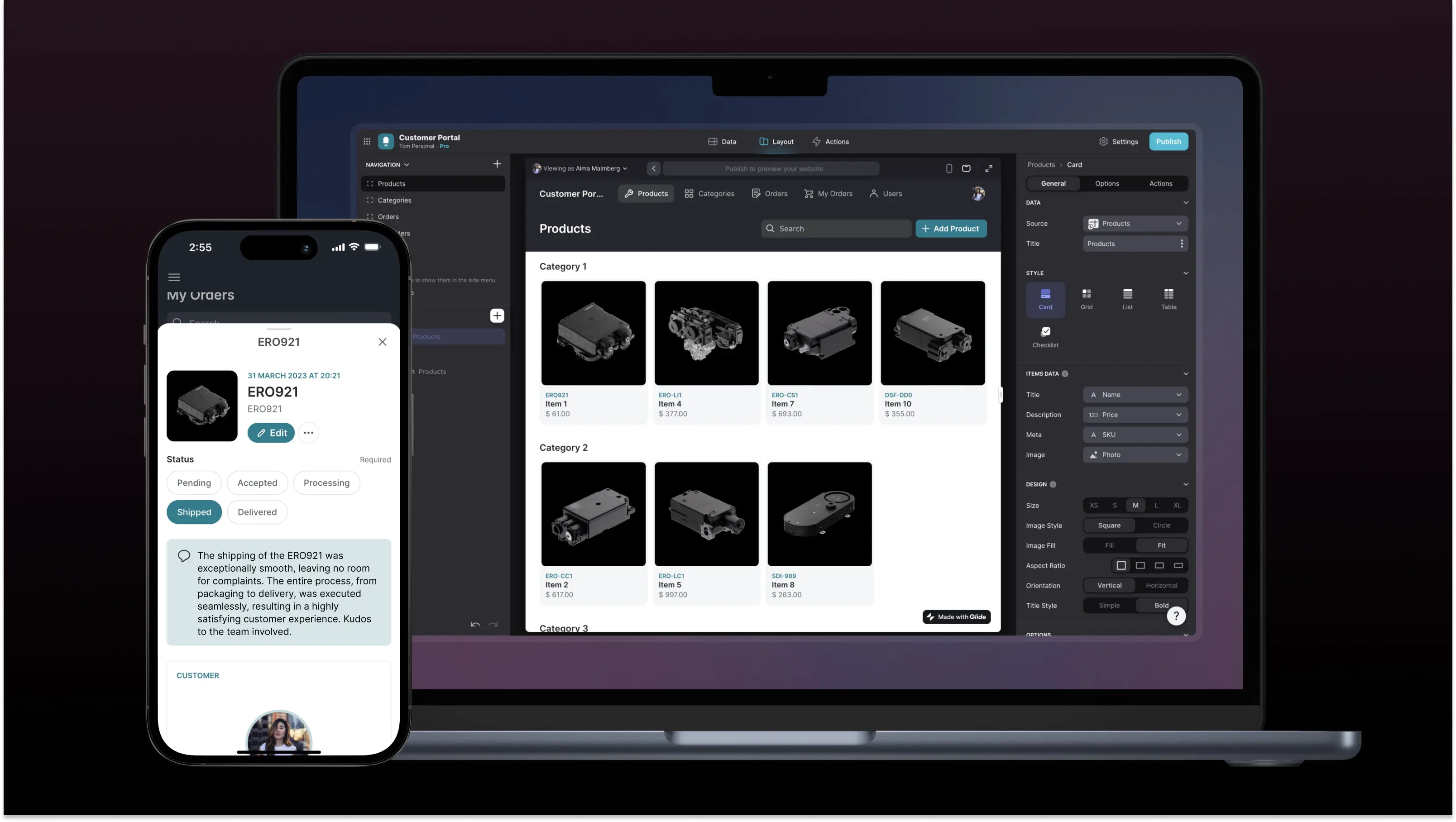
Glide is a platform for building mobile apps from Google Sheets, without code. It allows users to create apps quickly using a spreadsheet interface.
🔧 Glide features
- Turn Google Sheets into mobile apps
- Drag-and-drop interface
- Real-time updates
- Offline capabilities
- Built-in templates for various use cases
💰 Glide pricing
- Free plan: $0
- Maker plan: $60/month
- Team plan: $125/month
- Business plan: $310/month
- Enterprise plan: Custom
🗣️ Glide ratings and reviews
- G2: 4.7/5 (565+ reviews)
- Capterra: 4.5/5 (2+ reviews)
- Trustpilot: 4.2/5 (370+ reviews)
UI Bakery
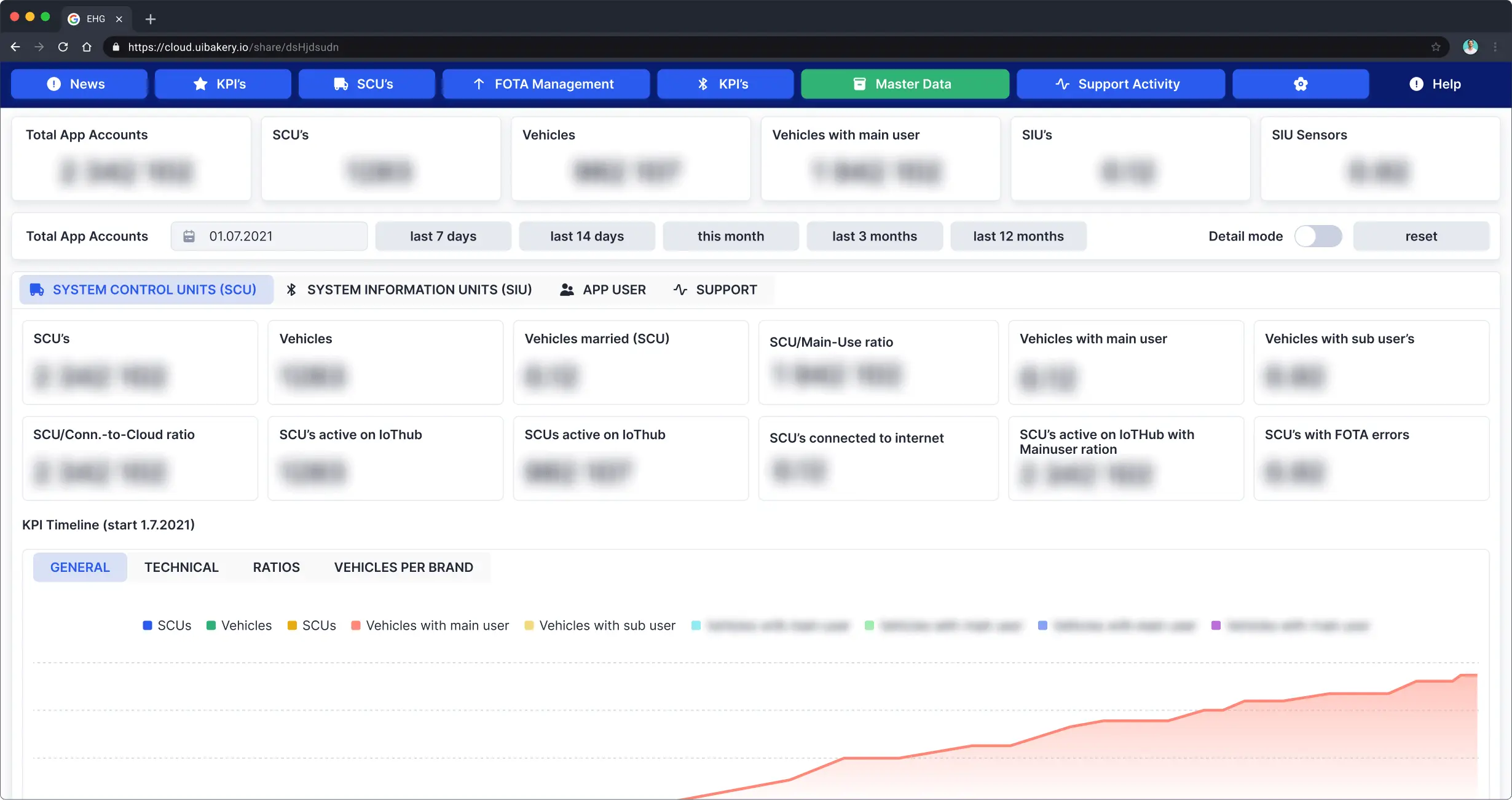
UI Bakery is a modern internal tool builder designed to create custom internal applications, dashboards, and admin panels on top of databases and APIs. It combines low-code development, AI-assisted generation, and flexible deployment options including cloud and self-hosted environments.
🔧 UI Bakery features
- Drag'n'drop responsive UI
- Connect data easily
- Code and no-code business logic
- Control versions and releases
- Deploy with a single click
- Cloud
- Self-hosted (On-prem)
💰 UI Bakery pricing
- Free: $0
- Standard: $4/month/end-user, $9/month/developer
- Business: $9/month/end-user, $35/month/developer
- Business unlit: $230/month/unlim users, $35/month/developer
- Enterprise: Custom plan
- Self-hosted plan available.
🗣️ UI Bakery ratings and reviews
- G2: 4.9/5 (20+ reviews)
- Capterra: 4.8/5 (10+ reviews)
Stacker
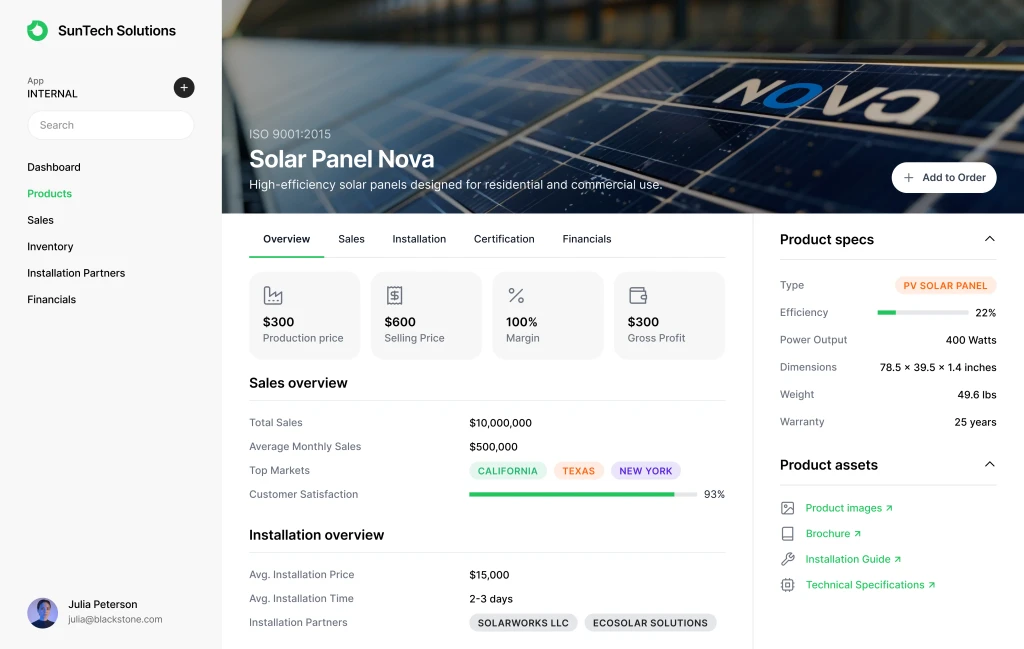
Stacker allows users to build internal tools and customer-facing apps on top of their existing data sources. It enables no-code customization and integration with popular platforms like Salesforce and Airtable.
🔧 Stacker features
- Drag-and-drop interface
- Integration with various data sources
- Customizable UI components
- Workflow automation
- Role-based permissions
💰 Stacker pricing
- Starter: $79/ month
- Plus: $179 / month
- Pro: $349/ month
- Custom
🗣️ Stacker ratings and reviews
- G2: 4.6/5 (40+ reviews)
- Capterra: 4.7/5 (25+ reviews)
Zapier
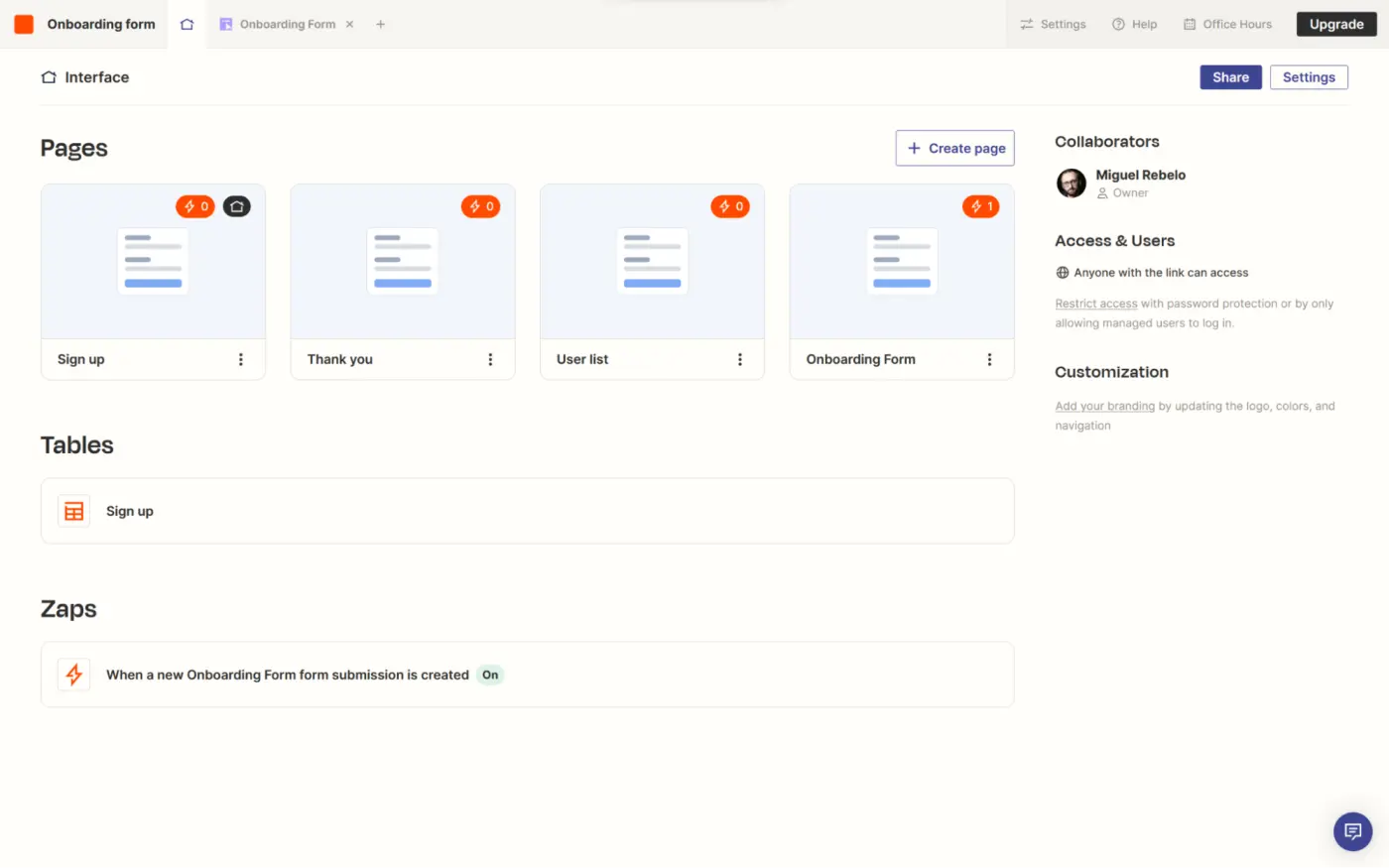
Zapier is an automation tool that connects various apps and services to automate repetitive tasks without coding. It offers integrations with thousands of popular apps, making it a powerful tool for building internal workflows.
🔧 Zapier features
- Automation of repetitive tasks
- Integration with thousands of apps
- Multi-step workflows (Zaps)
- Conditional logic
- Scheduled tasks
💰 Zapier pricing
- Free: $0
- Starter: $30/month
- Professional: $73/month
- Team: $103/month
- Company: Custom pricing
🗣️ Zapier ratings and reviews
- G2: 4.7/5 (1000+ reviews)
- Capterra: 4.6/5 (500+ reviews)
Google AppSheet
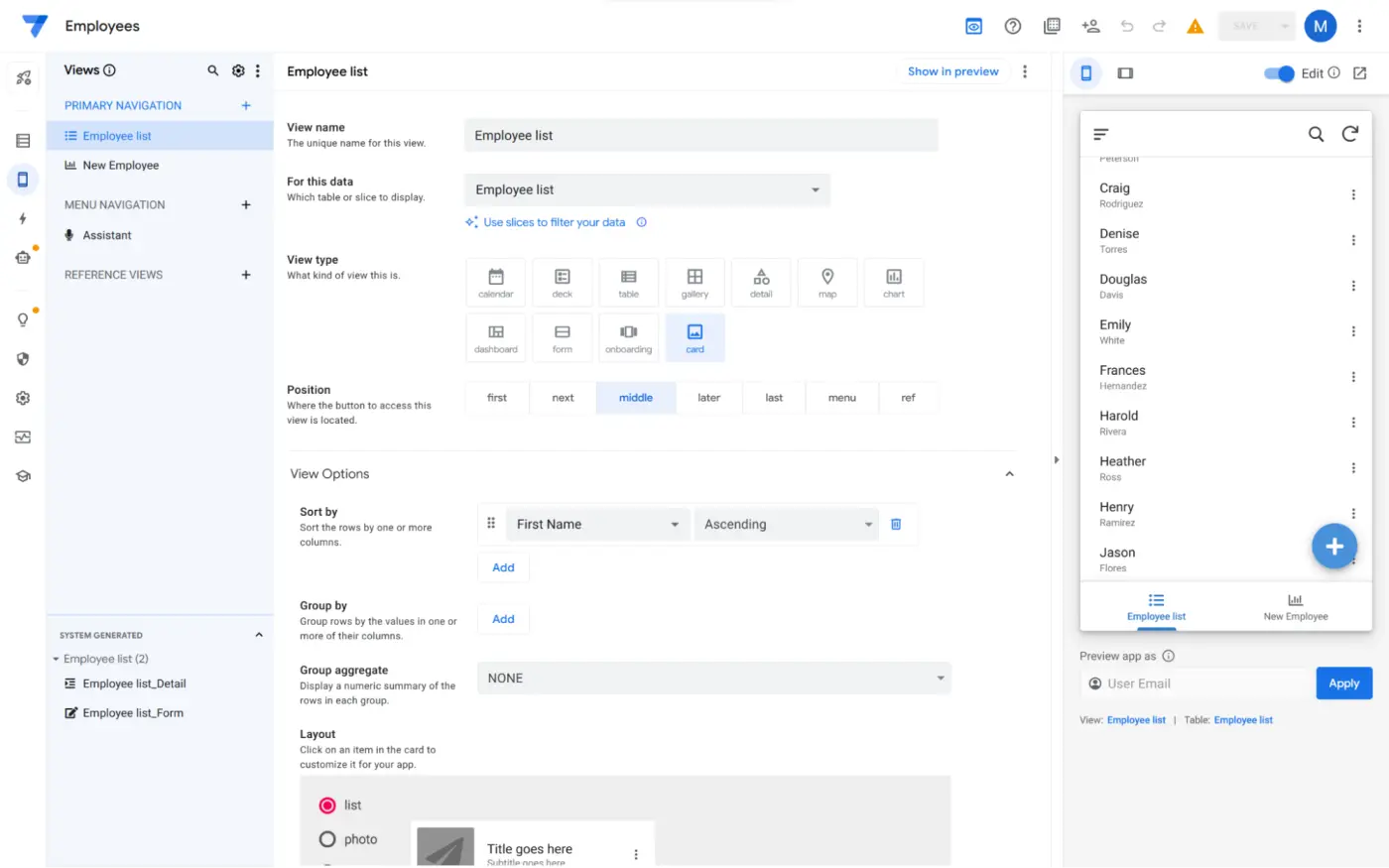
Google AppSheet is a no-code development platform that allows users to create mobile and web applications using data from various sources, including Google Sheets, Excel, and databases.
🔧 Google AppSheet features
- No-code app development
- Integration with Google Workspace
- Offline capabilities
- Workflow automation
- Data security features
💰 Google AppSheet pricing
- Starter: $5/user/month
- Core: $10/user/month
- Enterprise Standard: $25/user/month
- Enterprise Plus: Custom pricing
🗣️ Google AppSheet ratings and reviews
- G2: 4.5/5 (200+ reviews)
- Capterra: 4.4/5 (150+ reviews)
Quickbase
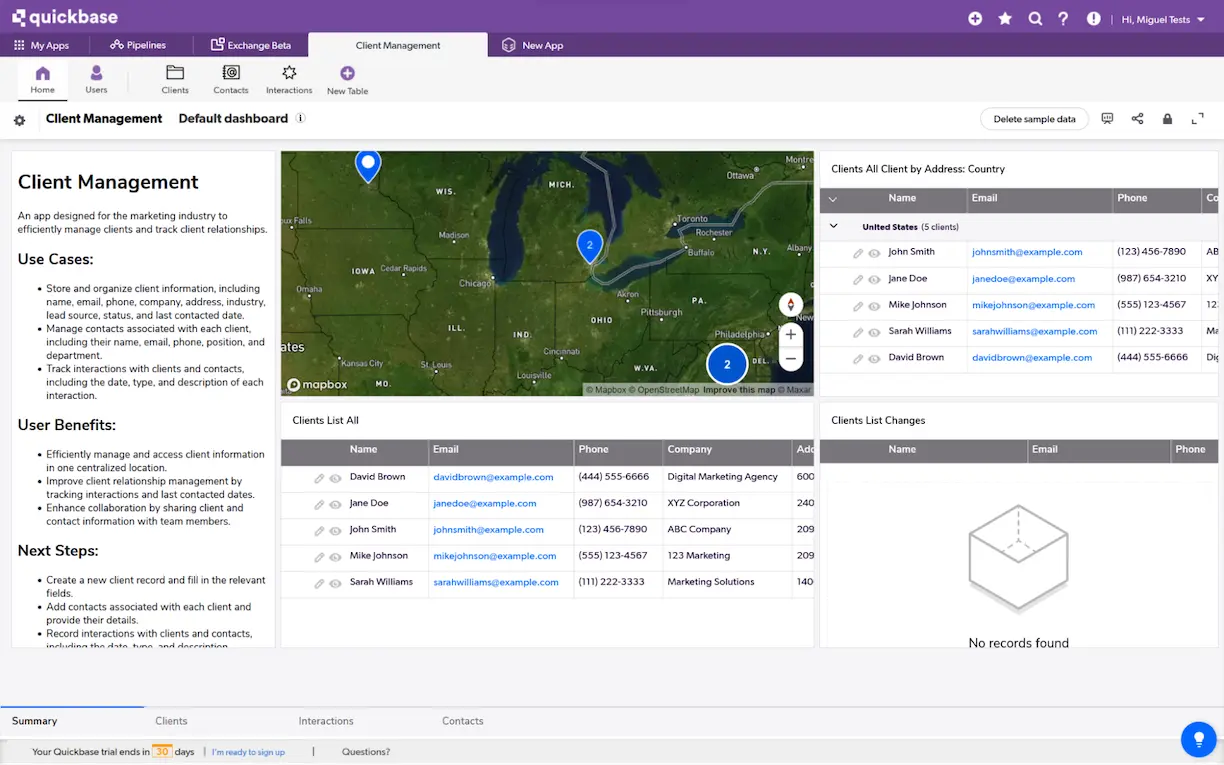
Quickbase is a low-code platform for building internal applications and workflows. It offers customizable templates and integrations with popular business tools to streamline processes.
🔧 Quickbase features
- Drag-and-drop interface
- Customizable templates
- Workflow automation
- Role-based permissions
- Integration with third-party apps
💰 Quickbase pricing
- Team: from $35/user/month
- Business: $55/user/month
- Enterprise: Custom
🗣️ Quickbase ratings and reviews
- G2: 4.6/5 (300+ reviews)
- Capterra: 4.7/5 (200+ reviews)
Microsoft Power Apps
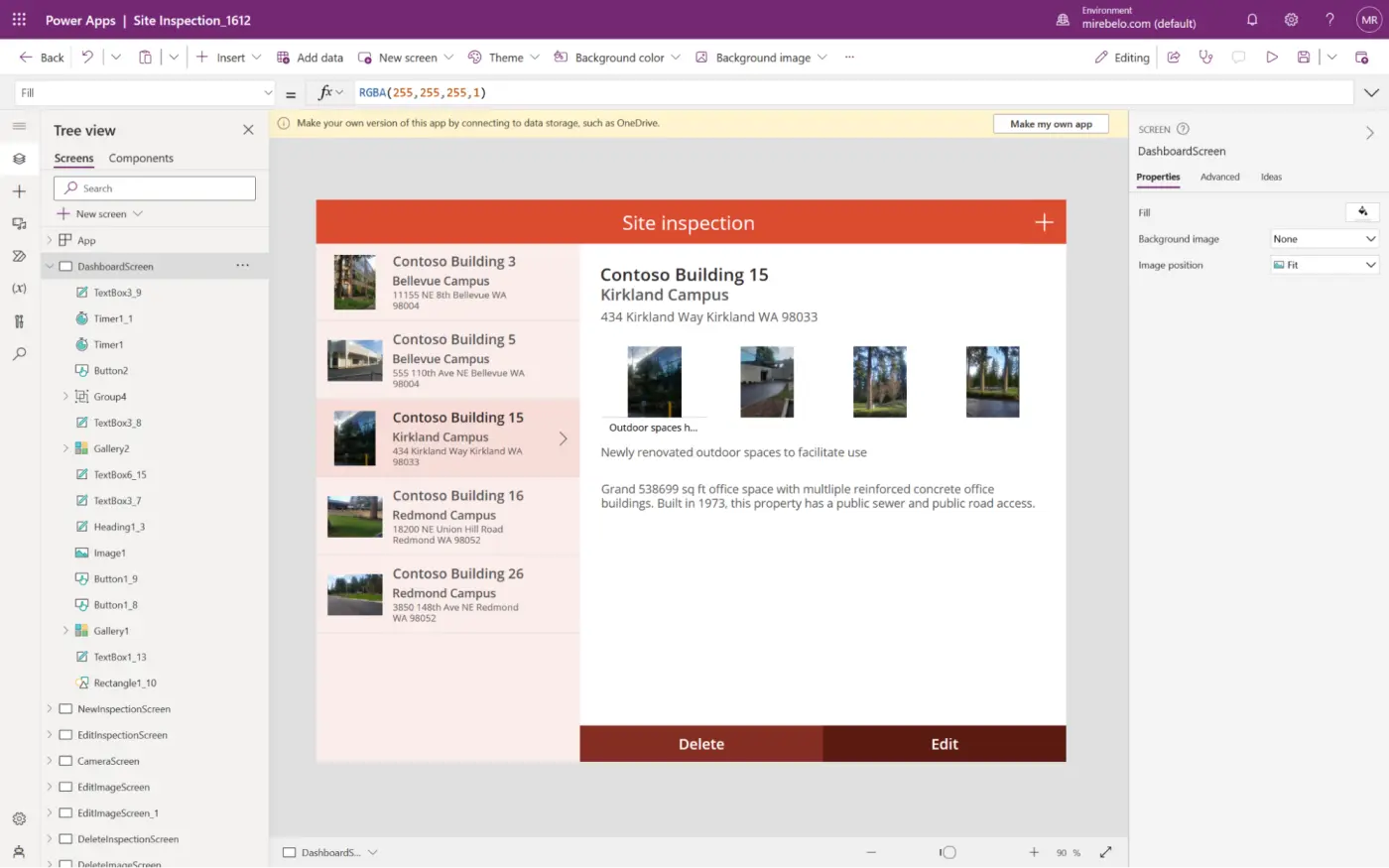
Microsoft Power Apps is a low-code platform that enables users to build custom business applications without writing code. It integrates with Microsoft 365 and Dynamics 365, offering seamless data connectivity.
🔧 Microsoft Power Apps features
- Drag-and-drop app development
- Integration with Microsoft services
- AI Builder for adding intelligence to apps
- Mobile and web app support
- Pre-built templates
💰 Microsoft Power Apps pricing
- Per-app plan: $10/user/app/month
- Per user plan: $40/user/month
- Additional capacity: Custom pricing
🗣️ Microsoft Power Apps ratings and reviews
- G2: 4.4/5 (500+ reviews)
- Capterra: 4.3/5 (400+ reviews)
Budibase
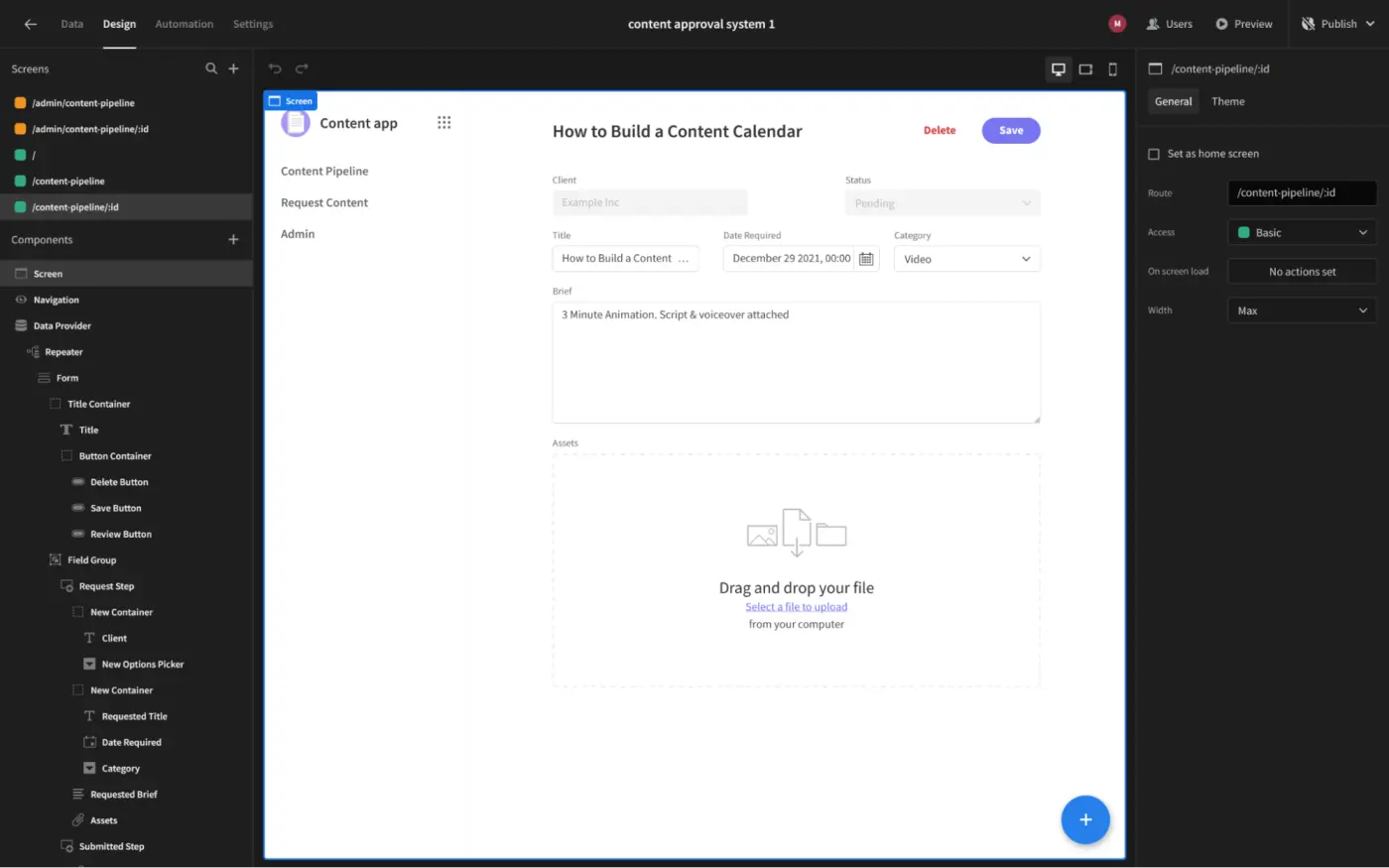
Budibase is an open-source low-code platform for building internal tools and applications. It offers customization options, collaboration features, and deployment flexibility.
🔧 Budibase features
- Open-source platform
- Drag-and-drop interface
- Customizable templates
- Version control
- Self-hosted deployment option
💰 Budibase pricing
- Open-source: Free
- Premium: $60 per app creator/month + $6 per user
- Enterprise: Contact for pricing
🗣️ Budibase ratings and reviews
- G2: 4.5/5 (50+ reviews)
- Capterra: 4.6/5 (30+ reviews)
Retool
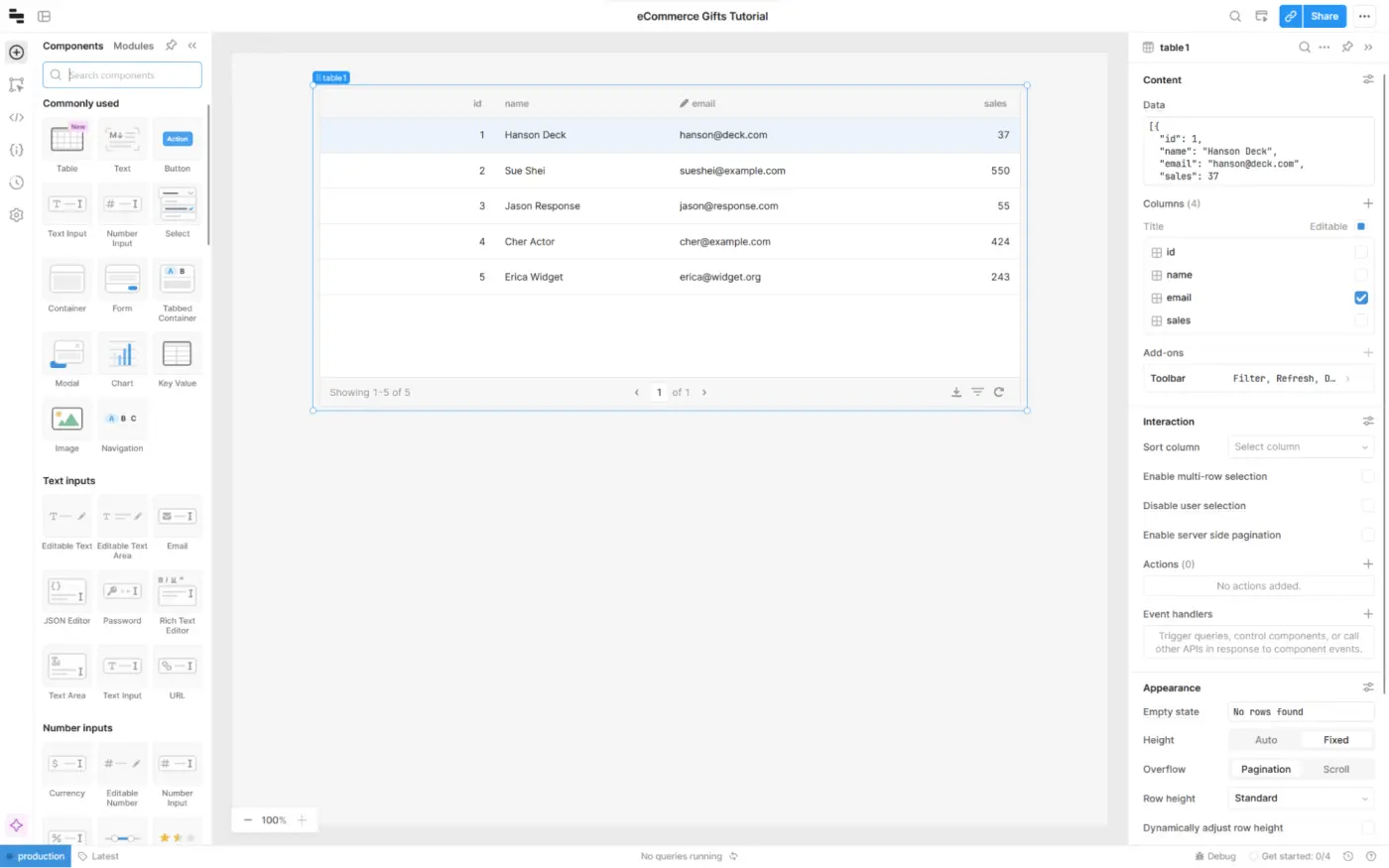
Retool is a platform for building internal tools and dashboards with a drag-and-drop interface. It allows users to connect to various data sources and build custom UI components.
🔧 Retool features
- Drag-and-drop UI builder
- Connect to databases and APIs
- Custom JavaScript logic
- Role-based permissions
- Version control
💰 Retool pricing
- Free
- Team: $12/user/month
- Business: $65/user/month
- Enterprise: Custom plan
🗣️ Retool ratings and reviews
- G2: 4.8/5 (100+ reviews)
- Capterra: 4.7/5 (80+ reviews)
Appsmith
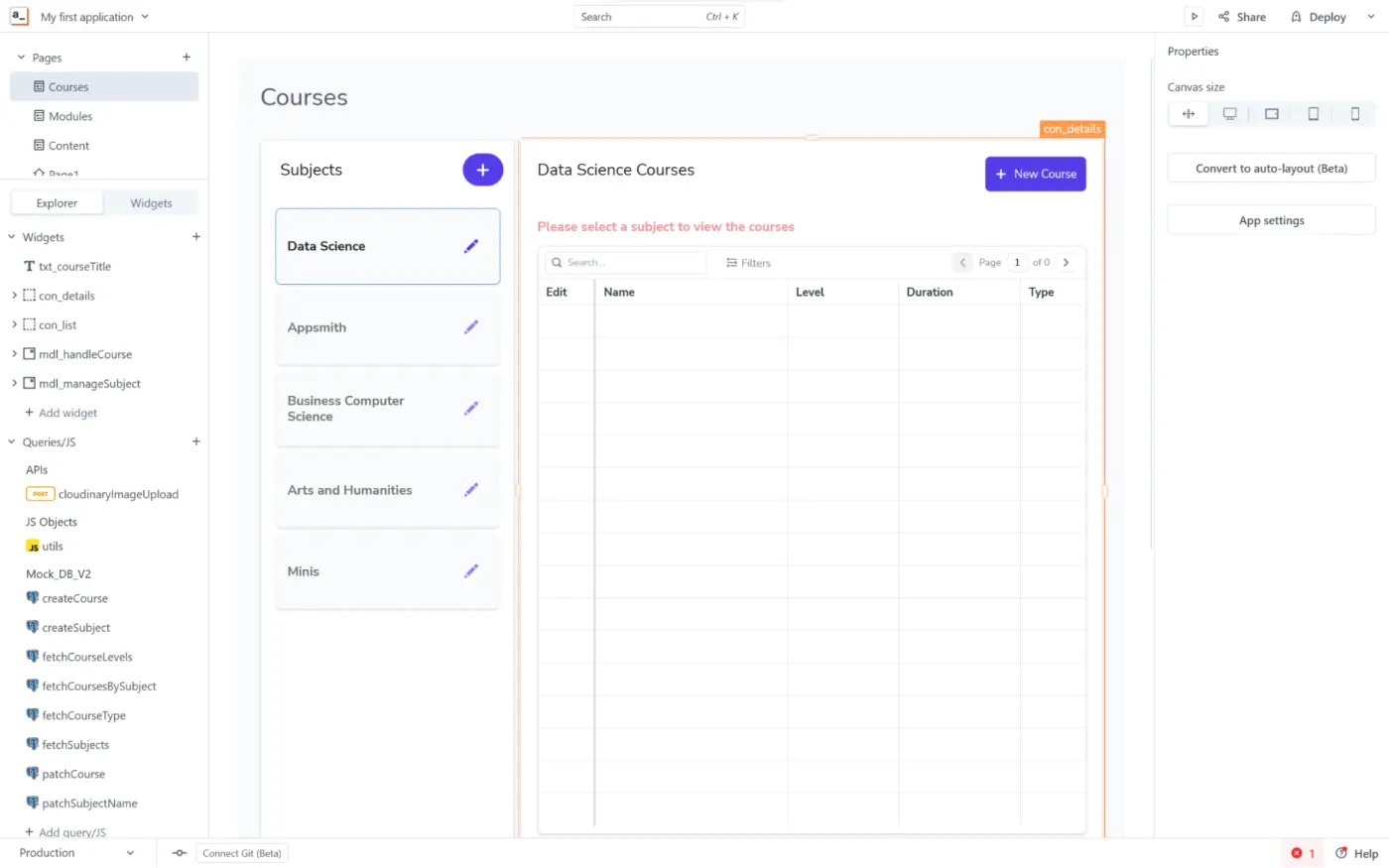
Appsmith is an open-source internal apps builder for developing internal tools and workflows. It offers a visual interface for building UI components and integrates with various data sources.
🔧 Appsmith features
- Drag-and-drop UI builder
- Real-time collaboration
- Customizable templates
- Integration with databases and APIs
- Self-hosted deployment option
💰 Appsmith pricing
- Free
- Business: $40/month
- Enterprise: Contact for pricing
🗣️ Appsmith ratings and reviews
- G2: 4.6/5 (40+ reviews)
Remember, the best internal tools builder will depend on your specific needs and technical expertise. Do your research and choose the platform that empowers you to build the internal tools your team needs.
Choosing the right internal tool builder in 2026 depends on your team’s workflow, technical expertise, and deployment requirements. Some platforms focus on no-code simplicity, while others offer deeper customization for engineering teams. Evaluating integrations, pricing, and scalability will help you select the platform that best supports your internal operations and long-term growth.
FAQ
What is an internal tool builder?
An internal tool builder is a platform that allows companies to create custom applications for internal operations, such as dashboards, admin panels, workflow systems, and data management tools.
Why do companies use internal tool builders?
Companies use internal tool builders to reduce development time, connect existing databases and APIs, and create operational tools without building everything from scratch.
What features should an internal tool builder have?
Common features include drag-and-drop UI builders, database integrations, workflow automation, role-based permissions, and deployment options such as cloud or self-hosting.
Are internal tool builders low-code or no-code?
Many internal tool builders are low-code or no-code platforms, allowing non-technical teams to build tools visually while still enabling developers to add custom logic when needed.
Which internal tool builder is best in 2026?
Popular options include UI Bakery, Retool, Appsmith, Glide, and Microsoft Power Apps. The best choice depends on your data sources, deployment requirements, and customization needs.
Next step
Planning a HIPAA-sensitive internal app?
Use the checklist above to map data flow, roles, audit events, vendors, and deployment decisions before the first production workflow ships.
Healthcare operations example
Action Behavior Centers scaled internal operations across clinics with UI Bakery
For a real operational example, review UI Bakery customer stories and healthcare operations patterns.
5,000+users supported in the customer story
400+clinics mentioned in the case study





"The UI Bakery platform offers a cost-effective approach to creating applications. With UI Bakery, you can achieve your app development goals without breaking the bank."

"Before switching to UI Bakery we developed a number of apps within the Retool system. The Retool system was good but ultimately did not have the flexibility and feature sets that we required."
Check the Story