

Builder.io Overview in 2026: Everything You Need to Know About Builder.io
%201.png)
Updated:
April 11, 2026
Builder.io is a visual development platform that combines a headless CMS, drag-and-drop editor, and AI tools to help teams build and manage web experiences faster. It’s essentially a system that lets developers define components while non-developers create pages visually on top of them.
From a broader Builder.io overview, the platform acts as a layer on top of modern frontend frameworks like React or Next.js. Instead of replacing your stack, it enhances it, giving teams more flexibility in how they design, edit, and ship content.
With the addition of Builder.io AI features, the platform now also supports generating layouts, content, and page structures using prompts. This makes it useful not just for content management, but also for faster prototyping and iteration.
Builder.io features (core capabilities explained)
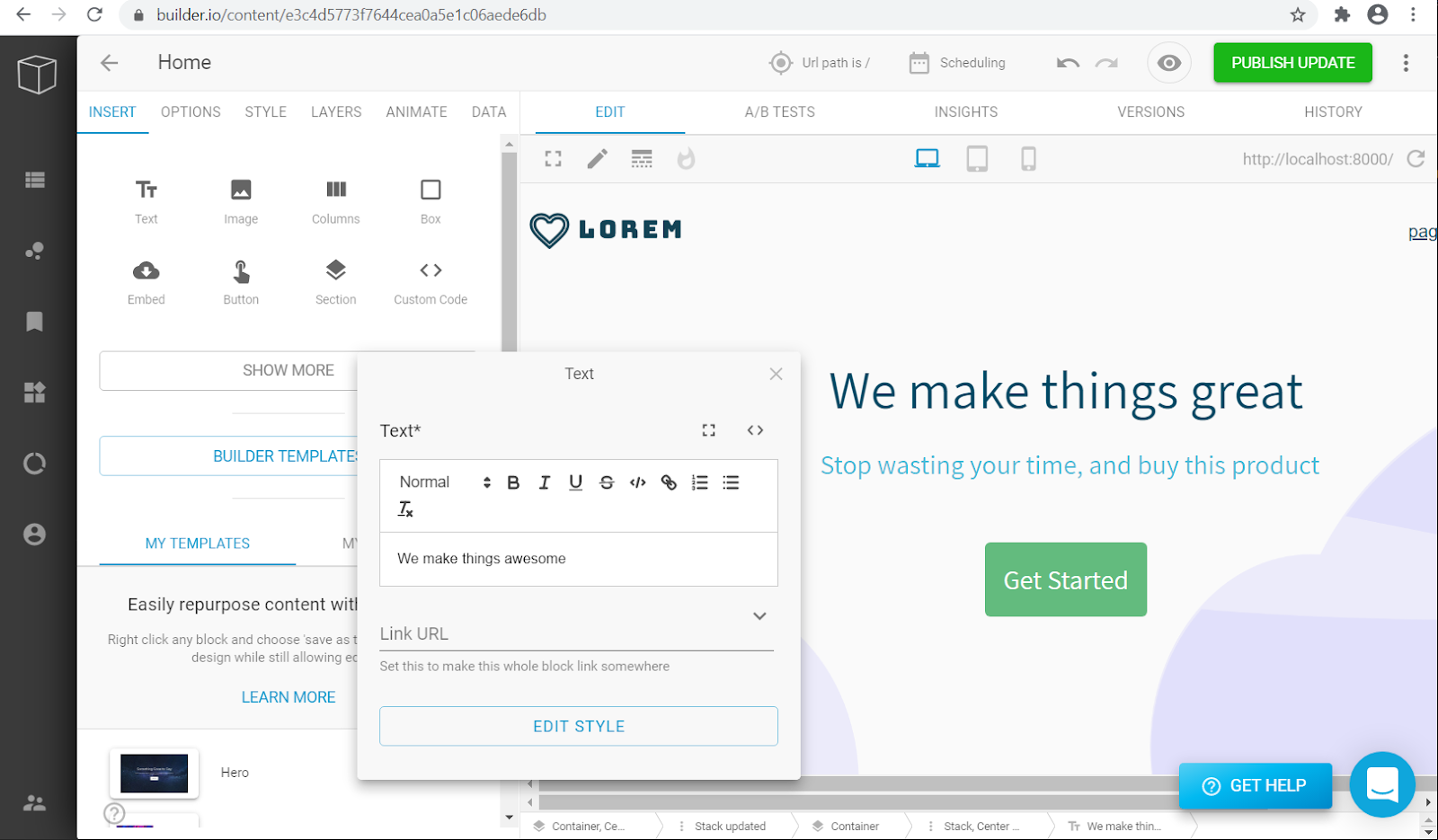
The strength of Builder.io features lies in how it blends visual editing with developer control. It’s not just a no-code builder – it’s a hybrid system designed for production-grade applications.
Key Builder.io features:
- Visual Drag-and-Drop Editor - Lets marketers and designers create pages without touching code while developers maintain full control over components.
- Headless CMS - A flexible content management system that separates content from presentation, ideal for omnichannel delivery.
- Component-Driven Architecture - Developers define reusable components, which non-technical users can use visually.
- Builder.io Figma to code - Convert Figma designs into production-ready components, reducing design-to-dev handoff time.
- A/B Testing and Personalization - Built-in experimentation tools for optimizing user experiences.
- AI Capabilities - Includes AI-powered content generation, layout suggestions, and automation.
- Builder.io AI website builder - Generate layouts and pages using prompts, accelerating prototyping and iteration.
- API-first Integration - Works seamlessly with modern stacks and existing backends.
Quick summary
- Visual editor – fast page building without engineering.
- Headless CMS – scalable content management.
- Figma to code – faster design-to-production workflows.
- AI tools – rapid prototyping and content generation.
- A/B testing – conversion optimization.
- Component system – design consistency across teams.
Builder.io CMS
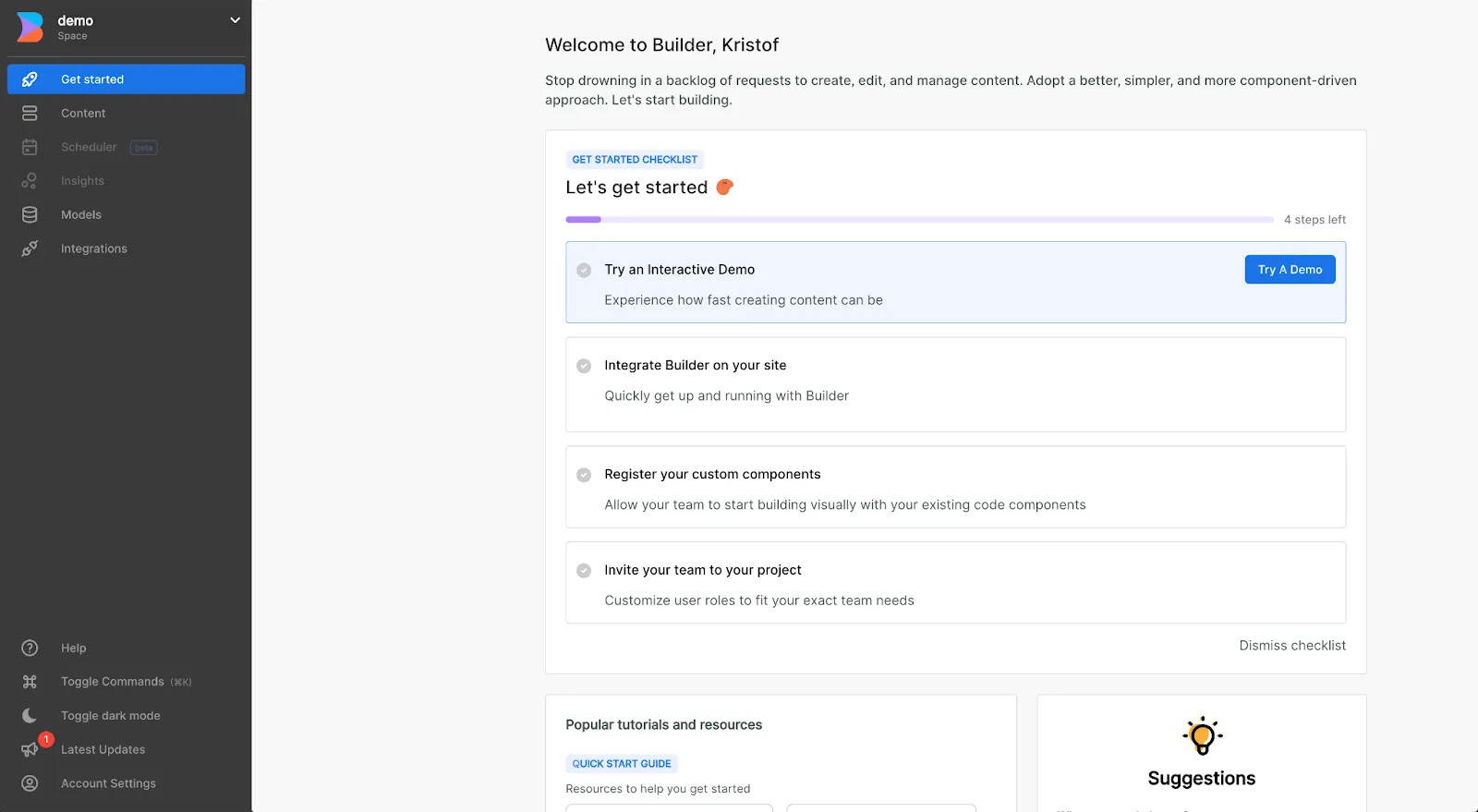
The Builder.io CMS is one of its central pieces. It’s a headless CMS, meaning content is stored independently from how it’s displayed. This allows:
- Content reuse across web, mobile, and apps.
- API-driven delivery.
- Better performance with frameworks like Next.js.
Compared to traditional CMS platforms, Builder.io’s approach is more flexible but requires some developer setup.
Builder.io AI and AI features
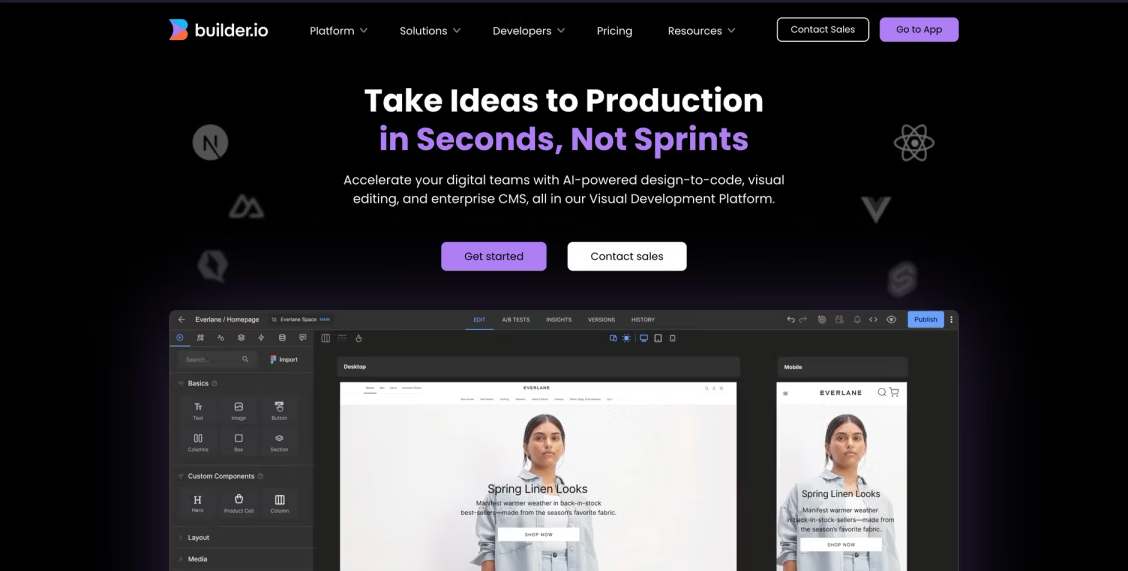
The rise of Builder.io AI has significantly expanded its capabilities. It includes:
- AI-generated page layouts.
- AI-assisted content writing.
- Smart design suggestions.
- Automated component structuring.
The Builder.io AI website builder is particularly useful for quickly generating landing pages or MVPs. However, like most AI tools, outputs often require refinement, especially for production use.
Builder.io templates
Builder.io templates provide pre-built layouts and structures that teams can customize for landing pages, product pages, and reusable content blocks. These templates are tightly integrated with the visual editor and component system, allowing teams to stay consistent while still adapting designs quickly.
It helps:
- Speed up onboarding – new team members can start building without learning the full system.
- Standardize design systems – ensures brand consistency across pages.
- Reduce repetitive work – reuse layouts instead of rebuilding from scratch.
- Accelerate campaign launches – quickly spin up marketing pages and experiments.
- Enable non-developers – marketers can work independently using predefined structures.
Builder.io templates can also be connected to dynamic data via the Builder.io CMS, meaning the same template can power multiple pages with different content. They’re especially useful for marketing teams, growth teams, and product teams that need to launch and iterate on pages quickly without involving developers for every update.
Builder.io pricing plans
Builder.io pricing combines per-user subscriptions with usage-based costs, especially for AI. Each plan includes a set number of AI credits, but additional usage is charged separately.
When evaluating Builder.io AI pricing, it’s important to note that AI features are credit-based, not unlimited. More frequent use of AI-generated layouts, content, or automation increases overall costs. Additionally, higher-tier plans add advanced collaboration and enterprise features, which can further raise pricing.
Builder.io competitors and alternatives
There are many Builder.io competitors depending on your use case.
- Webflow – better for fully visual website building.
- Contentful – strong headless CMS, less visual editing.
- Framer – design-first website builder with AI.
- Sanity – developer-first CMS.
For internal tools and data-driven apps, platforms like UI Bakery take a different approach, focusing on building operational apps, dashboards, and admin panels rather than marketing pages.
This distinction matters:
- Builder.io – frontend experiences and websites.
UI Bakery– internal tools on top of real data.
When to use Builder.io
Pros:
- You have a modern frontend stack (React, Next.js).
- You want non-developers to control content and layout.
- You need experimentation (A/B testing, personalization).
Cons:
- You want a fully no-code solution.
- Your use case is internal tools rather than public pages.
- You don’t have developer resources for setup.
Final thoughts
Builder.io sits in a unique space between CMS, visual builder, and AI tooling. It’s powerful but also requires technical setup to unlock its full value.
As AI tools evolve, platforms like Builder.io are becoming more accessible, especially with features like Builder.io AI website builder and automated content generation. Still, the real advantage comes when teams combine visual workflows with structured components and real data.
If your goal is building scalable web experiences with flexibility, Builder.io is a strong option. If your focus is internal tools or operational systems, exploring alternatives may make more sense.
Next step
Planning a HIPAA-sensitive internal app?
Use the checklist above to map data flow, roles, audit events, vendors, and deployment decisions before the first production workflow ships.
Healthcare operations example
Action Behavior Centers scaled internal operations across clinics with UI Bakery
For a real operational example, review UI Bakery customer stories and healthcare operations patterns.
5,000+users supported in the customer story
400+clinics mentioned in the case study
What is Builder.io used for?
Builder.io is used to build and manage web pages and digital experiences using a visual editor combined with a headless CMS and developer-defined components.
Builder.io what is it?
Builder.io – it’s a platform that lets teams visually create pages while developers control the underlying code and structure.
Does Builder.io require coding?
Yes and no. Non-developers can use the visual editor, but developers must set up components and integrations.
What are the main Builder.io features?
Key Builder.io features include a visual editor, headless CMS, Figma-to-code conversion, AI tools, and A/B testing.
How much does Builder.io cost?
Builder.io pricing includes a free plan and paid tiers. Costs scale with usage, features, and enterprise needs.
What are the best Builder.io alternatives?
Top Builder.io alternatives include Webflow, UI Bakery, Contentful, Framer, and Sanity, depending on whether you need website building or internal tools.



"The UI Bakery platform offers a cost-effective approach to creating applications. With UI Bakery, you can achieve your app development goals without breaking the bank."

"Before switching to UI Bakery we developed a number of apps within the Retool system. The Retool system was good but ultimately did not have the flexibility and feature sets that we required."
Check the Story