

How to Automate Your Business: 5 Best Tools to Save Time and Scale Faster

Updated:
December 31, 2025
Automation is one of the key factors for efficiency, and it is accessible to everyone. Today, companies of all sizes are using Aai tools to eliminate repetitive work, reduce errors, and move faster without increasing headcount. If you’ve ever wondered how to automate my business, the answer lies in choosing the right mix of modern automation platforms that fit your workflows.
So, let’s explore five of the best tools to automate business operations, compare them, and find out which types of tools suit your needs.
1. Zapier – Workflow automation across apps
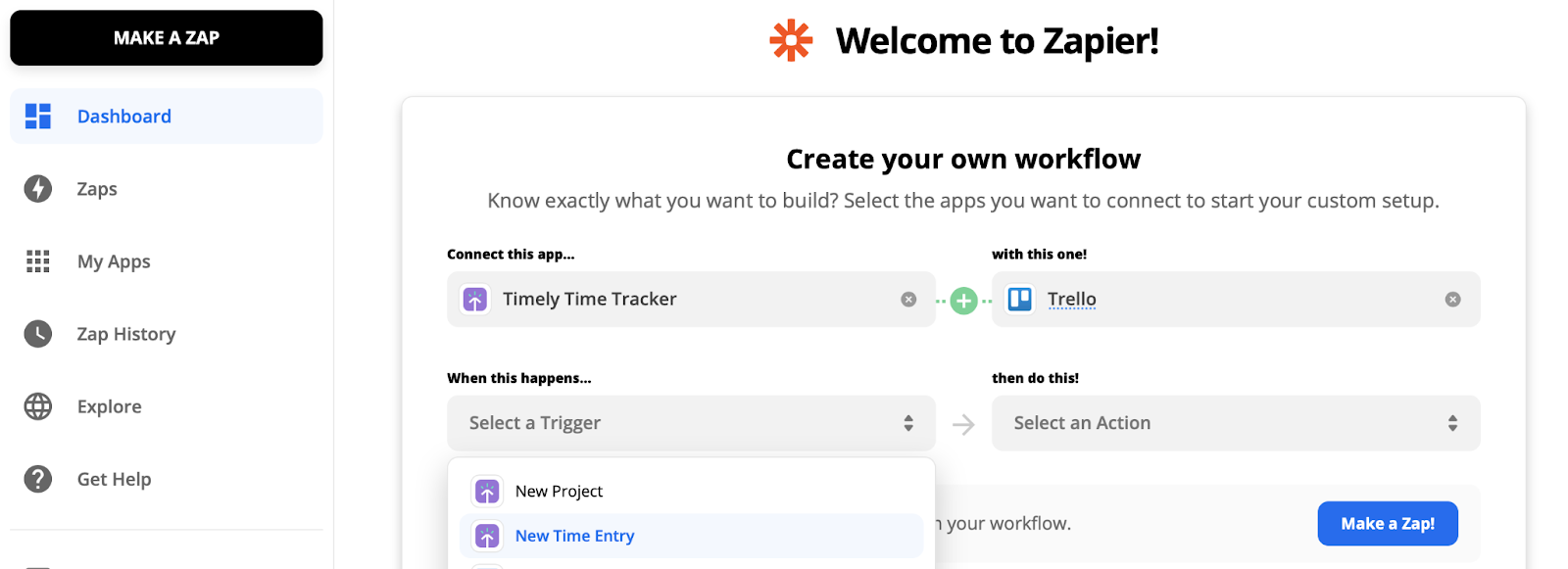
Zapier is a no-code automation tool designed to connect different software tools into seamless, automated workflows. It allows businesses to automate the manual moving of data between applications. When something happens in one app, (for example, a new form submission), it automatically triggers one or more actions in other apps, running quietly in the background.
Key features:
- Connects 7,000+ apps (CRM, Gmail, accounting, marketing tools, Notion, Slack).
- The system enables the creation of trigger-action workflows using conditional logic.
- Multi-step automations.
- Chatbot capabilities via interfaces.
- Built-in error handling and notifications.
Strengths: Zapier is mainly about saving time on small but frequent tasks that slow teams down. It’s easy to set up and extremely flexible.
Best for: Teams that want to automate business processes between existing SaaS tools with minimal setup. Zapier is ideal for lightweight automation, but complex logic can become costly at scale.
2. UI Bakery – AI-powered internal app creation
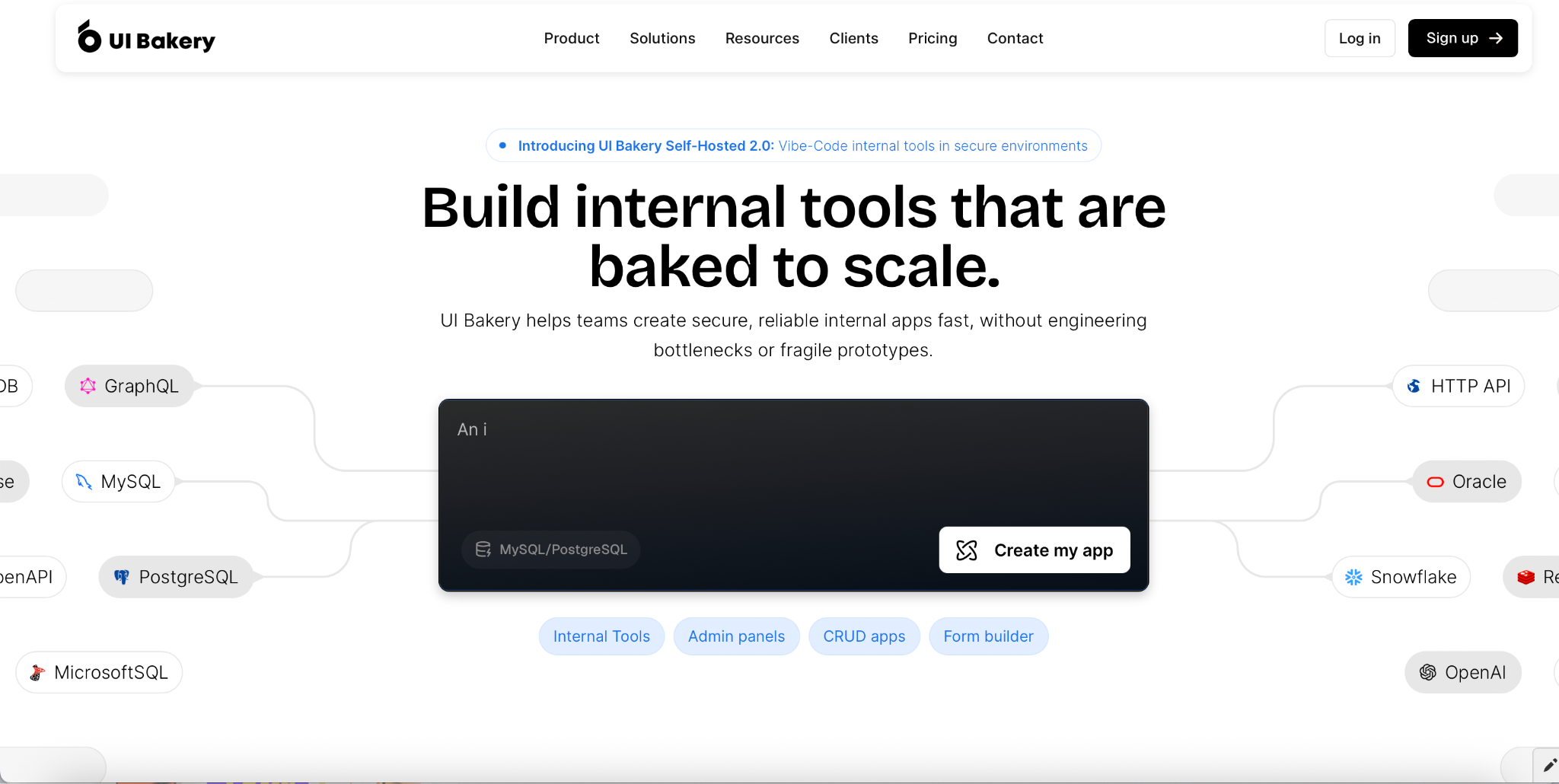
UI Bakery is an AI-driven tool designed to create internal business applications, dashboards, admin interfaces, CRM tools, and operational apps with minimal effort. By turning descriptions into functional applications, non-engineer teams can quickly get custom apps that match their workflows. This makes it easier to organize internal work and reduce repetitive tasks without long development cycles or heavy technical involvement.
Key features:
- AI-generated internal tools from text prompts.
- Automatic UI layout and data bindings.
- Integrations with databases and APIs.
- Editable, production-ready apps.
- Access to React code, no vendor lock-in.
Strengths: teams can generate internal apps in minutes instead of weeks – no manually built interfaces.
Best for: Companies looking to build custom internal tools to automate manual business processes without starting from scratch. UI Bakery AI App Generator focuses on AI-driven app creation, making it especially useful for non-technical teams that need custom software fast.
3. HubSpot – automated CRM and marketing operations
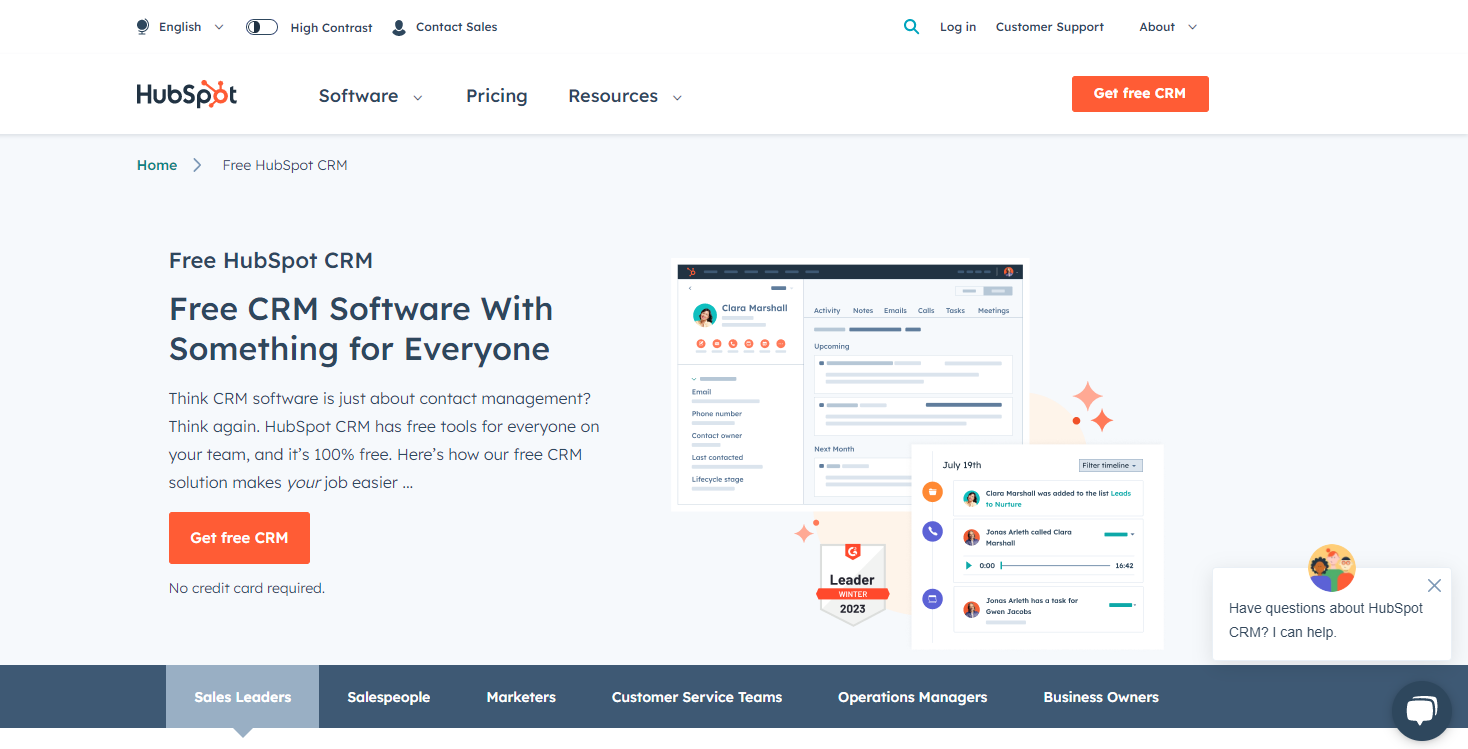
HubSpot is an all-in-one CRM platform that automates how businesses attract, engage, and retain customers. It combines marketing, sales, customer service, and content management, allowing teams to automate customer-facing processes from first contact to long-term retention while maintaining a personalized customer experience.
Key features:
- Automated email campaigns and lead nurturing.
- Sales pipelines with task automation and updating deal stages.
- Customer support ticket workflows.
- Built-in analytics and reporting.
Strengths: HubSpot centralizes customer data and automates engagement across the entire customer lifecycle.
Best for: Growing businesses that want to automate customer interactions and sales operations. HubSpot works best when fully adopted across teams rather than used as isolated tools.
4. Make (formerly Integromat) – advanced automation logic
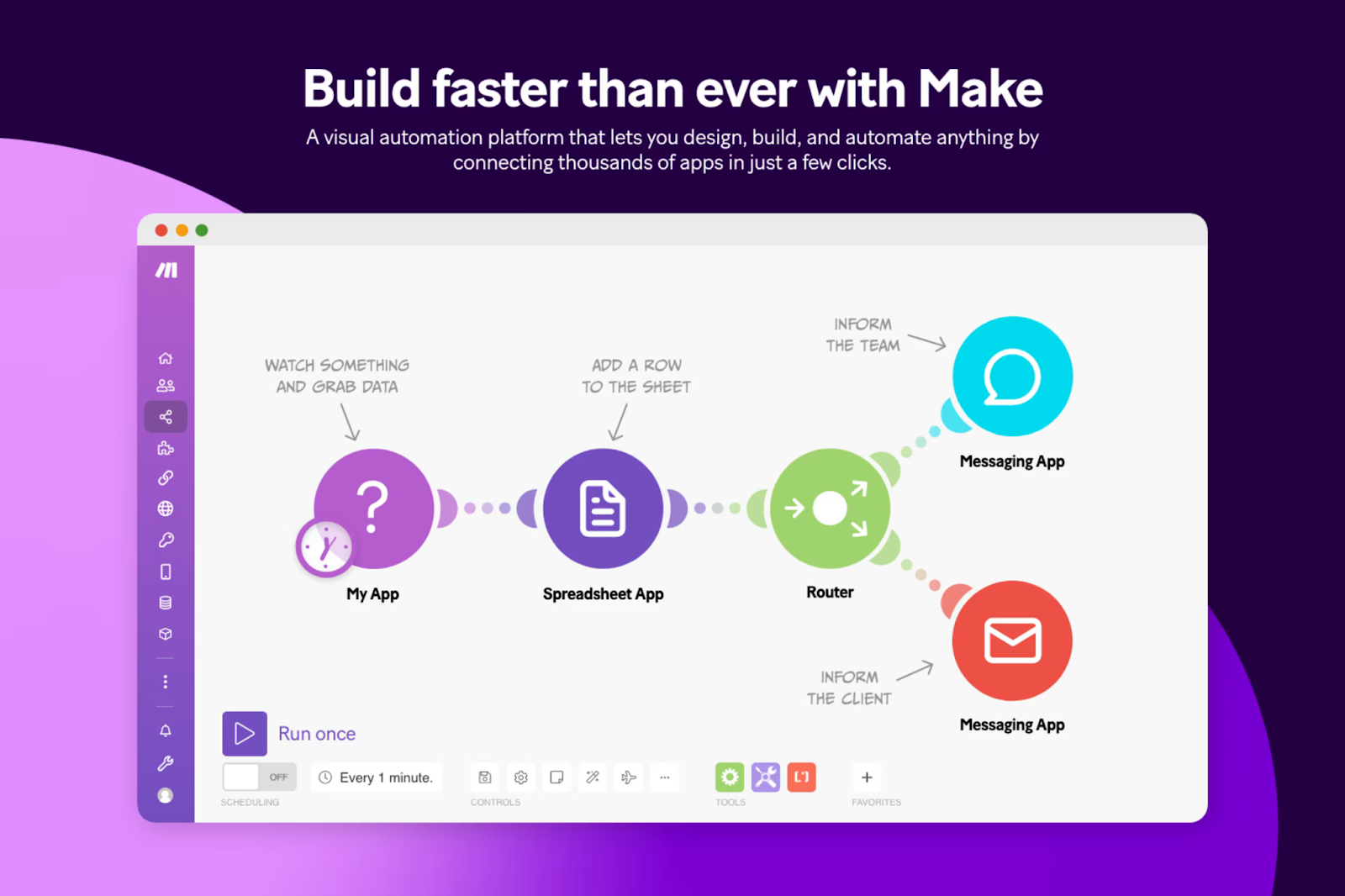
Make is a visual automation platform built for designing complex, highly customizable workflows using a drag-and-drop interface. It allows businesses to automate sophisticated operational workflows (such as syncing databases, processing transactions, or orchestrating multi-system operations) while maintaining full visibility and control over how automations run.
Key features:
- Visual scenario builder.
- Advanced branching and conditional logic.
- Strong for handling structured data, APIs, and multi-step processes that require conditions, loops, and transformations.
- API-level integrations.
- Real-time execution monitoring.
Strengths: Make offers deeper control and more customization than simpler automation tools.
Best for: Tech-savvy teams that need advanced workflow logic and data manipulation. There’s a learning curve, but the flexibility pays off for complex automation needs.
5. QuickBooks online – automated finance and accounting
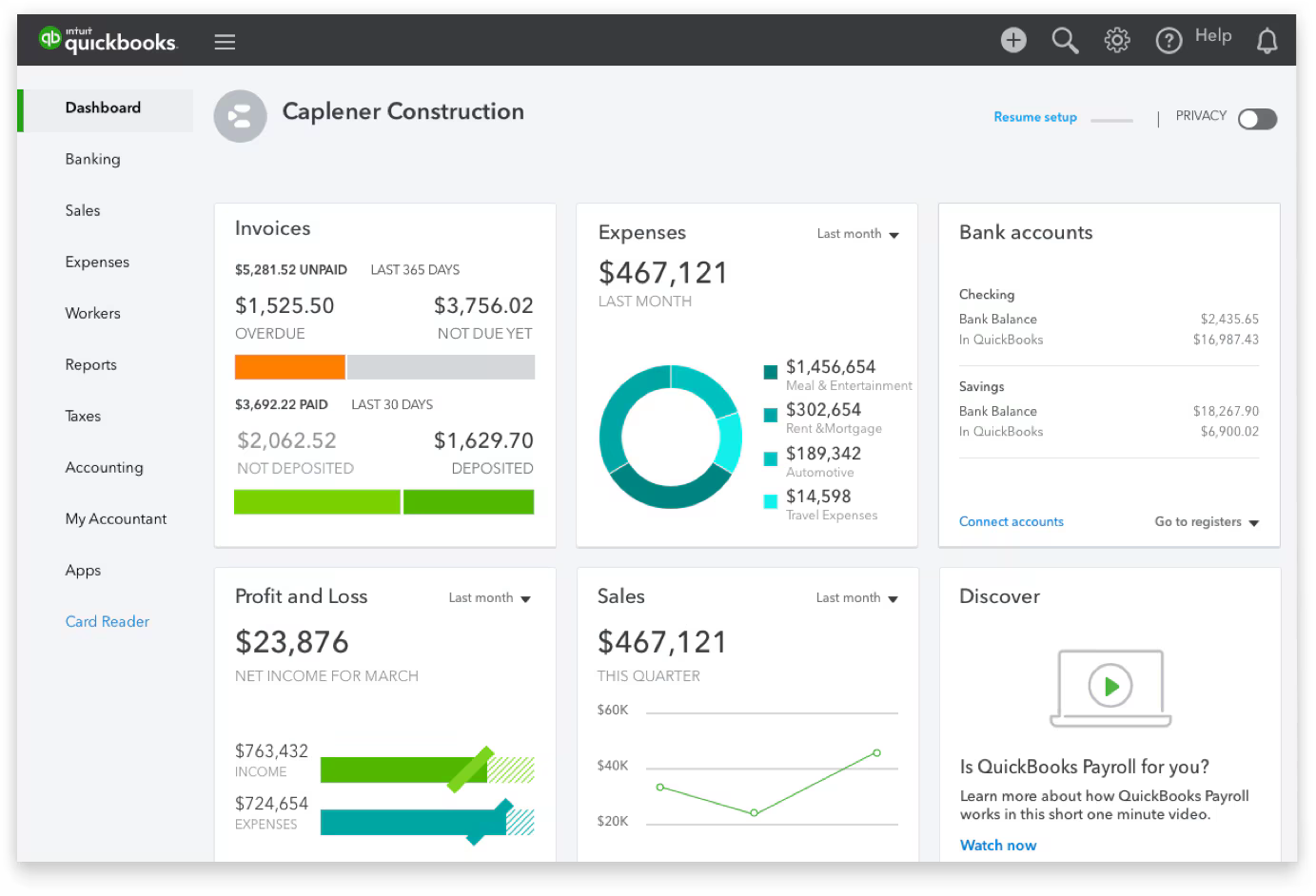
QuickBooks Online is an accounting platform designed to automate core financial tasks. It helps businesses track expenses, send invoices, and manage payments automatically. For many businesses, this tool serves as the foundation of financial automation, enabling better cash flow management, faster reporting, and easier compliance.
Key features:
- Automated invoice generation and reminders.
- Expense categorization.
- Bank accounts, payment systems, and other business tool synchronization.
- Tax and financial reports.
Strengths: It reduces manual accounting work and minimizes human error in financial processes.
Best for: Companies looking for reliable financial automation, especially those asking how to automate small business accounting. QuickBooks integrates well with other automation tools for end-to-end workflows.
Bringing it all together
If you are trying to figure out how to automate manual business processes across departments, the right tools can make a measurable difference. Tools like the ones described above are commonly used because they address these exact problems in a systematic way to save time and reduce the chance of errors.
Using automation across different areas – workflows, internal tools, customer management, and finance – helps optimize entire processes instead of individual tasks, leading to more stable and scalable business operations.
FAQ
1. Which tool is best for connecting multiple apps together?
Zapier and Make are both strong options, with Zapier being simpler and Make offering more advanced logic.
2. Can I build custom internal tools without tech skills?
Yes, UI Bakery allows you to generate internal apps using AI and natural language prompts.
3. What’s the best tool for automating customer communication?
HubSpot is ideal for automating marketing, sales follow-ups, and customer support workflows.
4. Which tool helps most with financial automation?
QuickBooks Online is purpose-built for automating accounting and financial tasks.
5. How to automate business processes and streamline internal workflows?
UI Bakery helps teams automate business processes by turning manual steps into custom internal applications generated with AI. Instead of relying on spreadsheets, emails, or ad hoc tools, businesses can use AI-generated apps to standardize workflows, reduce repetitive work, and make internal processes easier to manage and scale.
Next step
Planning a HIPAA-sensitive internal app?
Use the checklist above to map data flow, roles, audit events, vendors, and deployment decisions before the first production workflow ships.
Healthcare operations example
Action Behavior Centers scaled internal operations across clinics with UI Bakery
For a real operational example, review UI Bakery customer stories and healthcare operations patterns.
5,000+users supported in the customer story
400+clinics mentioned in the case study




"The UI Bakery platform offers a cost-effective approach to creating applications. With UI Bakery, you can achieve your app development goals without breaking the bank."

"Before switching to UI Bakery we developed a number of apps within the Retool system. The Retool system was good but ultimately did not have the flexibility and feature sets that we required."
Check the Story