

Best Client Portal Software For Accountants in 2026

Updated:
April 30, 2026
If your firm is still collecting tax documents through email, chasing signatures manually, or stitching together file sharing, intake forms, and status updates across too many tools, you are already feeling the need for better client portal software for accountants.
The good news is that the market is much stronger than it was a few years ago. The harder part is that the best option depends on what kind of team you are building for. Some platforms are purpose-built for tax and accounting firms. Others are better for document-heavy collaboration. And sometimes the right move is not to buy another off-the-shelf portal at all, but to build a custom portal around your existing workflow.
This guide looks at the main options accounting teams should consider in 2026, what matters most during evaluation, and when UI Bakery is the better fit.
What is client portal software for accountants?
Client portal software for accountants is a secure online workspace where clients can upload documents, review requests, sign forms, pay invoices, and track what your firm needs from them.
In practice, the best client portal software for accountants does more than just share files. It becomes the client-facing layer of your workflow. That usually includes:
- secure document upload and delivery
- client request lists or task tracking
- e-signatures and approvals
- messaging or comments tied to specific work
- reminders and status visibility
- branded experience across web and mobile
For teams, the goal is not just convenience. It is reducing back-and-forth, shortening turnaround time, and giving staff a repeatable process that scales across hundreds or thousands of clients.
When teams need client portal software for accountants
Most firms start looking for a portal when one of these problems becomes too expensive to ignore:
- Tax season creates document chaos and staff spend too much time following up.
- Clients miss deadlines because requests are scattered across email, phone, and spreadsheets.
- Your firm needs a more professional, secure client experience than shared folders and attachments.
- You want organizers, signatures, payments, and delivery to happen in one place.
- Different service lines need different workflows, but your current portal is too rigid.
- You need outside clients, contractors, or partner teams to access specific information without exposing everything else.
If that last point is the main pain, your search may be less about buying a standard accounting portal and more about building a controlled external app around your internal systems. That is where UI Bakery enters the picture.
Best client portal software for accountants in 2026
As of May 1, 2026, these are the platforms most worth shortlisting for accounting teams:
1. TaxDome
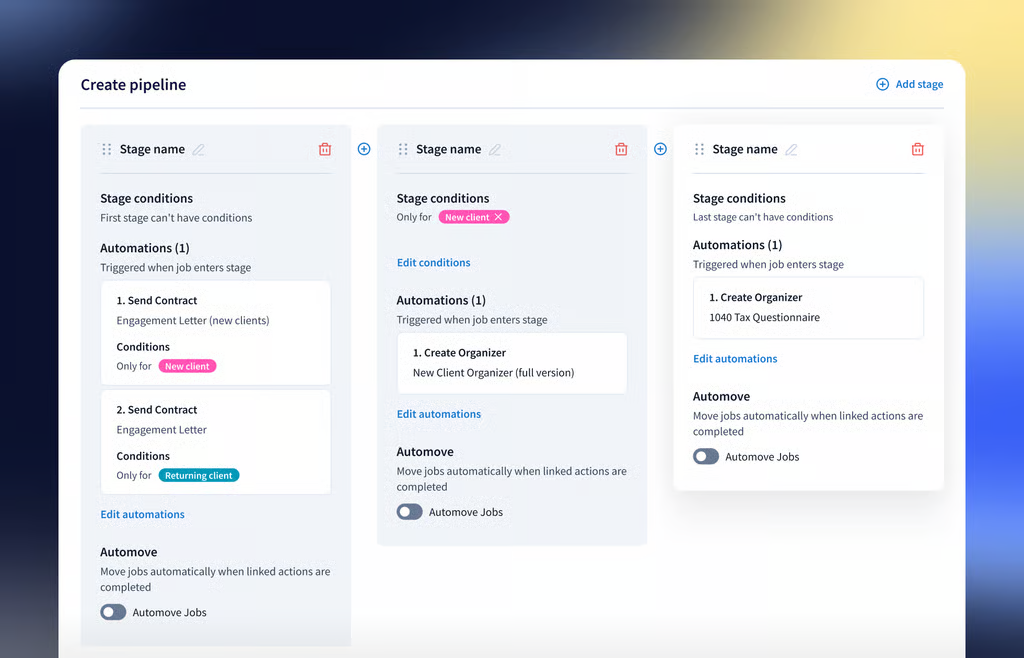
TaxDome is one of the most complete accounting-specific choices if you want client portal software for accountants bundled with broader practice management. Its portal supports document exchange, e-signatures, invoices, messaging, custom branding, task lists, and a mobile app.
It is a strong fit for firms that want an all-in-one operating system and are comfortable adapting their process to a packaged workflow.
Best for: tax and accounting firms that want portal, workflow, billing, and communication in one platform.
Watch for: teams with unusual processes may find that all-in-one convenience comes with workflow constraints.
2. Canopy
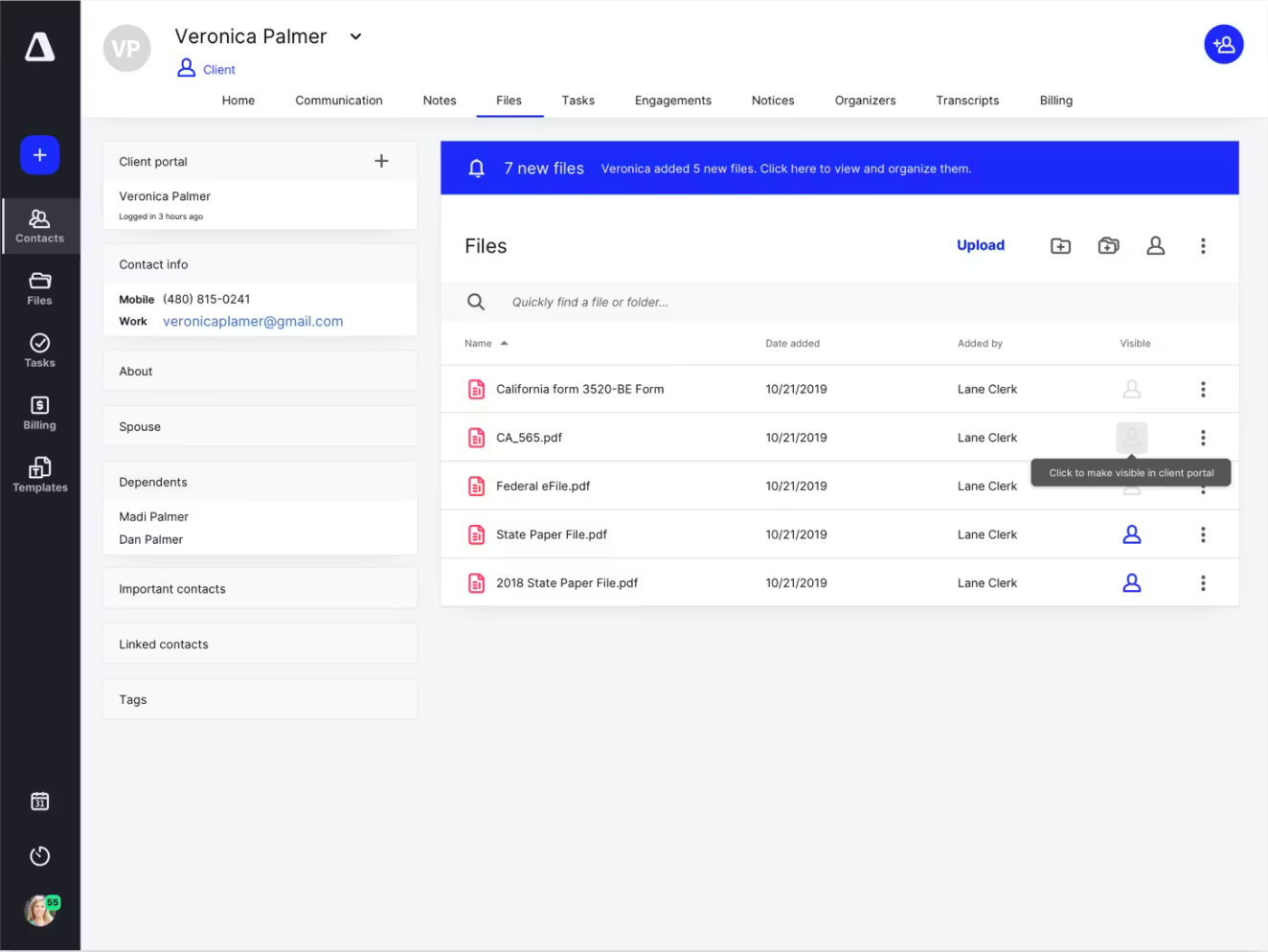
Canopy is another strong accounting-native option, especially for firms that care about ease of use on the client side. Its portal emphasizes secure access, smart links for specific tasks, file sharing, e-signatures, questionnaires, payments, and communication in one place.
Canopy stands out when the main goal is improving client completion rates without creating extra friction for less technical clients.
Best for: firms that want a polished client experience and a modern portal tied to broader practice management.
Watch for: firms with highly customized routing, approvals, or external-user logic may still hit platform limits.
3. Karbon for Clients
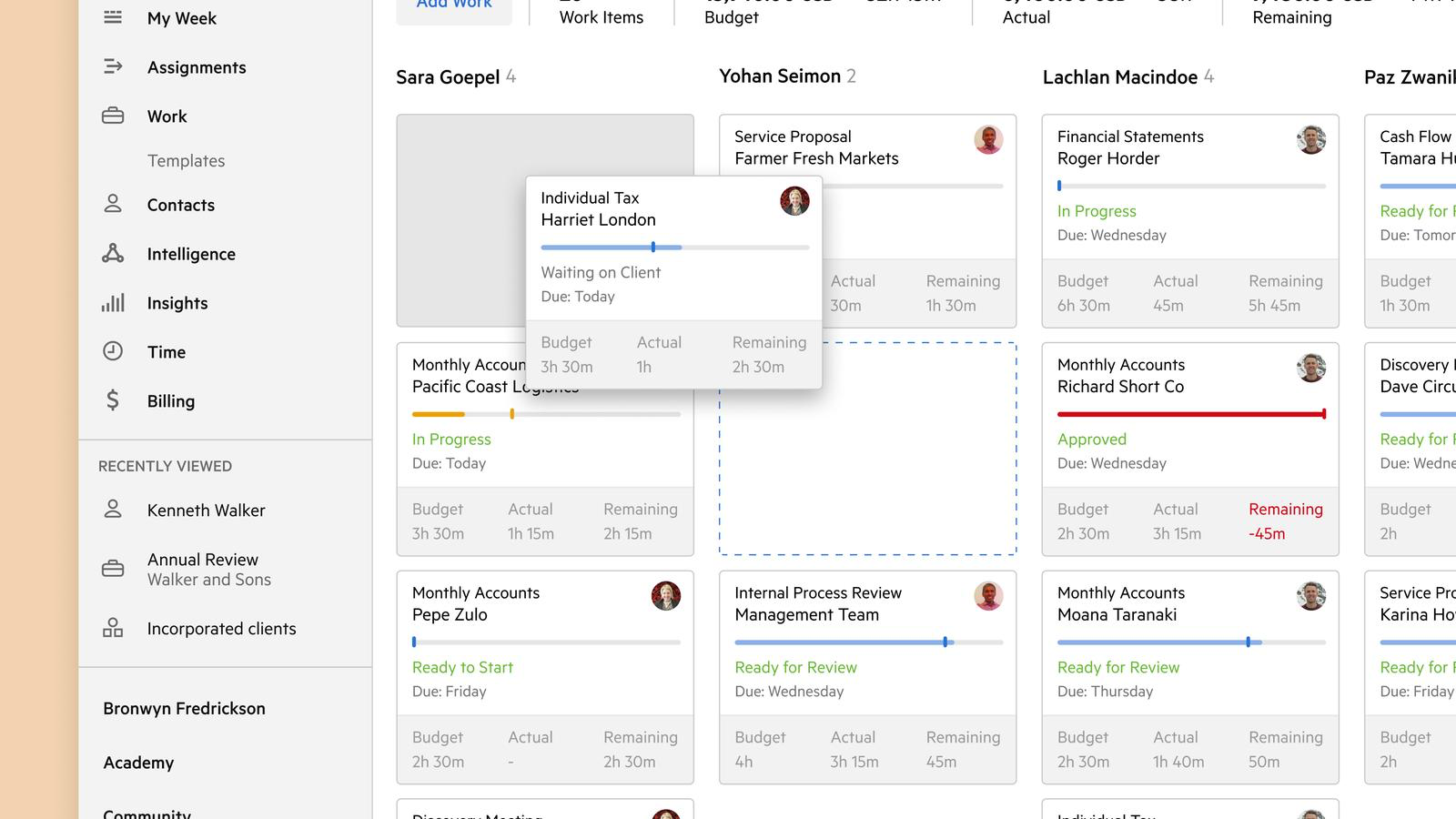
Karbon is best known for practice management, and Karbon for Clients adds a newer premium portal layer for tasks, approvals, document sharing, communication history, branding, and mobile access. It is a natural option for firms already standardized on Karbon internally.
Best for: accounting teams already using Karbon that want a more connected client experience without adding another vendor.
Watch for: if you are not already bought into Karbon, the portal is more compelling as part of the full Karbon ecosystem than as a standalone choice.
4. Liscio
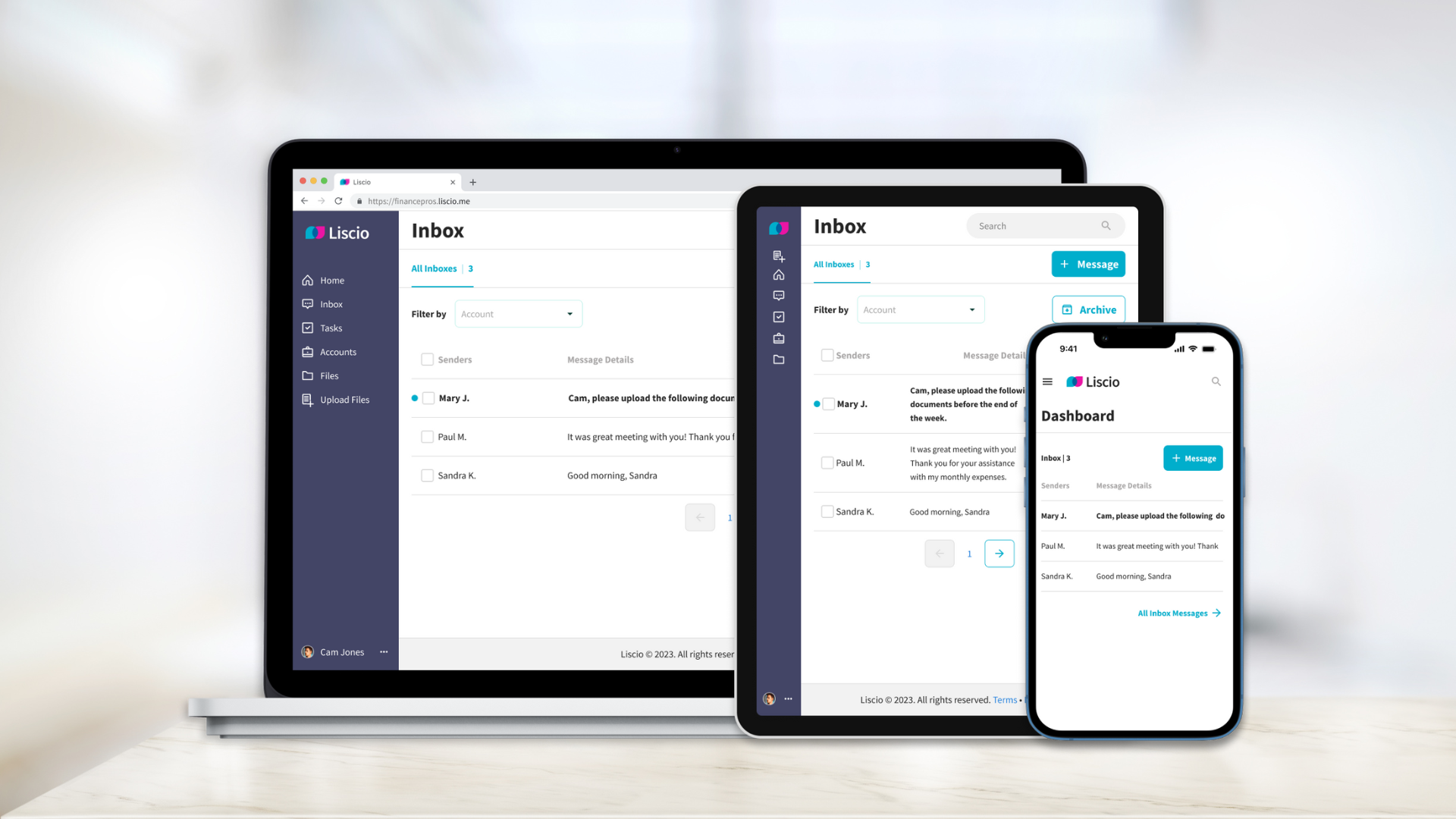
Liscio positions itself as a client experience platform for accounting firms. It is especially strong around communication, smart organizers, smart delivery, mobile usage, and reducing the time teams spend chasing clients. Its newer AI features also focus on accounting-specific messaging and file organization.
Best for: firms that want to consolidate client communication, requests, and document exchange in a workflow built around accounting interactions.
Watch for: teams primarily looking for deep internal app customization may still need another layer around it.
5. SmartVault
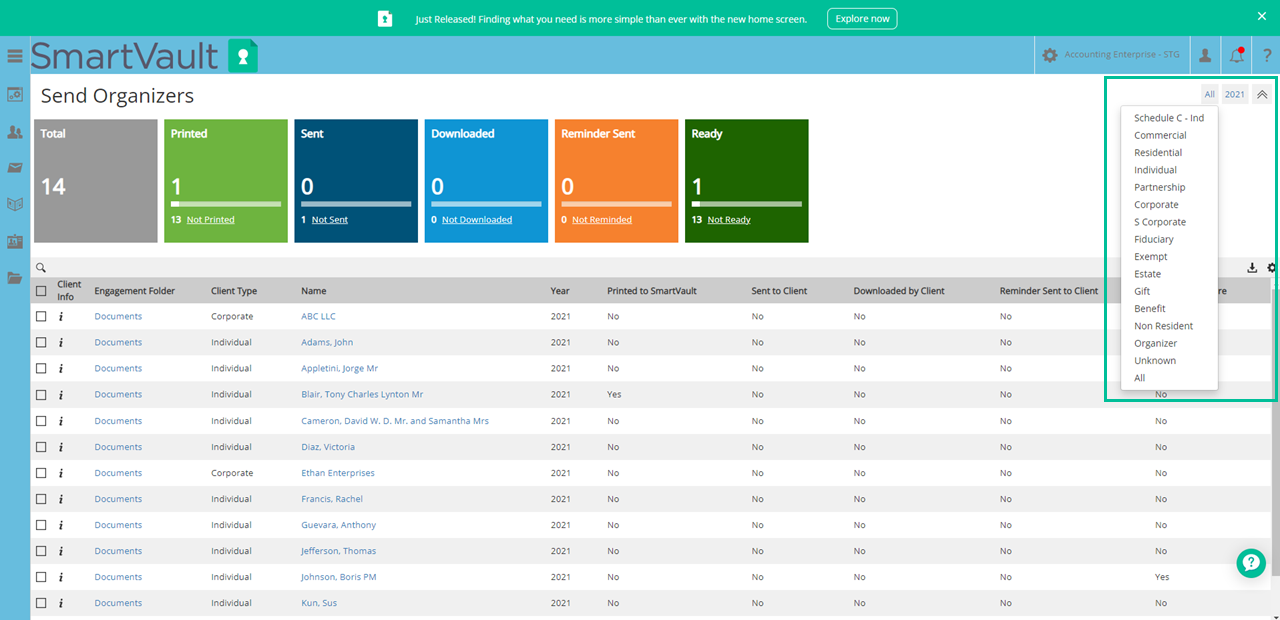
SmartVault is a strong choice when document management is the center of the problem. It combines secure file sharing, client portal functionality, e-signatures, workflow automation, and accounting-software integrations, including common tax prep products.
Best for: firms that need better document control and want a portal tightly connected to their tax and accounting document workflow.
Watch for: if your main requirement is a richer client-facing process layer, SmartVault can feel more document-centric than portal-centric.
6. ShareFile
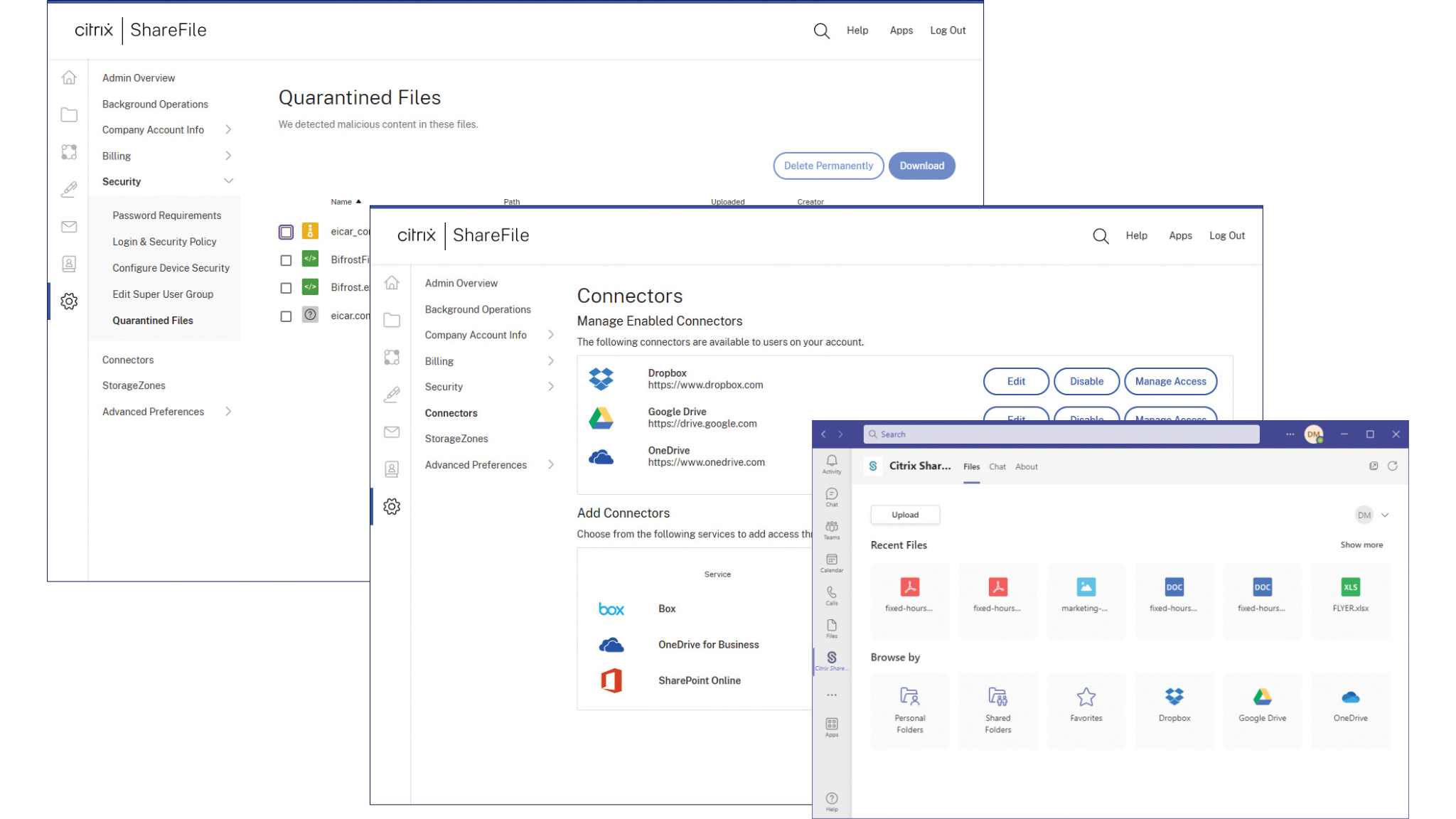
ShareFile remains a serious option for accounting teams that care about secure document workflows, request lists, e-signatures, and regulated-industry security. It is especially relevant for firms with heavy onboarding, tax document collection, or approval flows.
Best for: firms that want strong document workflow automation with a client portal wrapped around it.
Watch for: it is a broader workflow and secure-sharing platform, so accounting-specific depth varies by use case.
7. Suralink
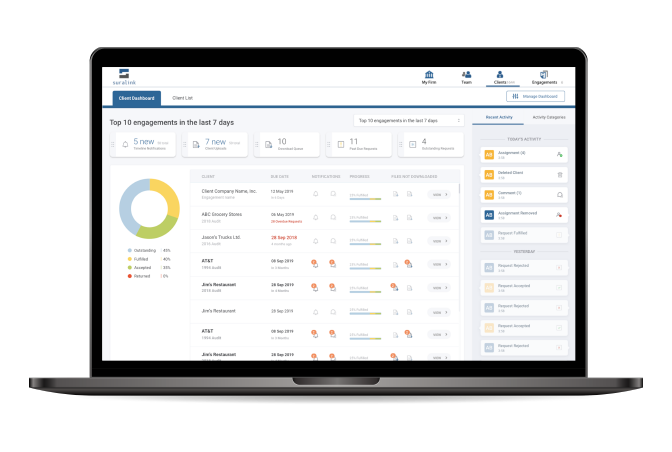
Suralink is best thought of as a client collaboration platform rather than a generic portal. It is especially relevant for audit, tax, and advisory teams that need request-list management, secure file exchange, e-signature support, and real-time visibility across engagements.
Best for: teams managing complex document-request workflows across many stakeholders.
Watch for: if you want a broad firm operating system with billing, CRM, and wider practice management, Suralink is not the same kind of all-in-one as TaxDome or Canopy.
8. UI Bakery
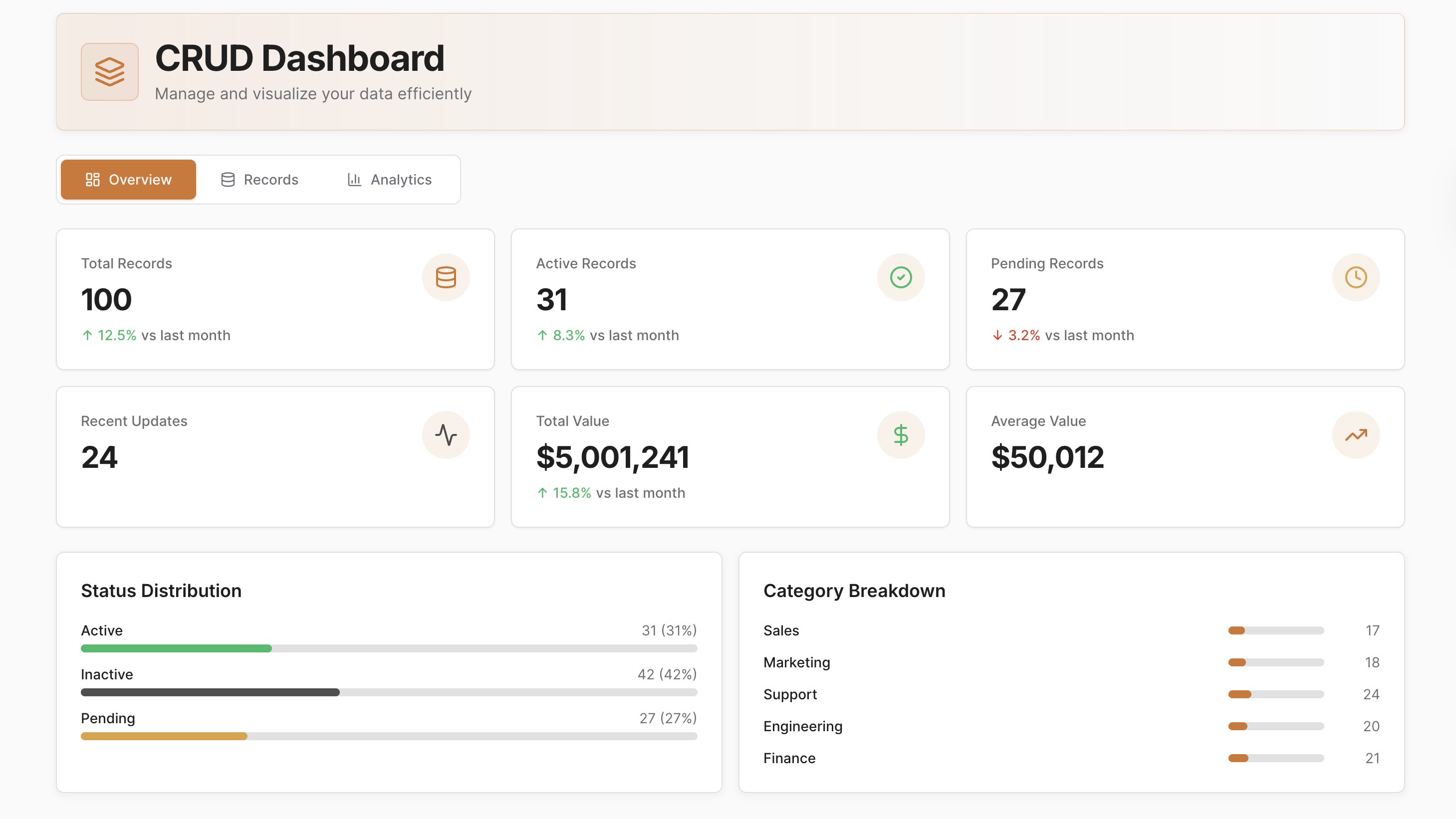
UI Bakery is the right option when packaged client portal software for accountants does not match how your team actually works.
Unlike the other tools on this list, UI Bakery is not a prebuilt accounting portal product. It is a low-code and AI app builder for teams that need to create a custom portal, client workspace, intake app, document dashboard, approval flow, or internal back office connected to their own systems.
That makes it a strong fit when:
- you already have data in SQL databases, Airtable, APIs, cloud storage, or existing accounting systems
- you need custom roles for internal staff, partners, and external clients
- your workflow spans more than tax return exchange, such as onboarding, review queues, exception handling, or multi-step approvals
- you want to own the application logic instead of forcing your process into a fixed vendor workflow
- you need an internal tool plus an external-facing client app that share the same data model
UI Bakery is not the best fit if you want a turnkey accounting portal live the same day with no custom design decisions. It is the better fit if your team needs a portal builder and workflow layer for a process that off-the-shelf software handles poorly.
What matters most when choosing a solution
When evaluating client portal software for accountants, the best buying decisions usually come down to six areas.
1. Client adoption
If clients cannot figure out where to upload, sign, or respond, the portal will not solve your problem. Look for simple task views, mobile access, reminders, and low-friction login options.
2. Workflow depth
Some portals are really secure file-sharing tools with a few extras. Others handle organizers, status tracking, approvals, payments, and automated follow-up. Be clear about whether you need a document portal or a true workflow system.
3. Integration with your stack
This matters more than feature checklists suggest. A portal that does not connect cleanly to your tax software, DMS, CRM, cloud storage, or databases usually creates more admin work than it removes.
4. External-user permissions
Many accounting teams now need more than a client login. They need controlled access for bookkeepers, CFOs, entity owners, contractors, and reviewers. If your permissions model is complex, test this early.
5. Security and compliance posture
You are handling sensitive financial information. Look for encryption, access controls, auditability, authentication options, and deployment choices that fit your firm’s security requirements.
6. Fit for your actual operating model
This is the most overlooked point. If your process is standard and you want speed, a packaged accounting platform is usually the right answer. If your firm has a differentiated workflow, multiple business lines, or internal systems that already work well, building a custom portal around them can be the smarter long-term move.
How to evaluate or implement client portal software for accountants
Use this simple framework during evaluation:
Step 1: Map the client journey
List the moments where clients interact with your firm: onboarding, document upload, organizer completion, signature, payment, delivery, follow-up, and support.
Step 2: Identify the bottleneck
Decide what you are really fixing:
- too many manual follow-ups
- bad document collection
- weak status visibility
- fragmented tools
- poor client experience
- limited customization
The bottleneck should drive the shortlist.
Step 3: Separate standard from custom workflow
Mark which steps are common across all clients and which vary by entity type, service line, or engagement complexity. If variation is high, rigid portal software becomes riskier.
Step 4: Test permissions and exceptions
Do not stop at the happy path. Test spouse access, multi-entity clients, partner reviewers, one-off approvals, and staff handoffs. This is where many tools break down.
Step 5: Compare total operating friction
Ask not just "Does it have the feature?" but:
- how many clicks does the client need?
- how much admin does staff still do manually?
- how hard is it to change the workflow later?
- who owns the logic when the process changes?
Step 6: Choose buy, build, or hybrid
For many firms, the answer is:
- buy a packaged platform like TaxDome, Canopy, Karbon, Liscio, SmartVault, ShareFile, or Suralink when your process is close to their default model
- build with UI Bakery when your process is unique or your data already lives in systems you do not want to replace
- use a hybrid model when you need an internal team app or custom client-facing layer around existing accounting software
How UI Bakery fits this workflow
UI Bakery fits best when your team needs a custom portal application rather than another fixed accounting suite.
For example, an accounting team can use UI Bakery to build:
- a branded client upload portal tied to your own database or storage layer
- an onboarding workspace that routes new clients by entity type, service package, or geography
- a document review queue for staff with status tracking and escalation logic
- a partner dashboard that surfaces exceptions, missing items, and approvals across all engagements
- a client-facing status page that pulls live data from internal systems without exposing the rest of your stack
This is where UI Bakery is meaningfully different from the other options in this guide.
It gives teams:
- fast app delivery with low-code and AI-assisted building
- connections to databases, APIs, Airtable, and cloud services
- role-based access control for internal and external users
- self-hosting and SSO options for security-conscious environments
- code ownership and export flexibility when you do not want vendor lock-in
- Shared Permission Groups for large user groups with the same use-only access pattern
In other words, UI Bakery is a better fit when the question is not "Which accounting portal has the nicest default workflow?" but "How do we create the right workflow for our team and clients without building everything from scratch in custom code?"
Final recommendation
For most firms buying standard client portal software for accountants, the shortlist should start with TaxDome, Canopy, Karbon, Liscio, SmartVault, ShareFile, and Suralink. They all solve real parts of the accounting client workflow, but they solve different versions of the problem.
Choose an accounting-native platform if you want the fastest route to a proven workflow. Choose a document-first platform if your bottleneck is collection, sharing, and approvals. Choose UI Bakery if the real need is a custom portal, internal tool, or hybrid workflow app built around the way your team already operates.
If your team is outgrowing rigid portal software, book a UI Bakery demo or explore ready-made templates to see how quickly you can launch a tailored client-facing workflow.
Next step
Planning a HIPAA-sensitive internal app?
Use the checklist above to map data flow, roles, audit events, vendors, and deployment decisions before the first production workflow ships.
Healthcare operations example
Action Behavior Centers scaled internal operations across clinics with UI Bakery
For a real operational example, review UI Bakery customer stories and healthcare operations patterns.
5,000+users supported in the customer story
400+clinics mentioned in the case study
What is client portal software for accountants used for?
Client portal software for accountants is used to collect documents, manage requests, share files securely, gather signatures, process approvals, and give clients one place to interact with the firm.
How do teams choose the right client portal software for accountants?
Teams should choose based on workflow fit, client adoption, integrations, permissions, security, and how much customization they need. If the process is standard, a packaged accounting platform is usually best. If the process is unique, a custom-built portal may be the better long-term option.
What features matter most in client portal software for accountants?
The most important features are secure file sharing, request tracking, e-signatures, reminders, mobile access, role-based permissions, and integration with the rest of your accounting stack.




"The UI Bakery platform offers a cost-effective approach to creating applications. With UI Bakery, you can achieve your app development goals without breaking the bank."

"Before switching to UI Bakery we developed a number of apps within the Retool system. The Retool system was good but ultimately did not have the flexibility and feature sets that we required."
Check the Story