

Best Platforms For Building Internal Tools 2026

Updated:
January 30, 2026
Internal tools have become core operational software, not side projects. In 2025, companies rely on internal apps to run finance operations, logistics, customer support, data pipelines, compliance workflows, and AI-assisted decision systems.
The question is no longer about building, it’s – can this internal tool survive real usage, real data, and real teams?
This article covers the five strongest internal tool platforms in 2026, focusing on:
- How each platform actually works.
- What types of internal tools it’s best at.
- Strengths and architectural trade-offs.
- Pros, cons, and realistic use cases.
1. Retool
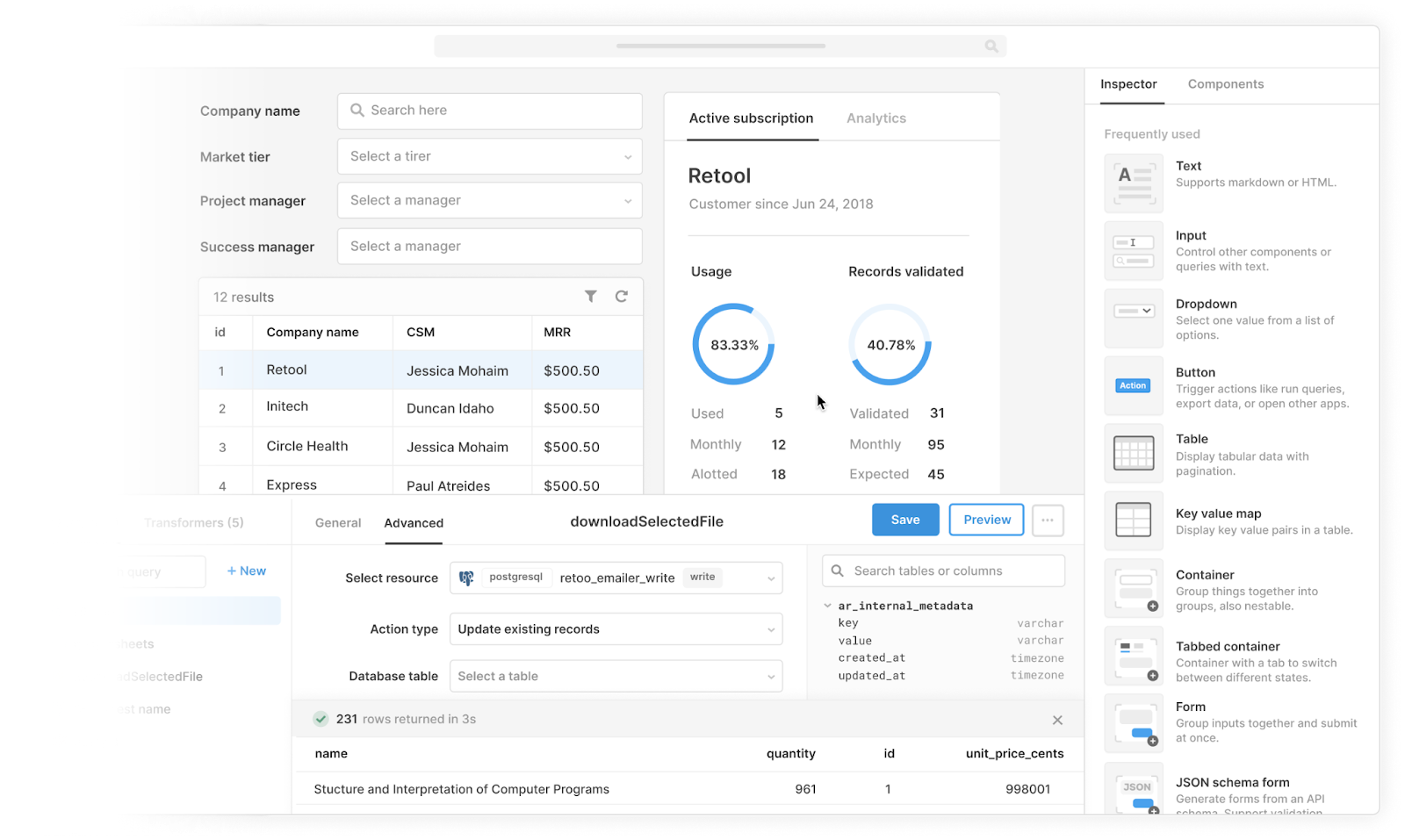
Retool is a low-code internal tool builder that lets teams connect directly to databases, APIs, and third-party services, then assemble applications using a drag-and-drop UI combined with JavaScript logic.
Retool is often considered the default choice for internal tools. It’s built specifically for engineering and ops teams that want to turn production data into usable internal applications as quickly as possible.
Unlike no-code website builders, Retool assumes:
- You already have real data sources.
- You’re comfortable writing queries and logic.
- The app is for internal users, not consumers.
How it works in practice:
- Connect Postgres, MySQL, MongoDB, REST/GraphQL APIs, SaaS tools.
- Write SQL or API queries directly in the editor.
- Bind query results to tables, forms, charts, and controls.
- Add JavaScript logic for transformations, validation, and workflows.
- Control access via user roles and permissions.
Most Retool apps follow a CRUD + workflow pattern: view records, edit data, trigger actions, automate steps.
Key strengths:
- Extremely fast time-to-value for internal CRUD apps.
- Very strong data connectivity.
- Mature component library designed for ops dashboards.
- Reliable at scale for internal users.
Key features:
- Native SQL and API querying.
- Rich UI components (tables, filters, modals, charts).
- Environment support (dev/prod).
- Role-based access control.
- Cloud and self-hosted deployment options.
Pros:
- Best-in-class speed for building internal dashboards.
- Excellent for ops, support, finance, and data teams.
- Huge ecosystem and community knowledge.
Cons:
- Per-user pricing can become expensive at scale.
- App logic can grow messy without discipline.
- Less suited for long-lived, heavily versioned systems without process.
Best for: engineering-led teams that need internal tools now, especially admin panels, support tools, and operational dashboards.
2. UI Bakery
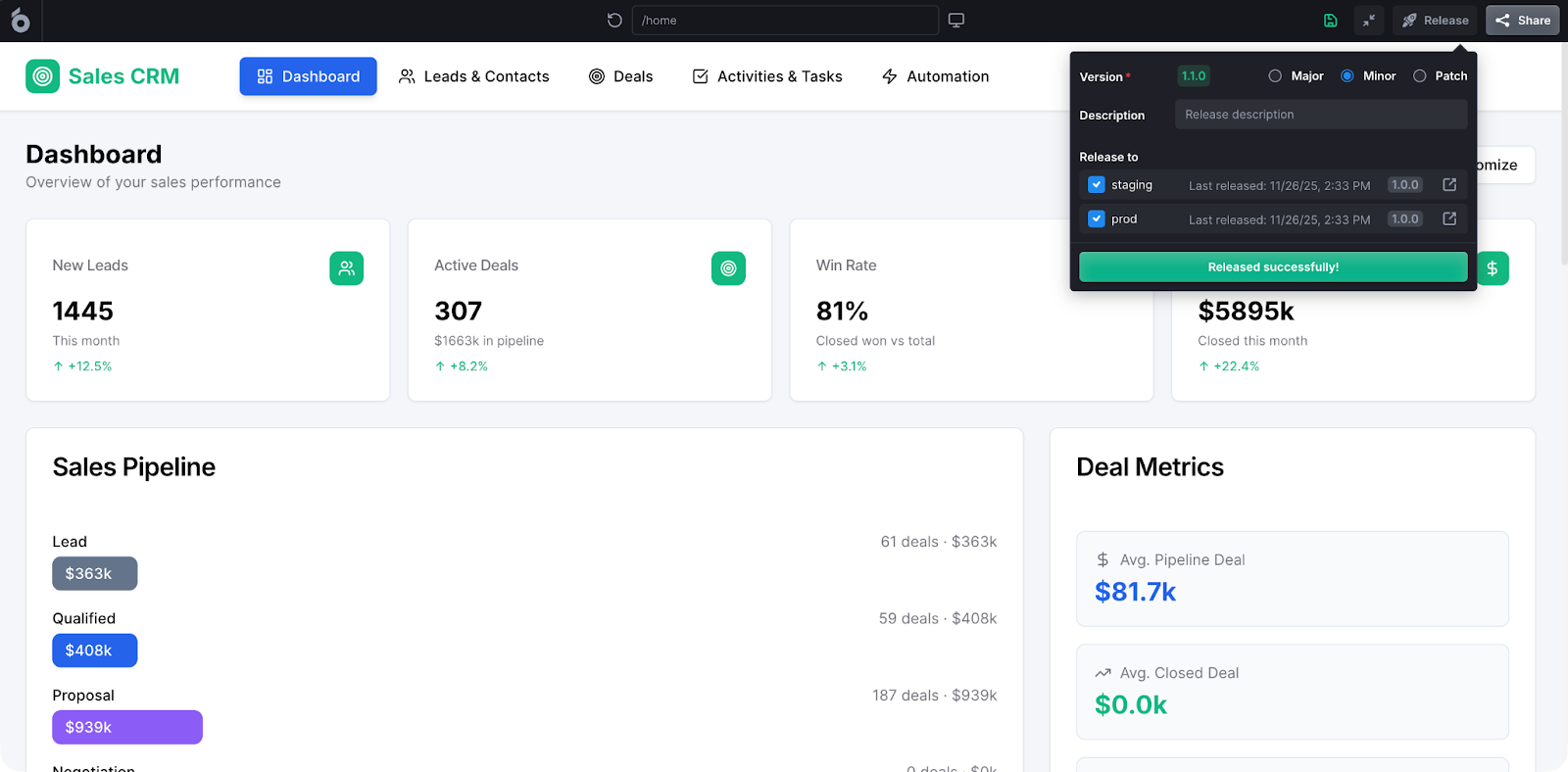
UI Bakery approaches the internal tools problem from a different angle than Retool. Where Retool optimizes for speed above all, UI Bakery optimizes for control, ownership, and long-term maintainability. This AI app generator acts as a full-stack internal app platform designed for teams that want visual speed without sacrificing control.
UI Bakery is a platform for building production-grade internal applications with:
- Live database connections.
- Custom logic.
- Fine-grained permissions.
- Optional self-hosting and on-prem deployment.
How it works in practice:
- Connect directly to production databases and APIs.
- Define queries, mutations, and server-side logic.
- Build UIs visually or extend them with code.
- Manage permissions, environments, and access rules.
- Deploy apps in cloud or private infrastructure.
Unlike simpler builders, UI Bakery emphasizes ownership and maintainability over one-click prototypes.
Key strengths:
- Strong data depth (live DBs, not snapshots).
- Serious governance features.
- Flexible deployment (cloud, self-hosted, on-prem).
- Designed for multi-app internal ecosystems.
Key features:
- Native DB connectors (Postgres, MySQL, MongoDB, etc.).
- Text-to-app generation.
- Role-based access control and permissions.
- Environment separation.
- Full source access for customization.
Pros:
- Excellent balance between speed and control.
- Works well for regulated and security-sensitive teams.
- Scales from small tools to full internal platforms.
Cons:
- Slightly steeper learning curve than pure no-code tools.
- Requires architectural thinking for best results.
Best for: teams building long-term internal systems that must be secure, auditable, and adaptable as the business evolves.
3. Superblocks
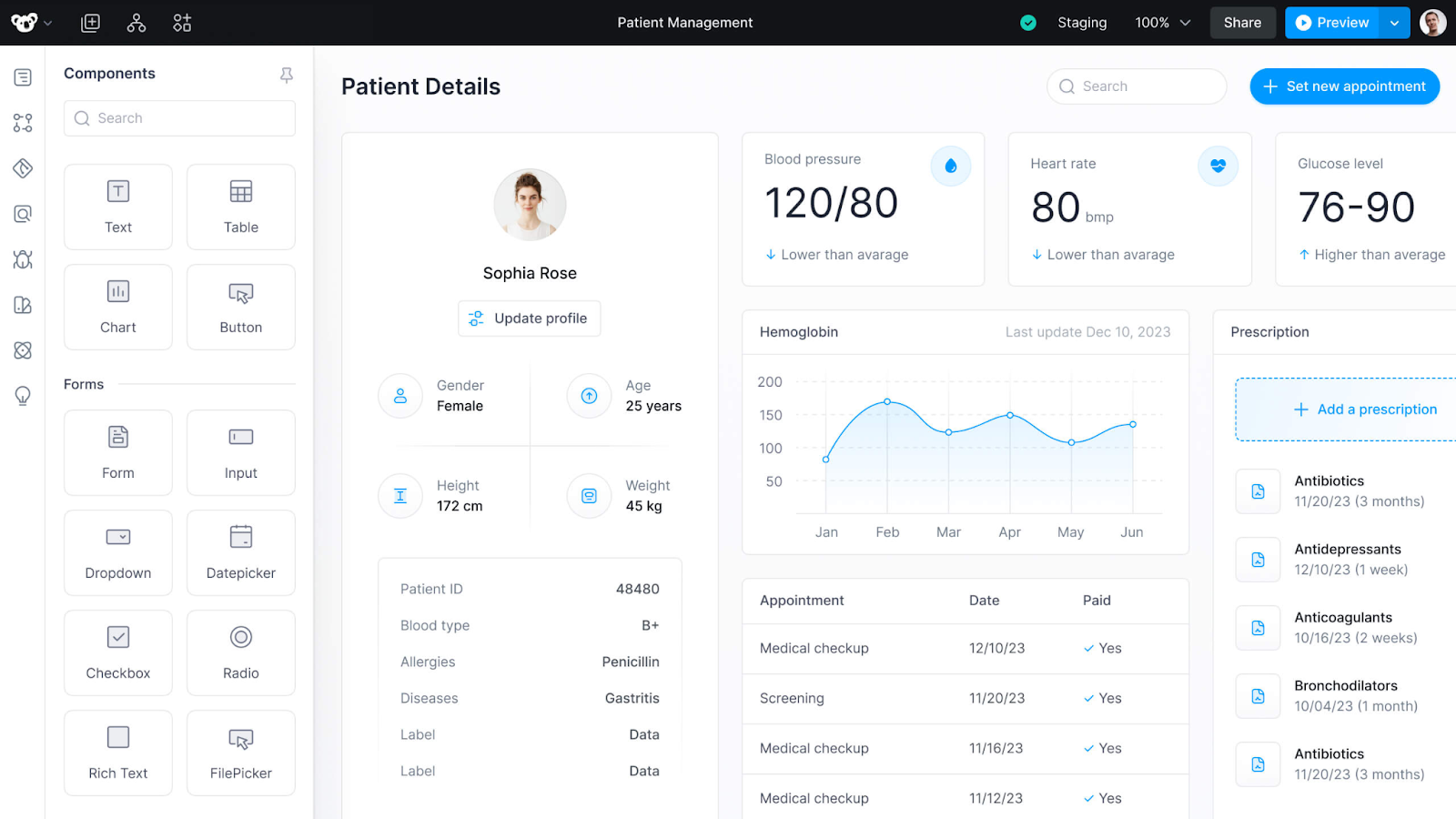
Superblocks is an enterprise-focused internal app platform built around governance, security, and centralized control. It positions itself as an internal app operating system rather than just a builder, that combines:
- UI building.
- Backend workflows.
- Job execution.
- Centralized governance.
This allows teams to combine interfaces, background jobs, and scheduled tasks in a single governed environment. For large organizations, this reduces fragmentation and the proliferation of one-off scripts and tools.
It’s designed for organizations where internal apps are treated like core infrastructure.
How it works in practice:
- Centralized control over data sources and permissions.
- Developers build apps using predefined integrations.
- Admins enforce security, access rules, and environments.
- Apps and jobs are deployed through a governed pipeline.
Key strengths:
- Strong governance and compliance posture.
- Clear separation of builder vs admin roles.
- Designed for large organizations.
Key features:
- Centralized secrets and integrations.
- Environment and permission management.
- Backend jobs and scheduled workflows.
- Enterprise security controls.
Pros:
- Excellent for regulated industries.
- Reduces internal tool sprawl.
- Strong enterprise alignment.
Cons:
- Less flexible for small teams.
- Sales-led pricing and onboarding.
- Overkill for simple dashboards.
Best for: mid-market and enterprise organizations that need strict control over internal tooling.
4. Appsmith
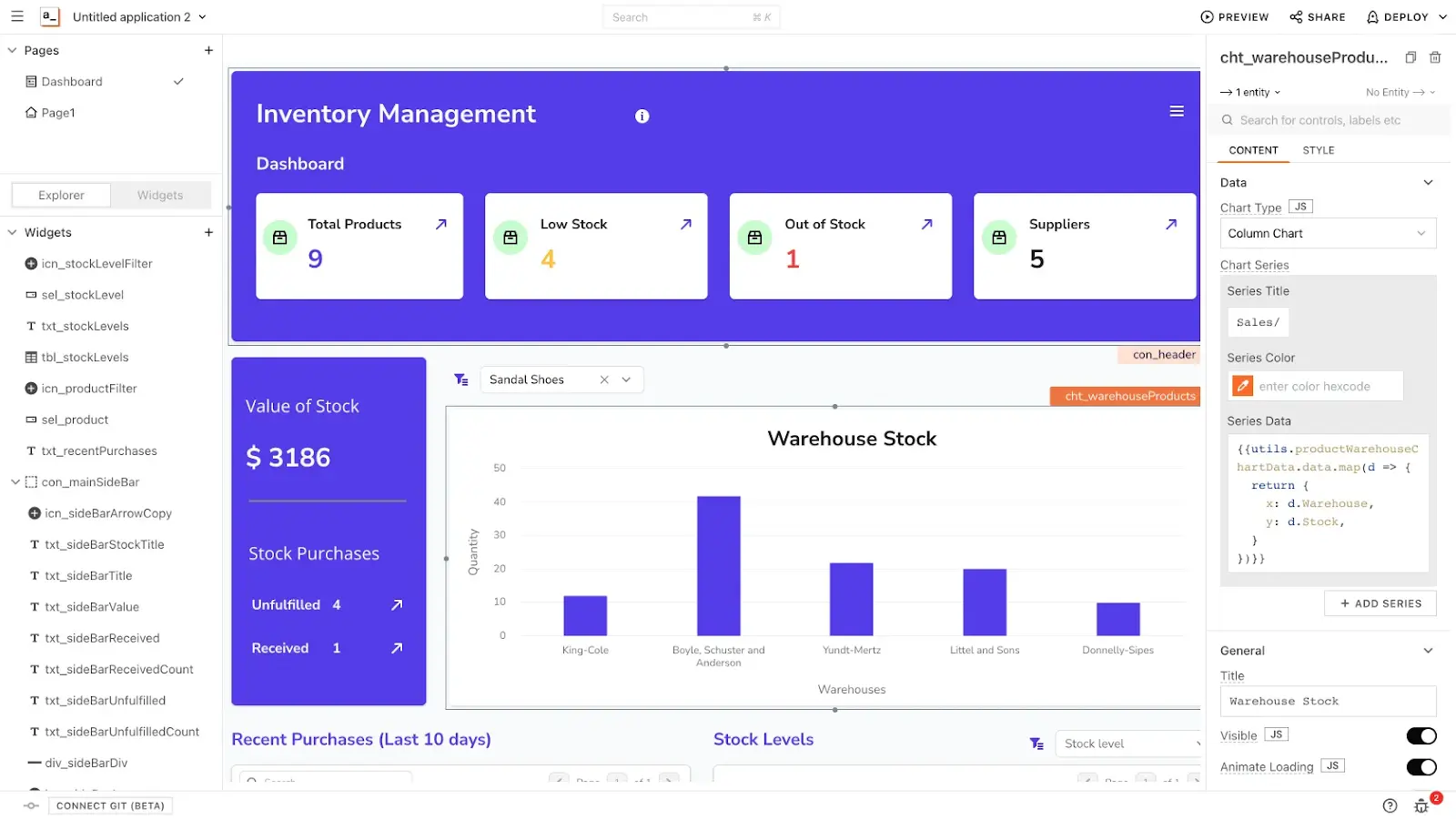
Appsmith is a developer-first, open-source internal tool builder that emphasizes flexibility and cost control. It is often chosen by teams that want Retool-like functionality without full vendor lock-in, while retaining more control over hosting, customization, and long-term costs.
At its core, Appsmith provides a visual UI builder paired with JavaScript logic and direct database or API connections. Developers write queries, bind them to components, and extend behavior using familiar JavaScript patterns. The mental model is similar to building a React-based admin panel, but with significantly less boilerplate.
How it works in practice:
- Self-host or use a managed cloud.
- Write SQL/API queries.
- Bind results to UI components.
- Extend logic with JavaScript.
- Add enterprise features via paid plans.
Key strengths:
- Open-source foundation.
- Strong developer ergonomics.
- Predictable pricing compared to proprietary tools.
Key features:
- SQL and API integrations.
- JS logic and transformations.
- Role-based access (paid tiers).
- Audit logs and SSO (enterprise).
Pros:
- Great value for engineering teams.
- Easier to customize deeply.
- Active open-source community.
Cons:
- UI polish can require extra work.
- Enterprise features gated behind paid plans.
Best for: engineering teams that want control, extensibility, and open-source guarantees.
5. ToolJet
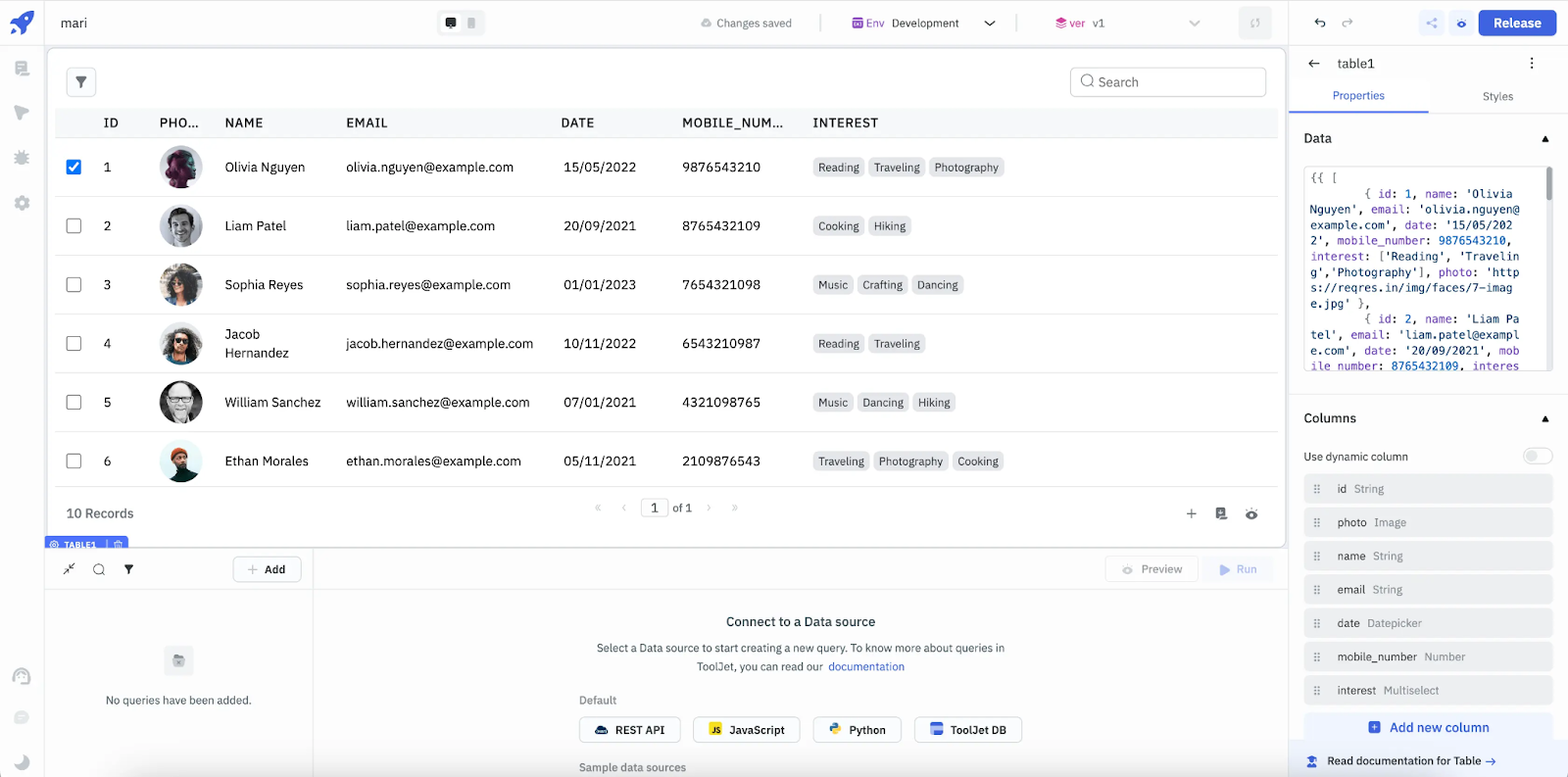
ToolJet is an open-source internal tool platform focused on accessibility, self-hosting, affordability, and fast onboarding. It targets teams that want to replace spreadsheets, scripts, and basic admin interfaces without investing heavily in custom development.
ToolJet provides a visual builder for assembling dashboards, forms, and CRUD interfaces connected to databases and APIs. Like Appsmith, it allows JavaScript logic for custom behavior, but its overall approach is intentionally simpler and more opinionated. It’s often chosen by startups and small teams.
How it works in practice:
- Connect databases and APIs.
- Build UI with drag-and-drop components.
- Add JS logic for actions.
- Deploy internally or in ToolJet Cloud.
Key strengths:
- Strong cost-to-value ratio.
- Open-source transparency.
- Easy entry point.
Key features:
- Native DB and API connectors.
- Role-based access.
- Cloud and self-hosted deployment.
Pros:
- Extremely fast development speed.
- Native support for SQL + APIs without building adapters or middleware, reducing backend work dramatically.
- Mature UI component library (tables, filters, charts, modals, and actions are designed for operational use, which means less custom styling and more functionality out of the box).
- Reactive data binding. When queries finish, UIs update in real time. No manual state management boilerplate.
- Role-based access and production/dev environments and RBAC, which is essential once tools are used across teams.
Cons:
- App logic can become messy if not disciplined.
- Not ideal as a long-term engineering platform.
- Limited custom UI freedom – while customizable, it’s not built for rich, consumer-grade UX, internal usability is the priority.
Best for: small to mid-sized teams building internal tools on a budget.
FAQ
1. What is the best internal tool platform in 2026?
There’s no single best option. Retool and UI Bakery lead for production internal apps, while Appsmith and ToolJet are strong open-source alternatives.
2. Which platform is best for enterprise internal tools?
Superblocks and UI Bakery are best suited for enterprise environments with governance and compliance needs.
3. Are open-source internal tool platforms production-ready?
Yes. Appsmith and ToolJet are widely used in production, especially by engineering-led teams.
4. Can these tools replace custom internal apps?
In many cases, yes – especially for CRUD, dashboards, and workflows. Highly specialized logic may still require custom services.
5. How do I choose the right platform?
Base your decision on data complexity, governance requirements, hosting needs, and team skill level.
Next step
Planning a HIPAA-sensitive internal app?
Use the checklist above to map data flow, roles, audit events, vendors, and deployment decisions before the first production workflow ships.
Healthcare operations example
Action Behavior Centers scaled internal operations across clinics with UI Bakery
For a real operational example, review UI Bakery customer stories and healthcare operations patterns.
5,000+users supported in the customer story
400+clinics mentioned in the case study



"The UI Bakery platform offers a cost-effective approach to creating applications. With UI Bakery, you can achieve your app development goals without breaking the bank."

"Before switching to UI Bakery we developed a number of apps within the Retool system. The Retool system was good but ultimately did not have the flexibility and feature sets that we required."
Check the Story