

Top No-Code AI Platforms in 2026: In-Depth Tool Overview

Updated:
January 16, 2026
No-code AI platforms have entered a new phase.
In 2026, they are no longer simple tools for prototypes, chatbots, or basic automations. Modern no-code AI platforms are now capable of building production-ready applications, autonomous AI agents, and data-driven internal systems that previously required full engineering teams.
Organizations now use no-code AI platforms to:
- Replace spreadsheet-based workflows
- Build internal dashboards and admin panels
- Deploy AI agents that reason over data and take action
- Launch customer-facing apps without traditional development cycles
This guide provides a comprehensive, practical overview of the best no-code AI platforms available in 2026, how they work, and how to choose the right one based on real business requirements.
What are no-code AI platforms?
No-code AI platforms allow users to build applications, workflows, and AI-powered systems without writing code, using a combination of:
- Visual builders (UI, logic, data)
- Pre-built components and templates
- AI-powered generation and orchestration
- Managed infrastructure for deployment, scaling, and security
In 2026, the most advanced no-code AI platforms go beyond UI generation. They enable users to create AI agents—systems that can reason, interact with data, trigger workflows, and operate continuously inside real business processes.
No-code AI platforms vs no-code AI agent platforms
While the terms are often used interchangeably, there is an important distinction.
No-code AI app builder platforms
These platforms focus on:
- Generating user interfaces
- Connecting data sources
- Adding AI features (chat, text generation, classification)
They are ideal for building:
- Forms
- Dashboards
- Portals
- Simple business apps
No-code AI agent platforms
These platforms introduce autonomous AI behavior:
- Agents reason over data
- Execute multi-step workflows
- Interact with external systems
- Make decisions based on context
They are used for:
- Internal operations tools
- Data-heavy workflows
- Process automation
- Enterprise-grade applications
In 2026, the fastest-growing platforms combine both approaches.
How modern no-code AI platforms work
Most no-code AI platforms follow a similar high-level architecture:
1. Data modeling and integration
Users define data structures visually or connect existing sources:
- SQL databases
- APIs
- SaaS tools
- Spreadsheets
Relationships, permissions, and constraints are configured without code.
2. Interface generation
Apps are built using:
- Drag-and-drop components
- Pre-designed layouts
- AI-generated UI based on intent
Interfaces are responsive and role-aware by default.
3. Logic and workflows
Business logic is created using:
- Visual workflow builders
- Conditional rules
- Event-driven triggers
- AI-assisted logic generation
4. AI agent layer (advanced platforms)
AI agents:
- Observe data changes
- Interpret user intent
- Execute actions across systems
- Continuously improve through feedback
5. Deployment and governance
Platforms handle:
- Hosting and scaling
- Authentication and RBAC
- Security and compliance
- Versioning and environments
5 best no-code AI platforms in 2026
1. Airtable
Category: AI-native data and workflow platform
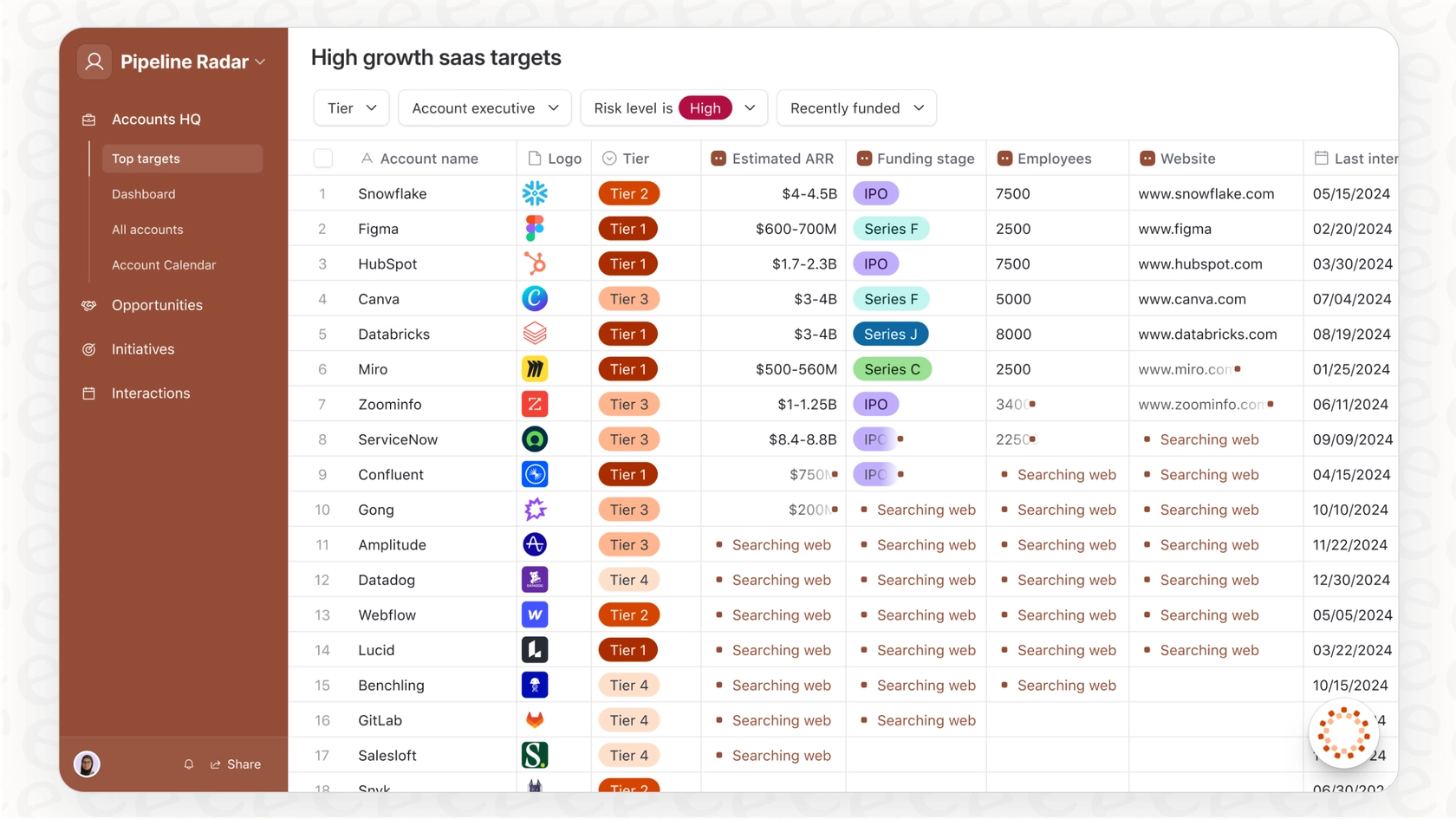
Airtable is best understood in 2026 as a data-first no-code AI platform rather than an app builder in the traditional sense. Its core strength lies in structured data modeling combined with increasingly powerful AI-driven workflows and agents.
At the foundation, Airtable provides a highly flexible relational data layer that supports complex schemas, relationships, and large record volumes. On top of this data layer, users build applications using Interfaces, which expose curated views, forms, dashboards, and workflows tailored to different roles. These interfaces are not generic UI shells — they are deeply tied to data permissions and operational context.
The introduction of Omni, Airtable’s conversational AI builder, significantly changed how applications are created. Users can now describe workflows, automations, and even entire internal tools in natural language. AI agents can enrich records, classify data, generate summaries, trigger actions, and operate across thousands or millions of rows without manual configuration.
Airtable excels in environments where data consistency, scale, and operational rigor matter more than custom UI freedom. It is widely used by operations, marketing ops, finance, and analytics teams that need reliable internal systems without building custom software.
However, Airtable is not ideal for highly customized application interfaces or complex interaction logic. UI flexibility is intentionally constrained to preserve data integrity and governance. Teams looking to build bespoke internal software with unique workflows often hit these limits.
Best suited for: Large teams, data-centric operations, enterprise workflows, organizations standardizing internal tooling around structured data.
2. UI Bakery
Category: No-code AI agent platform for internal applications
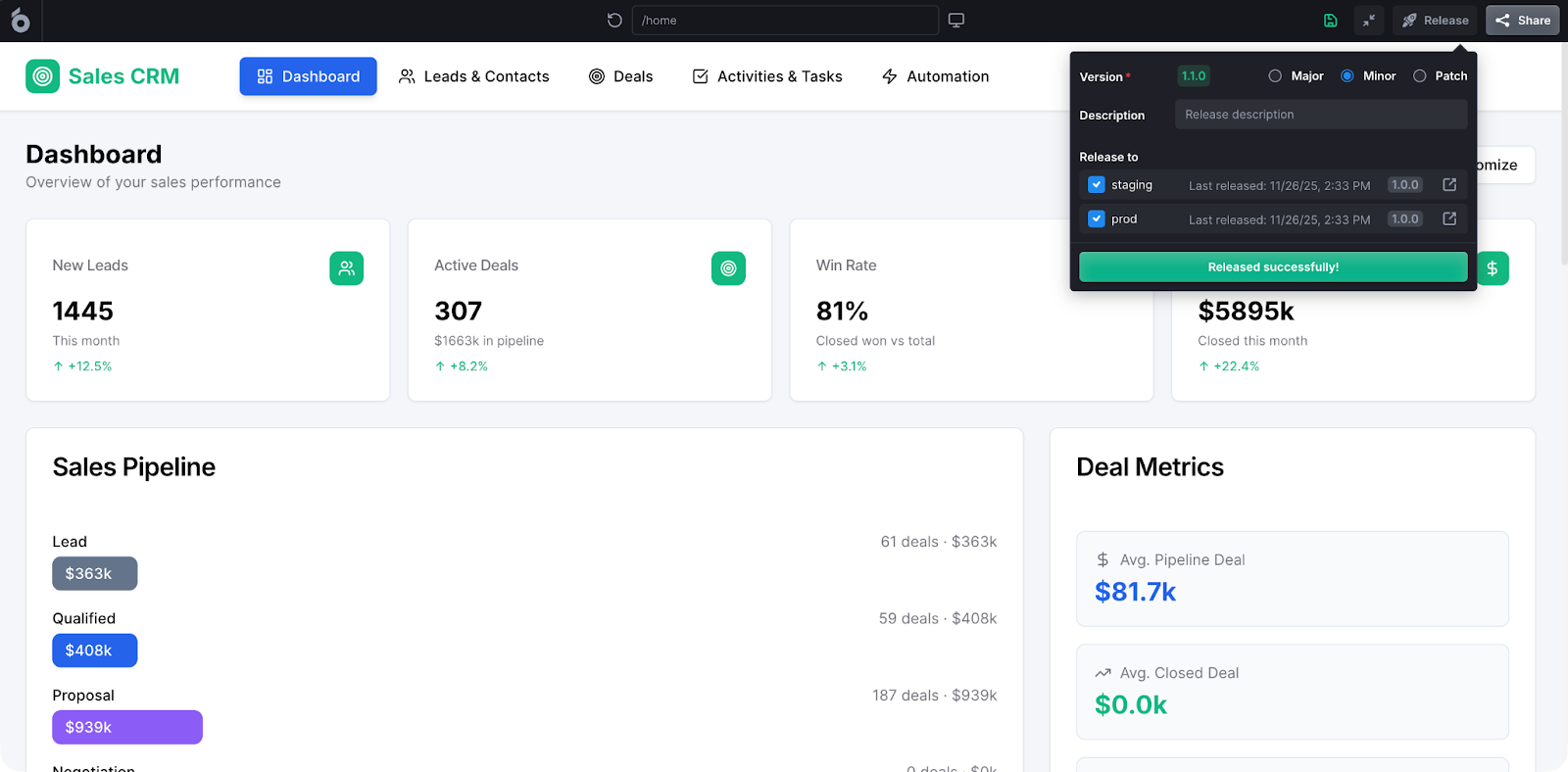
UI Bakery is designed around a very specific thesis: internal business software should be generated, not hand-built. In 2026, it stands out as one of the few platforms where an AI Agent is the primary builder, not an accessory.
Unlike data-first tools, UI Bakery starts from the concept of an application. Its AI Agent understands how internal tools are structured: databases, CRUD operations, permissions, workflows, and integrations. When generating an app, the agent reasons about the entire system – not just the UI.
This allows UI Bakery to produce:
- Admin panels connected to real databases
- Data management tools with validation and permissions
- Operational dashboards with live data
- Workflow-driven internal apps (approvals, reviews, audits)
A defining strength is that UI Bakery treats AI as a long-lived participant. The agent can modify existing apps, extend logic, adapt schemas, and evolve workflows as requirements change. This makes it suitable for internal tools that grow over time rather than disposable prototypes.
UI Bakery also addresses enterprise realities directly: role-based access control, secure data connections, on-prem or private deployment, and auditability. These features are critical for internal software but often missing in lighter no-code platforms.
Where UI Bakery is less suitable is customer-facing consumer apps or design-heavy marketing experiences. It is intentionally optimized for internal operations, not branding-driven products.
Best suited for: Internal tools, admin panels, ops dashboards, data teams, enterprises replacing spreadsheets, legacy internal systems, or Retool-style apps with an AI-first approach.
3. Bubble
Category: Visual full-stack web application builder
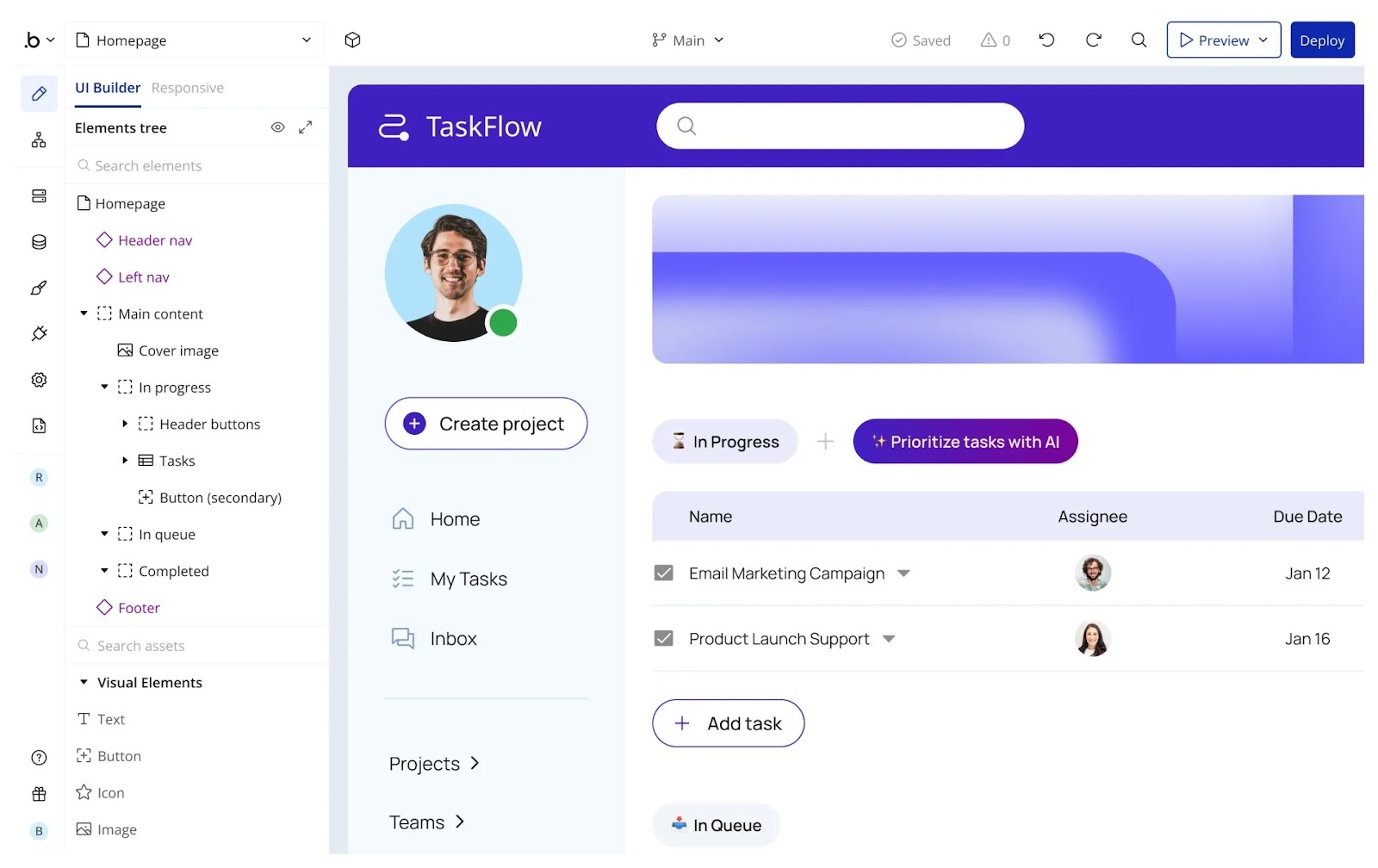
Bubble is one of the most flexible no-code platforms available, and in 2026 it remains a go-to choice for teams building custom web applications without traditional development.
Bubble provides a visual editor that combines frontend design, backend logic, and database management into a single environment. Users can define data schemas, design complex workflows, handle authentication, and deploy full web applications — all without writing code.
AI features introduced in recent years help accelerate initial scaffolding, logic generation, and iteration. However, Bubble’s AI is primarily assistive, not agentic. It speeds up building, but ongoing behavior and system evolution remain manual.
The platform’s greatest strength is freedom. Bubble allows teams to build almost any interaction pattern, which makes it popular for SaaS products, marketplaces, and highly customized web tools. This flexibility comes at a cost: performance tuning, scalability, and maintainability depend heavily on how the app is designed.
Large Bubble apps often require experienced builders to avoid architectural pitfalls. Without discipline, applications can become slow or fragile at scale.
Best suited for: Startups, founders, SaaS MVPs, customer-facing web apps requiring custom UI and interaction logic.
4. Replit
Category: Conversational AI app generation
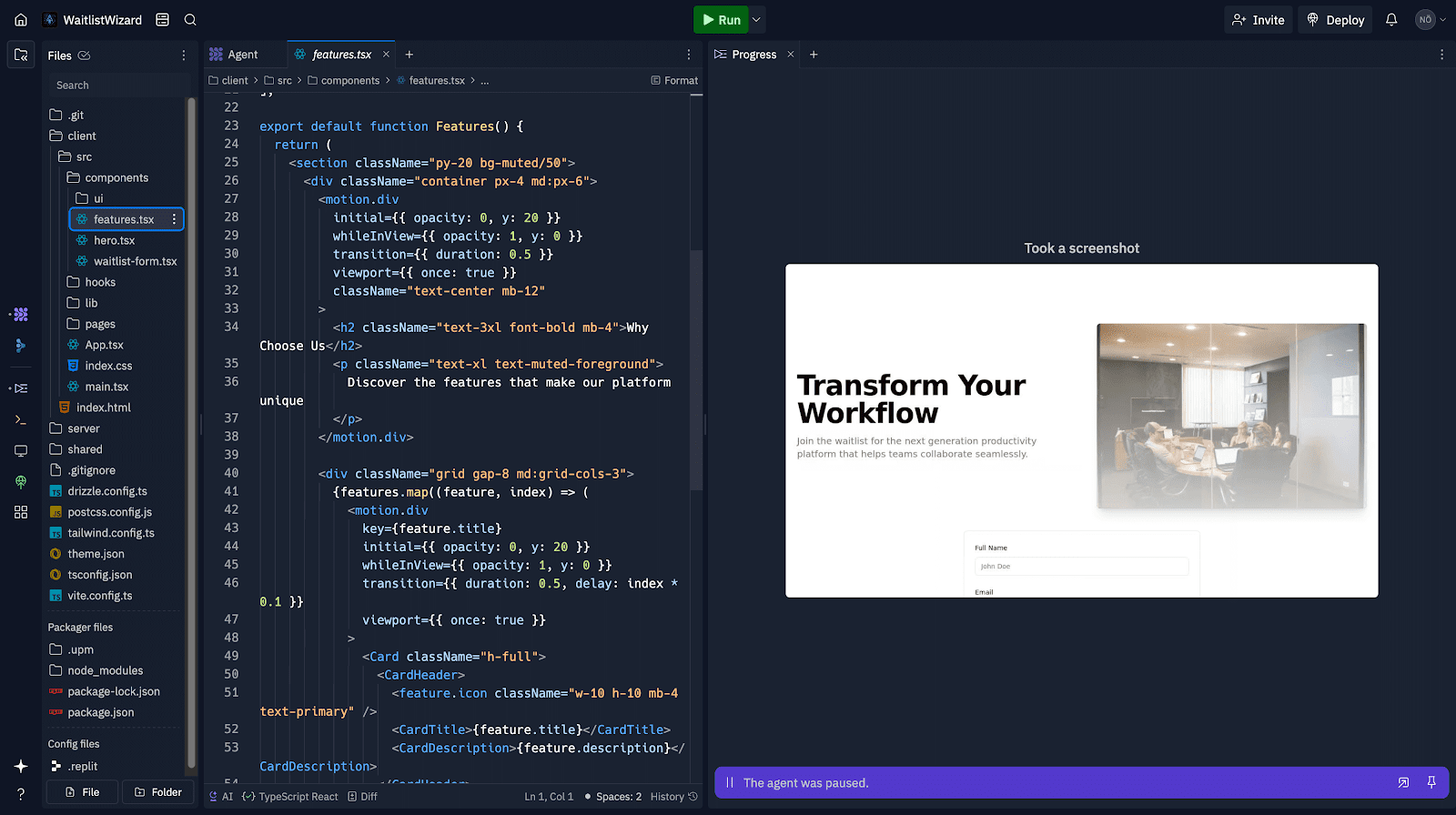
Replit approaches no-code AI from a different angle: conversation instead of visual modeling. Users collaborate with an AI agent that generates applications based on natural language instructions.
The agent can scaffold frontend and backend code, set up databases, manage authentication, and deploy the application automatically. This makes Replit extremely fast for experimentation and prototyping. Users describe intent, refine outputs through feedback, and iterate rapidly.
Replit’s strength lies in speed and accessibility. It lowers the barrier for building full-stack apps to almost zero. However, this comes with trade-offs. Governance, permissions, and long-term maintainability are weaker than in platforms designed specifically for business applications.
Replit is best treated as a rapid ideation and experimentation platform, not a system of record for internal enterprise software. Teams often outgrow it once requirements around compliance, RBAC, or structured operations appear.
Best suited for: Prototyping, experimentation, developer-adjacent teams, quick proofs of concept.
5. Glide
Category: Data-driven mobile and lightweight internal apps
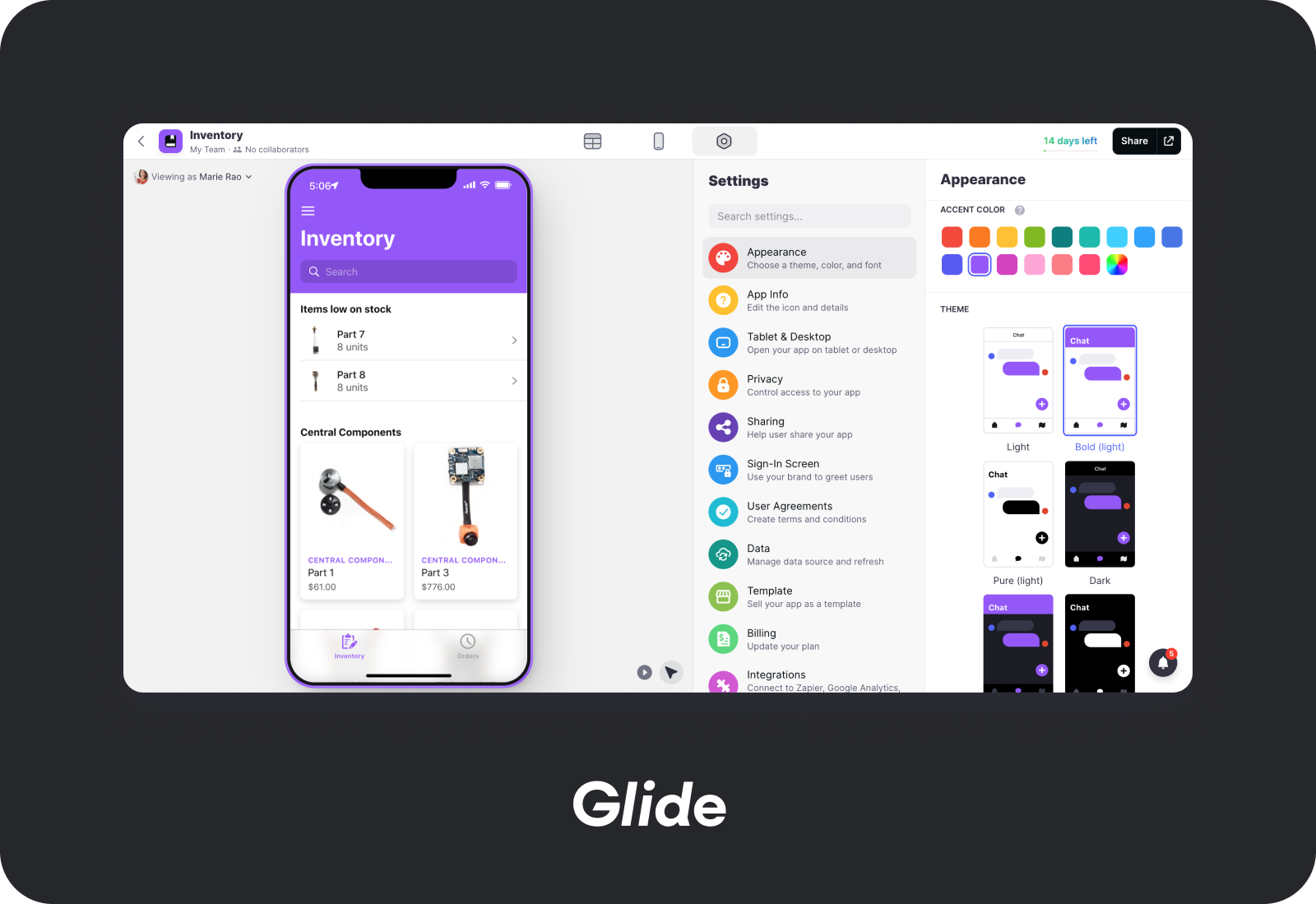
Glide focuses on transforming existing data – especially spreadsheets – into polished applications. Its strength lies in simplicity and speed rather than depth.
Users connect data sources such as Google Sheets, Excel, or Airtable, then use Glide’s visual builder to create mobile or web apps. AI features assist with data interpretation, layout suggestions, and content generation.
Glide apps are well-suited for small teams that need functional tools quickly: inventory trackers, field apps, simple dashboards, and internal utilities. However, Glide intentionally limits complexity. Advanced workflows, deep permissions, and complex backend logic are outside its scope.
Best suited for: Small teams, lightweight internal apps, mobile-first tools, spreadsheet-driven workflows.
No-Code AI Platforms: Comparison Tables & Decision Frameworks
High-level comparison: no-code AI platforms at a glance
Decision framework #1: What are you building?
1️⃣ Internal tools & operations software
Examples:
- Admin panels
- Approval workflows
- Data management tools
- Ops dashboards
Best fit:
- UI Bakery
- Airtable
Why: These tools understand permissions, databases, and long-lived internal workflows.
2️⃣ Customer-facing web applications
Examples:
- SaaS products
- Marketplaces
- Custom portals
Best fit:
- Bubble
Why: You need UI flexibility, interaction control, and product-oriented customization.
3️⃣ Rapid prototypes & experimentation
Examples:
- Proofs of concept
- Hackathon projects
- Early idea validation
Best fit:
- Replit
Why: Fastest path from idea → running app, minimal structure.
4️⃣ Lightweight internal or mobile apps
Examples:
- Field tools
- Inventory trackers
- Simple dashboards
Best fit:
- Glide
Why: Optimized for speed and simplicity over complexity.
Decision framework #2: Who is building and maintaining the app?
Decision framework #3: How “alive” does the system need to be?
Ask this question: Does the app need to do work without user interaction?
If the answer is “yes”, tools without an agent layer will hit limits quickly.
Decision framework #4: Data & governance requirements
Platforms strongest here:
- UI Bakery
- Airtable
Practical buyer cheat sheet
- Choose Airtable if your world revolves around structured data and workflows at scale.
- Choose UI Bakery if you need AI to build and maintain real internal applications.
- Choose Bubble if you’re building a product and need UI freedom.
- Choose Replit if speed matters more than structure.
- Choose Glide if you want simple tools from spreadsheets - fast.
Next step
Planning a HIPAA-sensitive internal app?
Use the checklist above to map data flow, roles, audit events, vendors, and deployment decisions before the first production workflow ships.
Healthcare operations example
Action Behavior Centers scaled internal operations across clinics with UI Bakery
For a real operational example, review UI Bakery customer stories and healthcare operations patterns.
5,000+users supported in the customer story
400+clinics mentioned in the case study




"The UI Bakery platform offers a cost-effective approach to creating applications. With UI Bakery, you can achieve your app development goals without breaking the bank."

"Before switching to UI Bakery we developed a number of apps within the Retool system. The Retool system was good but ultimately did not have the flexibility and feature sets that we required."
Check the Story