

Best AI Tools for Business in 2026: Complete List by Use Case

Updated:
June 25, 2026
The best AI tools for business depend on the workflow you need to improve. Most teams do not need one all-purpose AI platform. They need a practical stack: an AI assistant for reasoning and drafting, an automation tool for repeatable workflows, research tools for knowledge work, coding tools for software teams, and internal app builders for operational systems connected to real business data.
For many teams, that stack might look like this: ChatGPT or Claude for thinking and drafting, Perplexity or NotebookLM for research, Zapier or n8n for automation, Cursor or GitHub Copilot for development, and UI Bakery for building internal AI-powered apps, dashboards, admin panels, and workflows on top of databases and APIs.
The big shift in 2026 is simple: AI tools are no longer just places where employees ask questions. The most useful AI tools now connect into business systems, trigger workflows, summarize operational data, support human approvals, and help teams ship custom software faster.
Quick comparison: the best AI tools for business
How we selected these tools
This list focuses on business usefulness, not novelty. A tool earned a place if it helps teams do at least one of these things: save time on recurring work, improve decision-making, automate a business process, build software faster, support customers, analyze data, or create a structured workflow around AI output.
We weighted five criteria:
- Business fit: does the tool solve a real team workflow?
- Adoption: is it credible enough for business users or technical teams?
- Integration depth: can it connect with existing tools, data, or workflows?
- Control: does it support review, governance, permissions, or team use?
- Practical tradeoffs: is the tool clear about what it can and cannot do?
Pricing changes often in AI. Treat the pricing notes in this article as directional and verify each vendor's current pricing page before purchasing.
Best AI assistants for business
ChatGPT
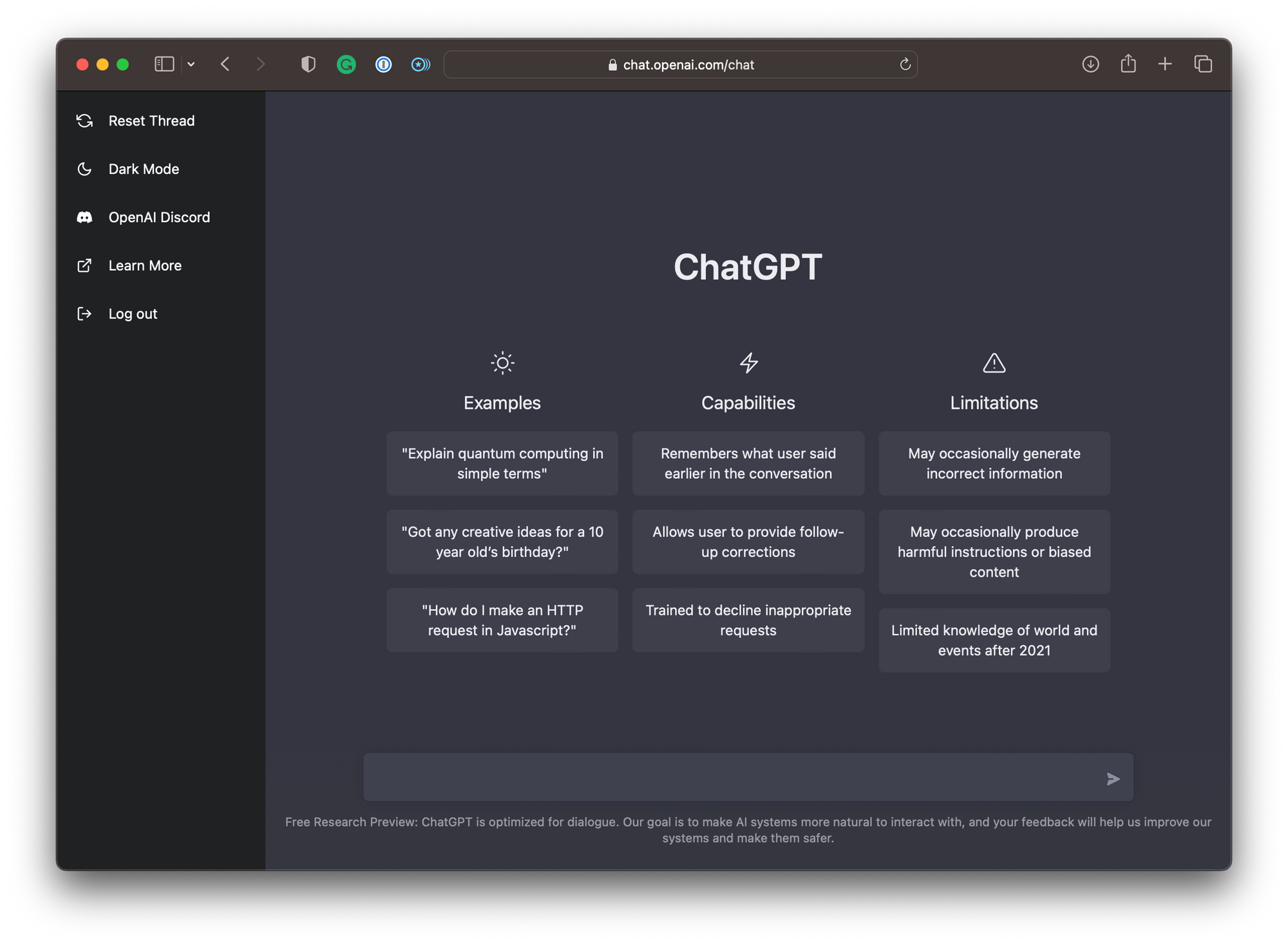
ChatGPT is the most recognizable general-purpose AI assistant for business teams. It is useful for drafting, brainstorming, summarizing, analysis, coding help, spreadsheet reasoning, and everyday knowledge work.
Best for: teams that want one flexible AI assistant for many tasks.
Strengths:
- broad use case coverage;
- strong ecosystem;
- good fit for writing, ideation, coding support, and analysis;
- easy for non-technical teams to adopt.
Limitations:
- it is not a workflow system by itself;
- business data access needs careful setup;
- teams still need policies around data sharing, review, and usage.
Choose ChatGPT if you need a flexible AI assistant that most employees can start using quickly. Do not expect it to replace your workflow tools, dashboards, or internal systems on its own.
Claude
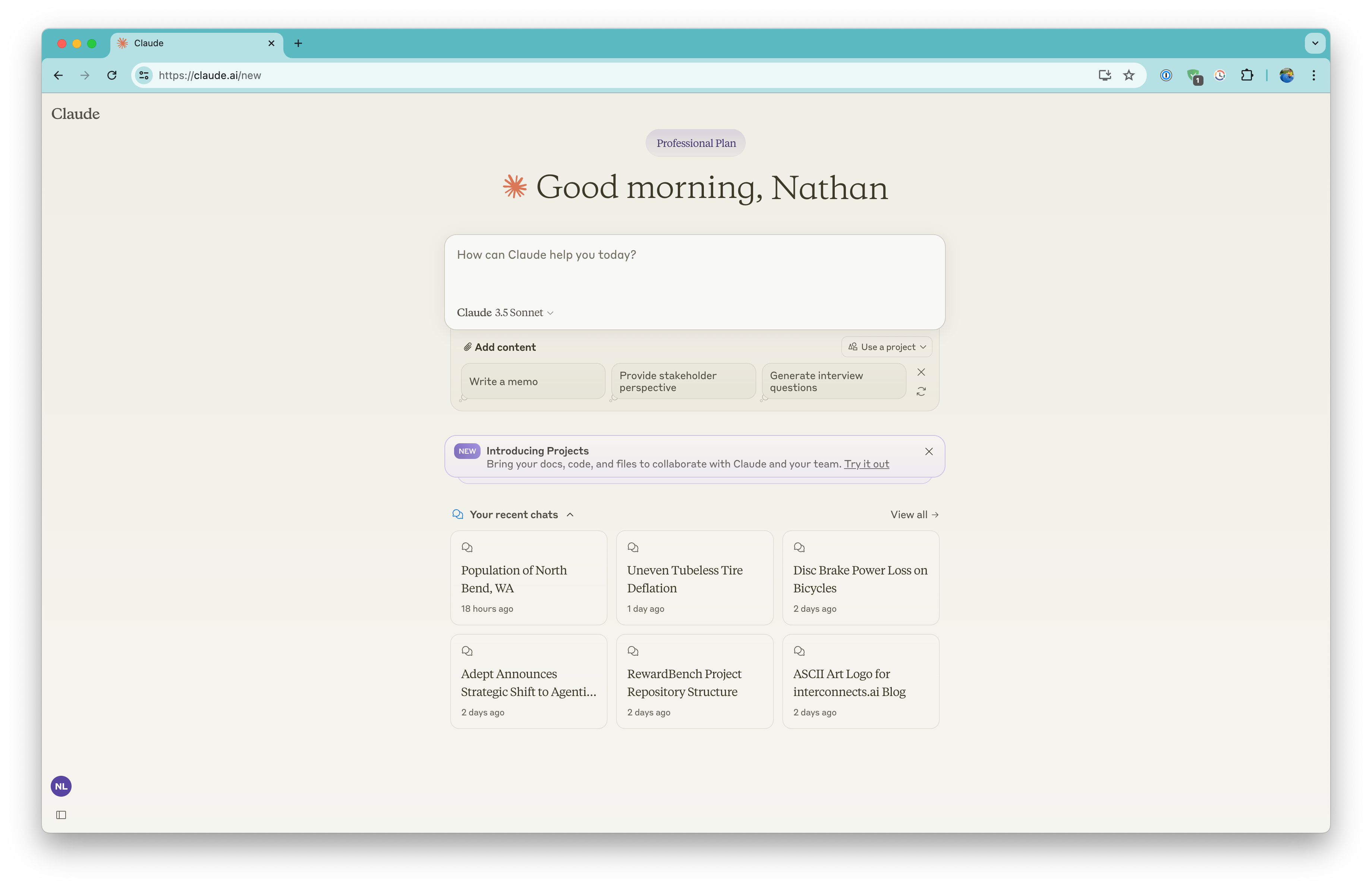
Claude is strong for long-form reasoning, structured writing, document analysis, and strategy work. It is often a good fit for teams that need thoughtful writing, policy drafts, technical explanations, research synthesis, and careful document review.
Best for: long-context work, structured thinking, and high-quality writing.
Strengths:
- strong long-form output;
- good at turning messy notes into structured documents;
- useful for strategy, operations, product, and technical writing.
Limitations:
- like ChatGPT, it needs integrations or a surrounding workflow layer for operational use cases;
- power users should watch usage limits and plan changes.
Gemini
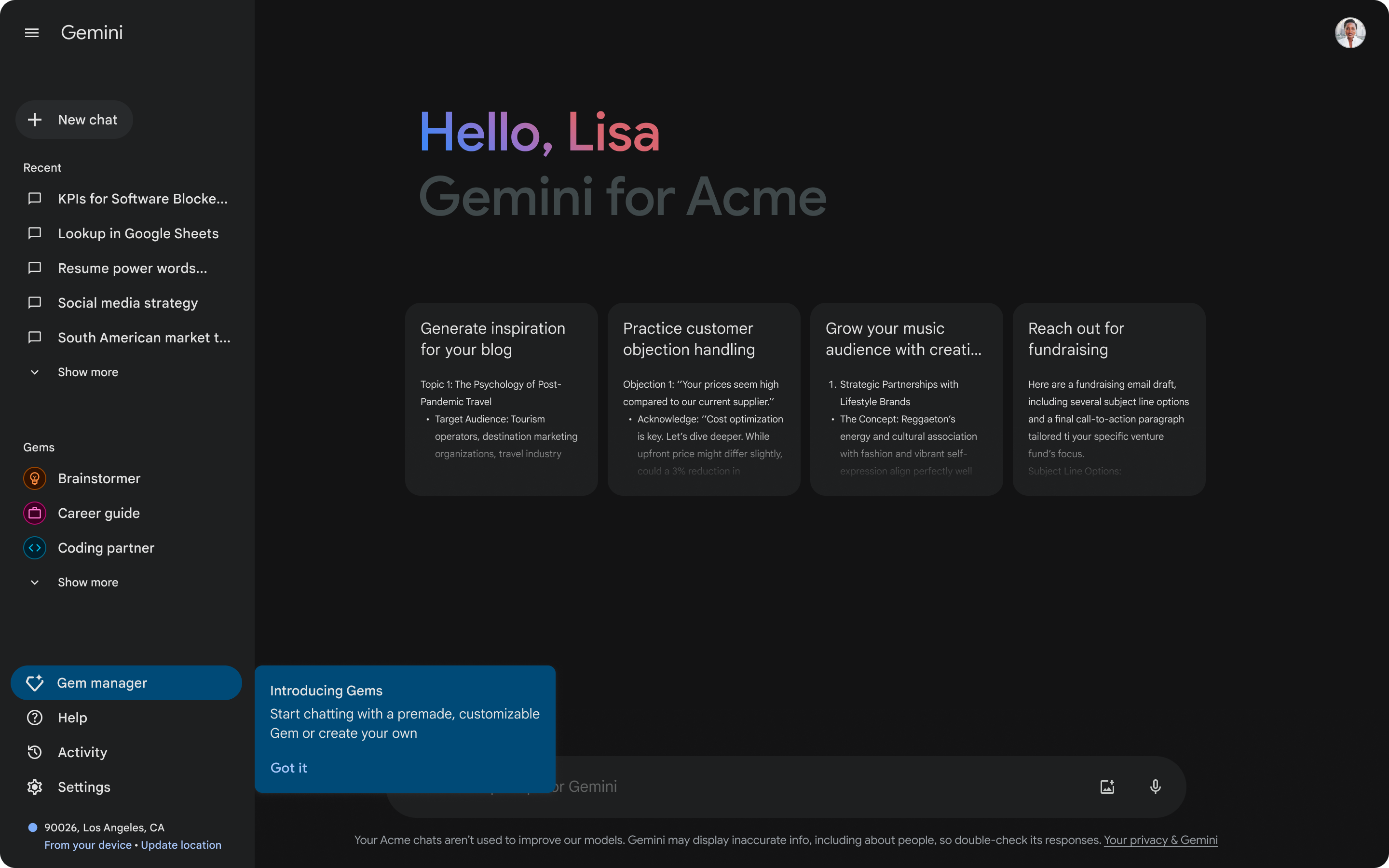
Gemini is most useful for companies already deep in the Google ecosystem. Its business value is strongest when employees work heavily in Google Docs, Gmail, Sheets, Slides, Drive, and Meet.
Best for: Google Workspace-heavy teams.
Strengths:
- natural fit for Google productivity workflows;
- useful for document, email, and spreadsheet assistance;
- familiar interface for teams already using Google tools.
Limitations:
- less compelling if your company does not rely on Google Workspace;
- still needs workflow and app layers for custom business processes.
Best AI tools for research and knowledge work
Perplexity
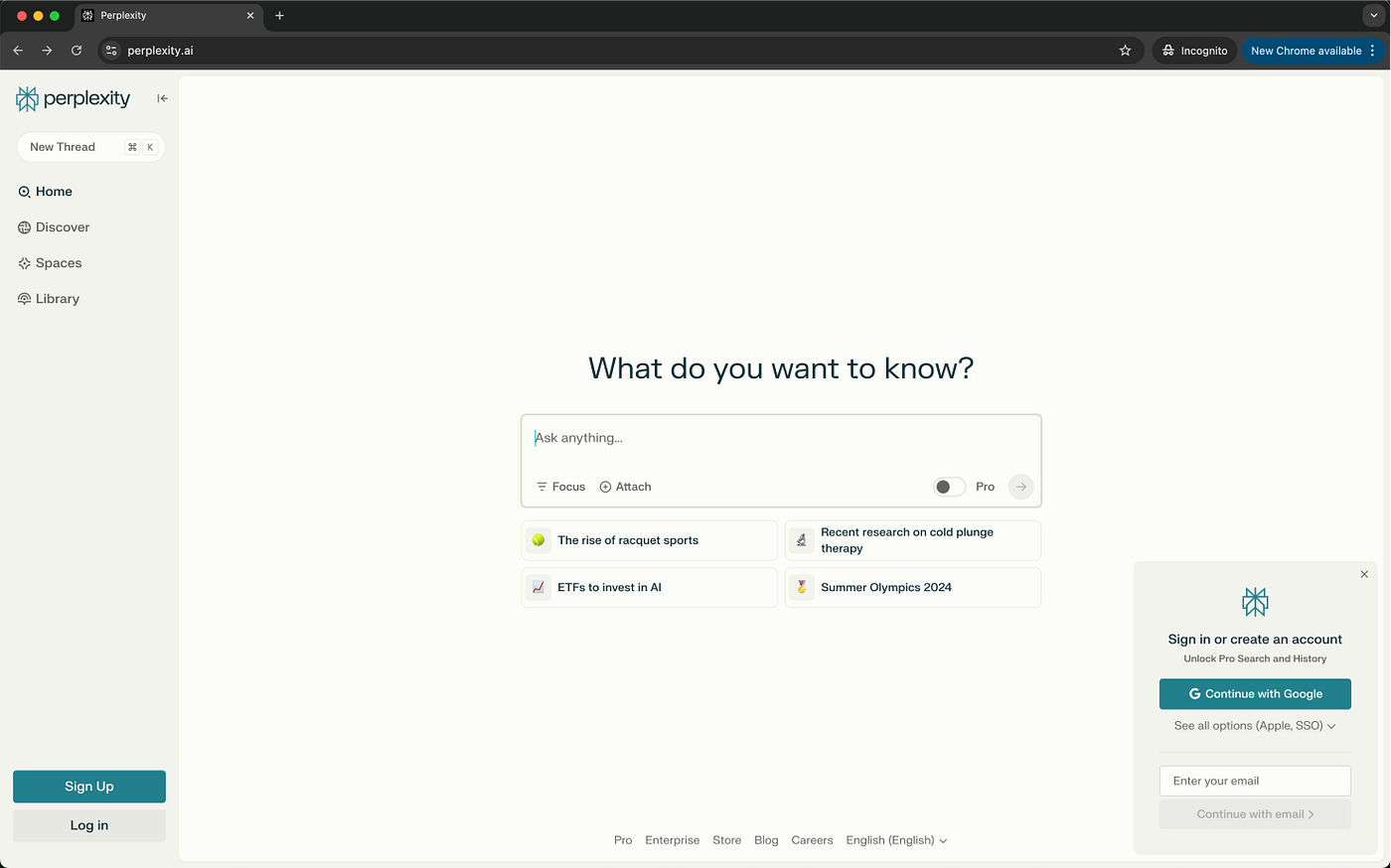
Perplexity is useful when teams need fast research with source links. It works well for market research, competitive scans, vendor discovery, early topic research, and quick fact-finding.
Best for: research with citations and fast synthesis.
Strengths:
- strong for web-backed answers;
- useful for first-pass research;
- helps teams move faster than traditional search for many questions.
Limitations:
- not every source is equally authoritative;
- teams still need to verify important claims;
- it does not replace a knowledge management system.
NotebookLM
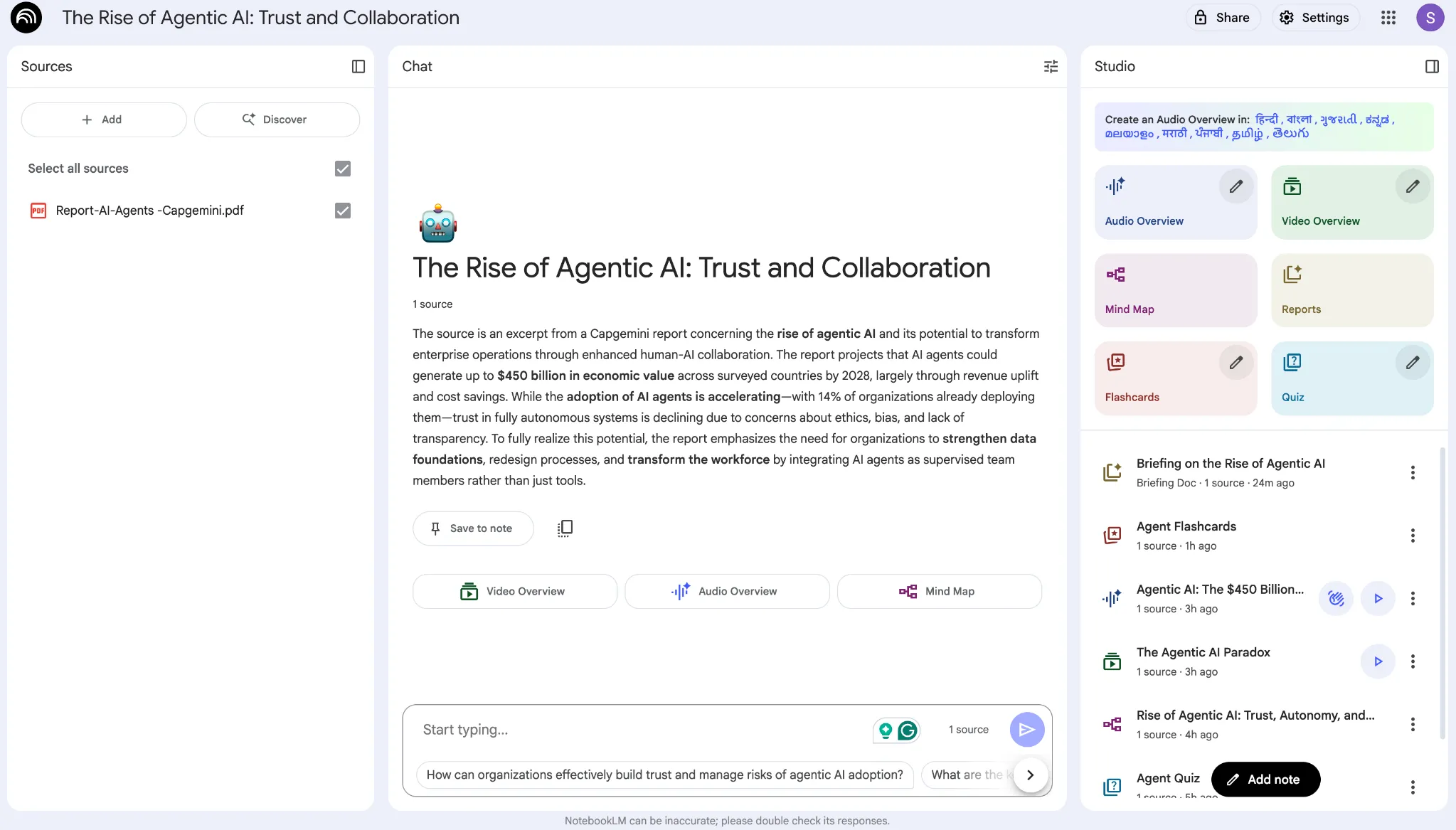
NotebookLM is strongest when the source material is already known: documents, reports, notes, PDFs, transcripts, or internal research collections. Instead of searching the open web, it helps users work with a defined knowledge set.
Best for: summarizing and questioning known documents.
Strengths:
- useful for document-heavy teams;
- good for briefings, report analysis, and source-grounded summaries;
- easy for non-technical users.
Limitations:
- less useful as a general workflow tool;
- quality depends on the uploaded or connected materials.
Best AI automation tools
Zapier
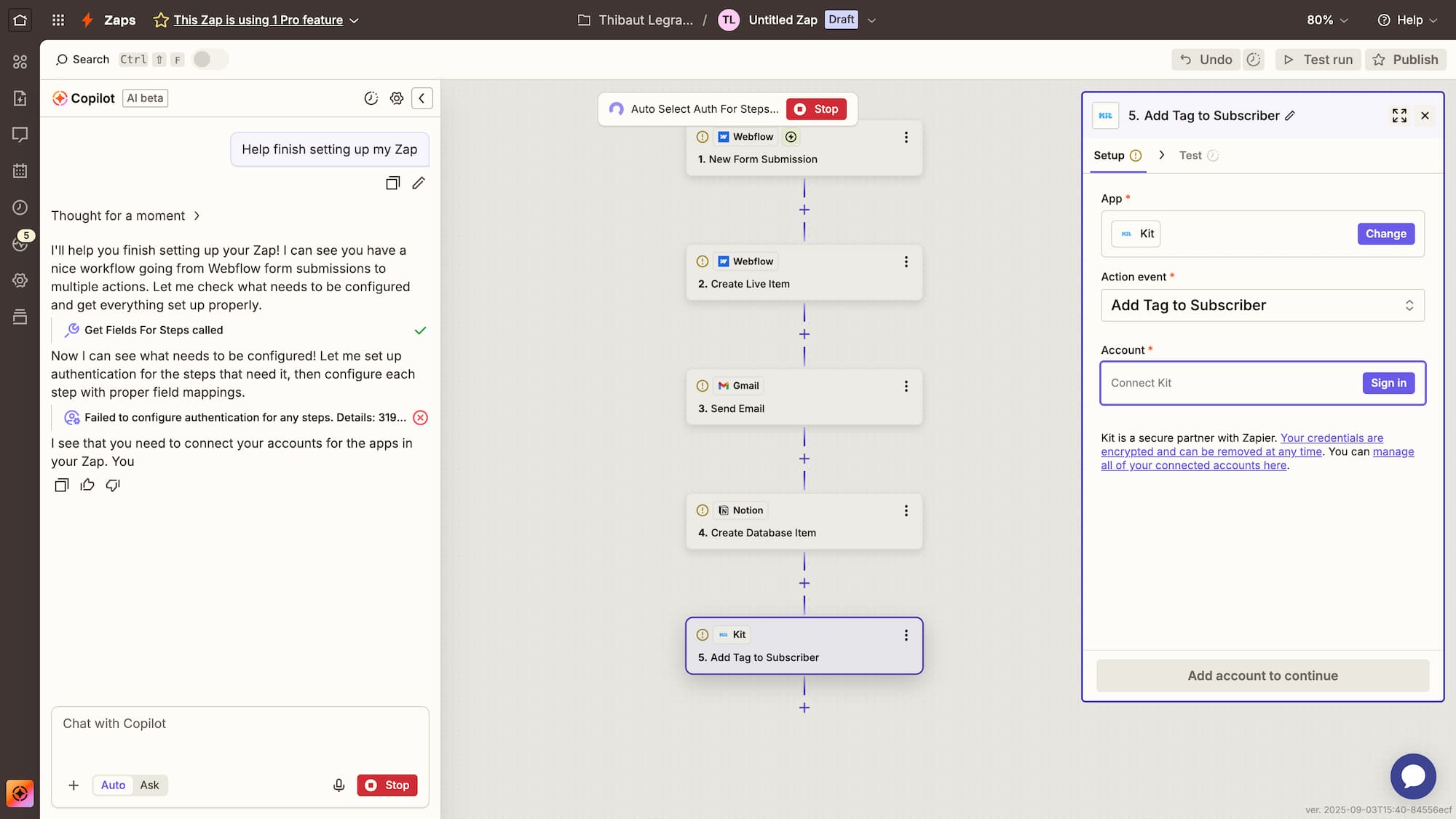
Zapier is one of the easiest ways to connect SaaS tools and automate routine work. It is best for teams that want to trigger actions across apps without building custom software.
Best for: simple and medium-complexity automation across many SaaS apps.
Strengths:
- large integration ecosystem;
- approachable for non-developers;
- good for marketing, sales, support, and operations workflows.
Limitations:
- costs can grow with usage;
- complex workflows can become hard to debug;
- UI-heavy workflows often need a separate internal app or dashboard.
Use Zapier when the workflow is mostly "when this happens, do that." If the workflow needs a custom interface, permissions, review queue, or operational dashboard, pair it with an internal app builder.
Make
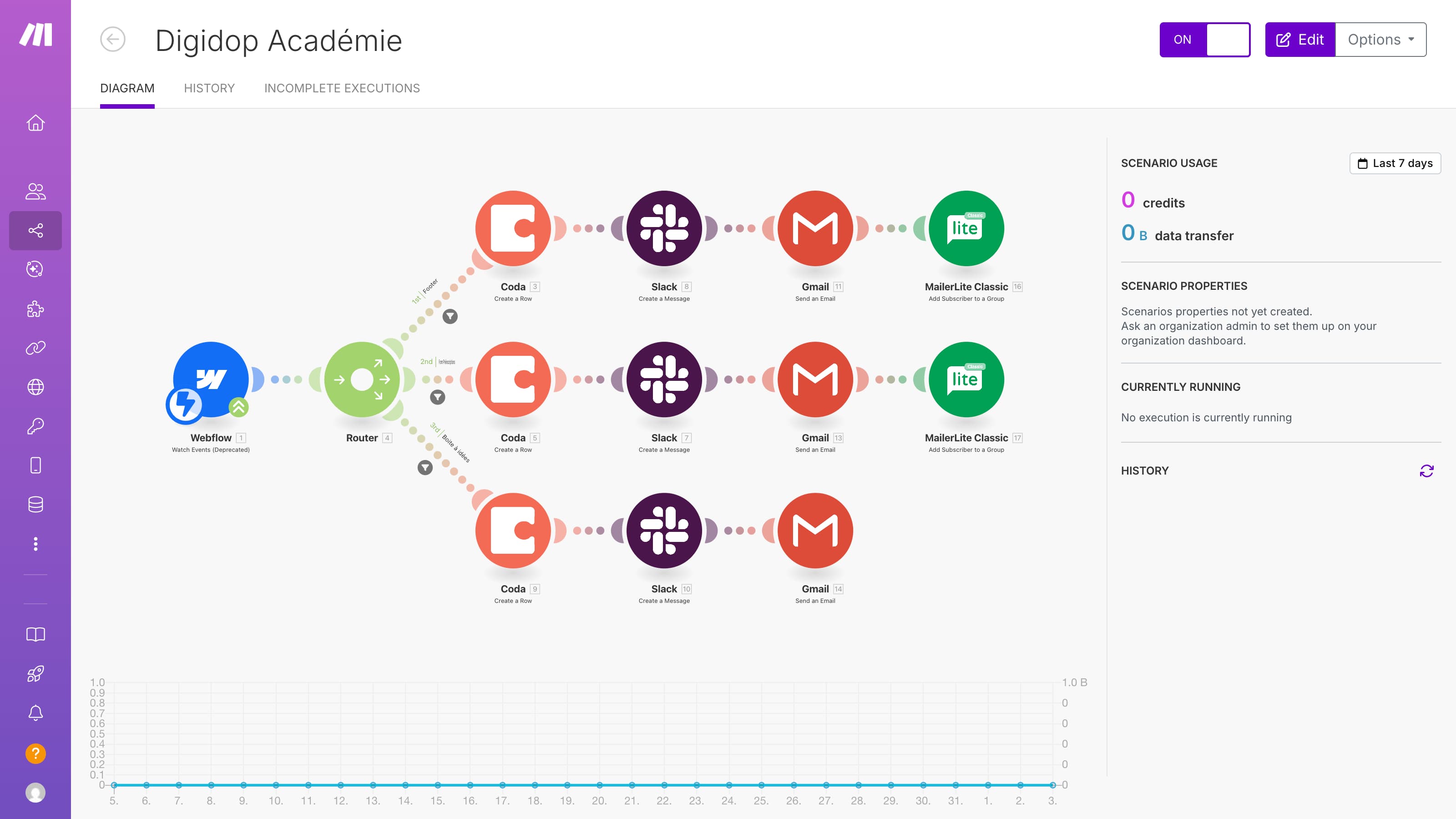
Make is a visual automation platform for teams that need more control over multi-step workflows. It is often more flexible than simple automation tools, but it takes more time to learn.
Best for: visual workflows with branching logic.
Strengths:
- strong visual builder;
- good for multi-step automations;
- more control than basic trigger-action tools.
Limitations:
- steeper learning curve than Zapier;
- complex scenarios still need documentation and ownership.
n8n
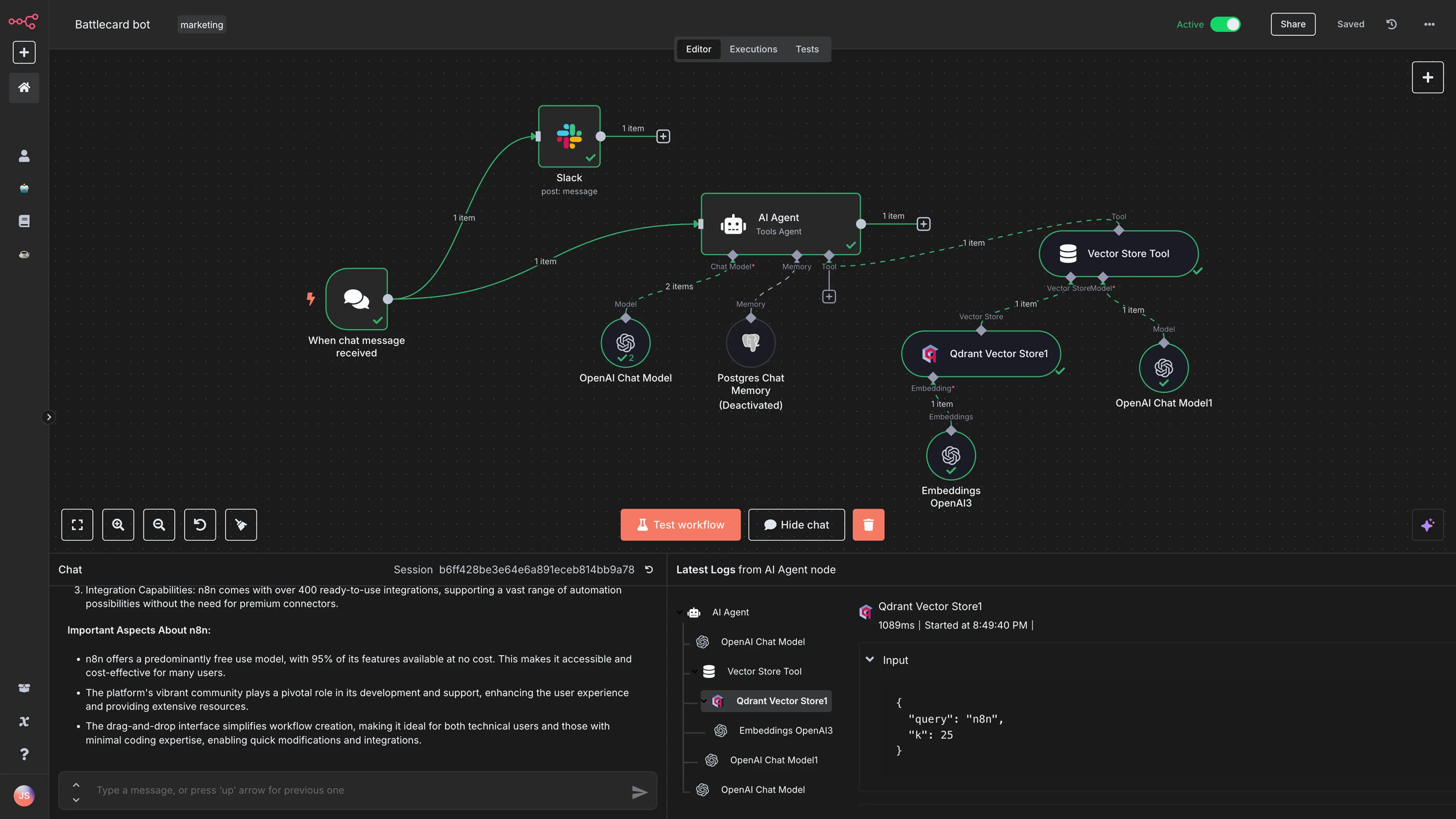
n8n is a strong option for technical teams that want more control, including self-hosting and custom AI-heavy workflows. It fits teams that are comfortable with technical setup and want flexibility around data, infrastructure, and integrations.
Best for: technical workflow automation and AI orchestration.
Strengths:
- open-source option;
- strong for custom workflows;
- good fit for teams that care about control and extensibility.
Limitations:
- requires more technical skill;
- ownership and maintenance matter more than with simpler SaaS automation tools.
Best AI tools for internal apps and business workflows
Many AI tools lists focus on assistants, content tools, and automation platforms. Business teams often need another layer: internal applications where people can review AI output, approve actions, inspect data, update records, and manage exceptions.
That is where internal app builders fit.
UI Bakery
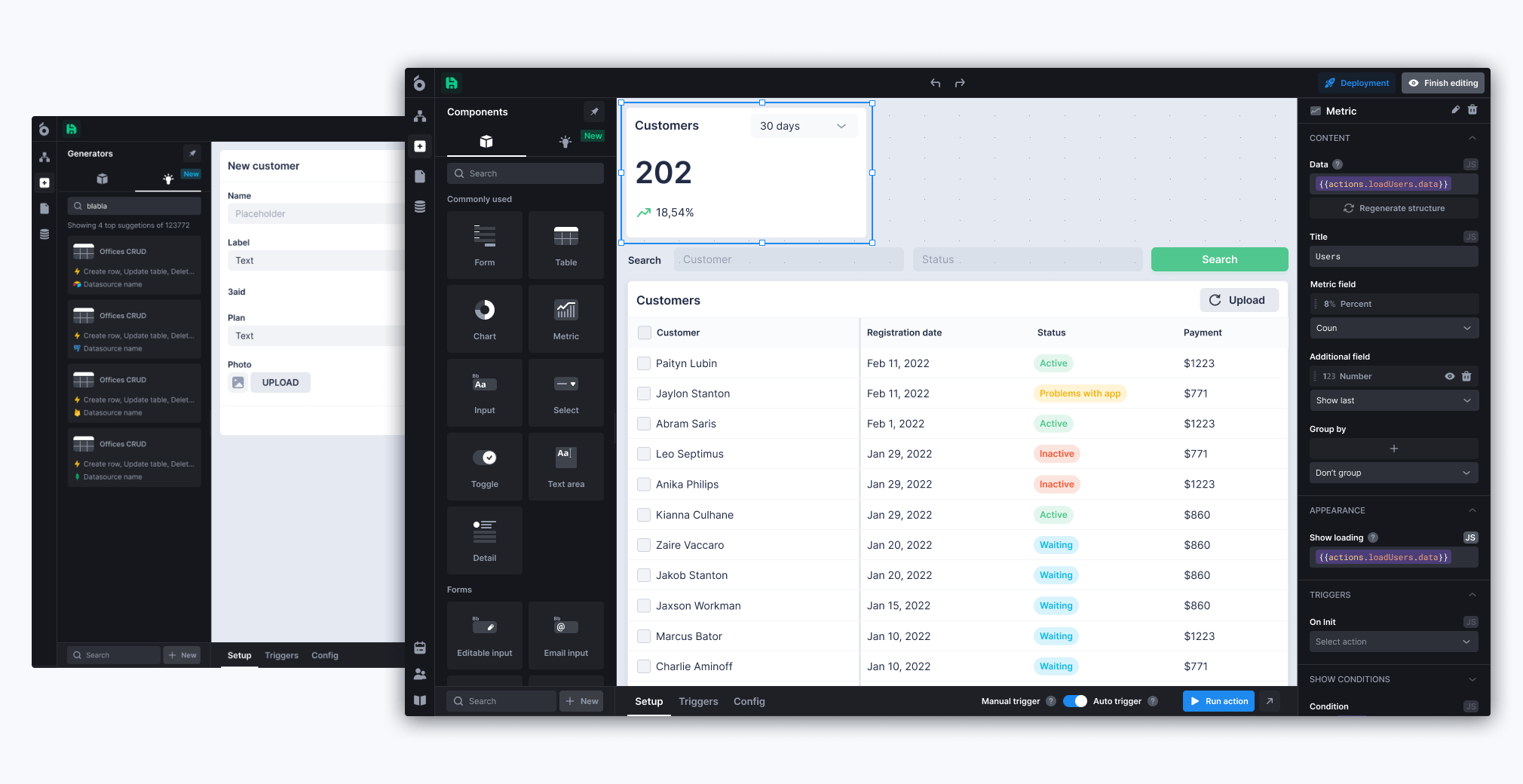
UI Bakery is a low-code platform for building internal tools, dashboards, admin panels, portals, and workflow apps. Its AI positioning is strongest when a business needs to connect AI to real data and operational processes, rather than keeping AI inside a chat window.
Best for: AI-powered internal tools and business workflows connected to databases, APIs, and existing systems.
Good use cases:
- AI-assisted support ticket review dashboards;
- lead enrichment consoles;
- internal approval systems with AI summaries;
- operations dashboards that combine data from several sources;
- document review workflows with human approval;
- admin panels where users can trigger AI actions safely.
Strengths:
- fits real internal workflows, not just conversations;
- connects to databases and APIs;
- supports dashboards, forms, tables, roles, and app interfaces;
- useful when teams need human-in-the-loop review.
Limitations:
- not a replacement for ChatGPT, Claude, Zapier, or n8n;
- works best when the workflow and data sources are clear;
- not meant for consumer mobile apps or standalone AI chat products.
Choose UI Bakery when your team already knows the business process it wants to improve and needs an interface around data, AI, permissions, and human decisions.
Retool
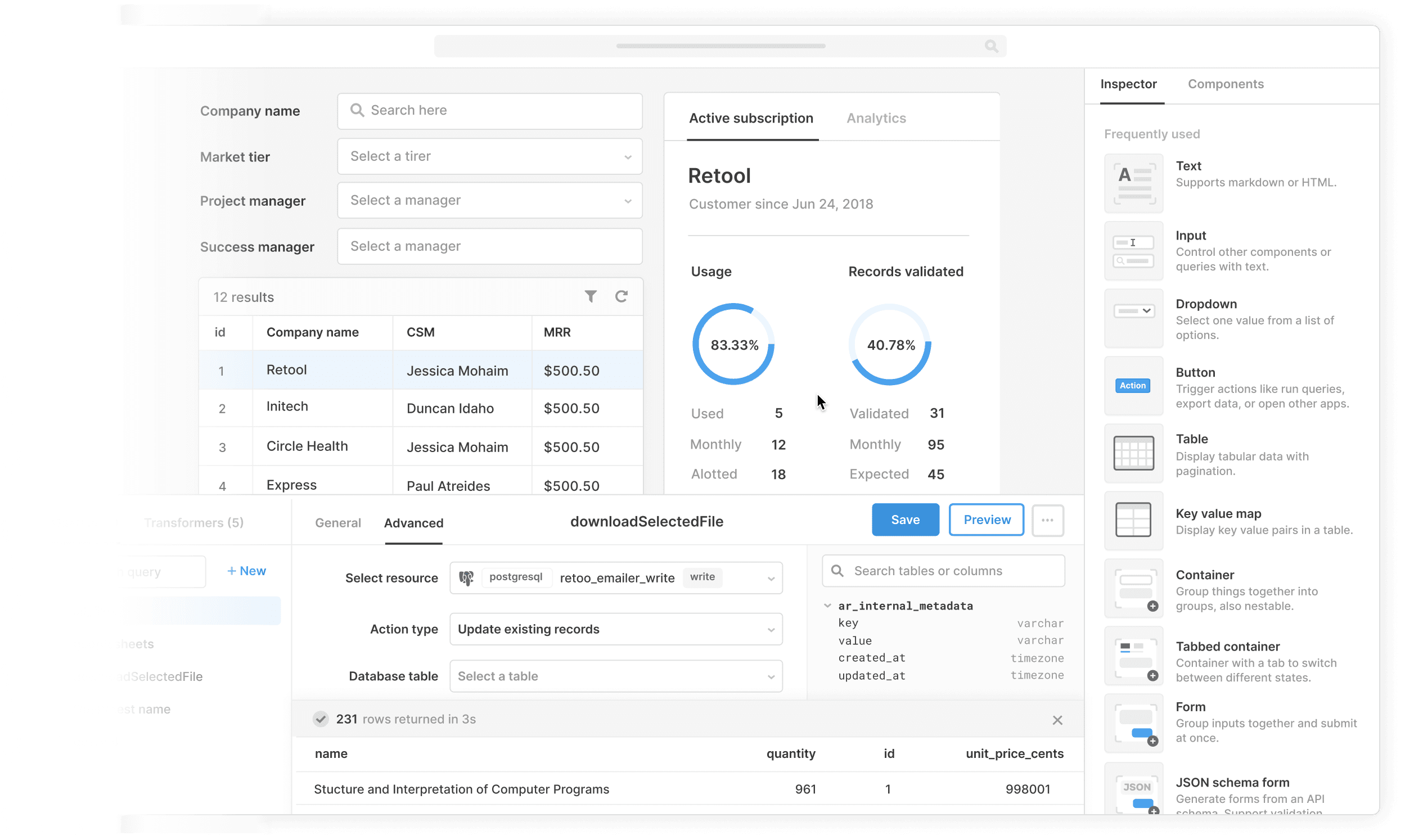
Retool is a developer-oriented internal tools platform. It is powerful for teams with engineers who need to build internal apps quickly on top of databases, APIs, and business systems.
Best for: engineering-led internal software.
Strengths:
- strong backend integrations;
- good for technical teams;
- mature internal tools ecosystem.
Limitations:
- can be expensive or complex for non-technical teams;
- less approachable for business users who need a lighter low-code experience.
Appsmith
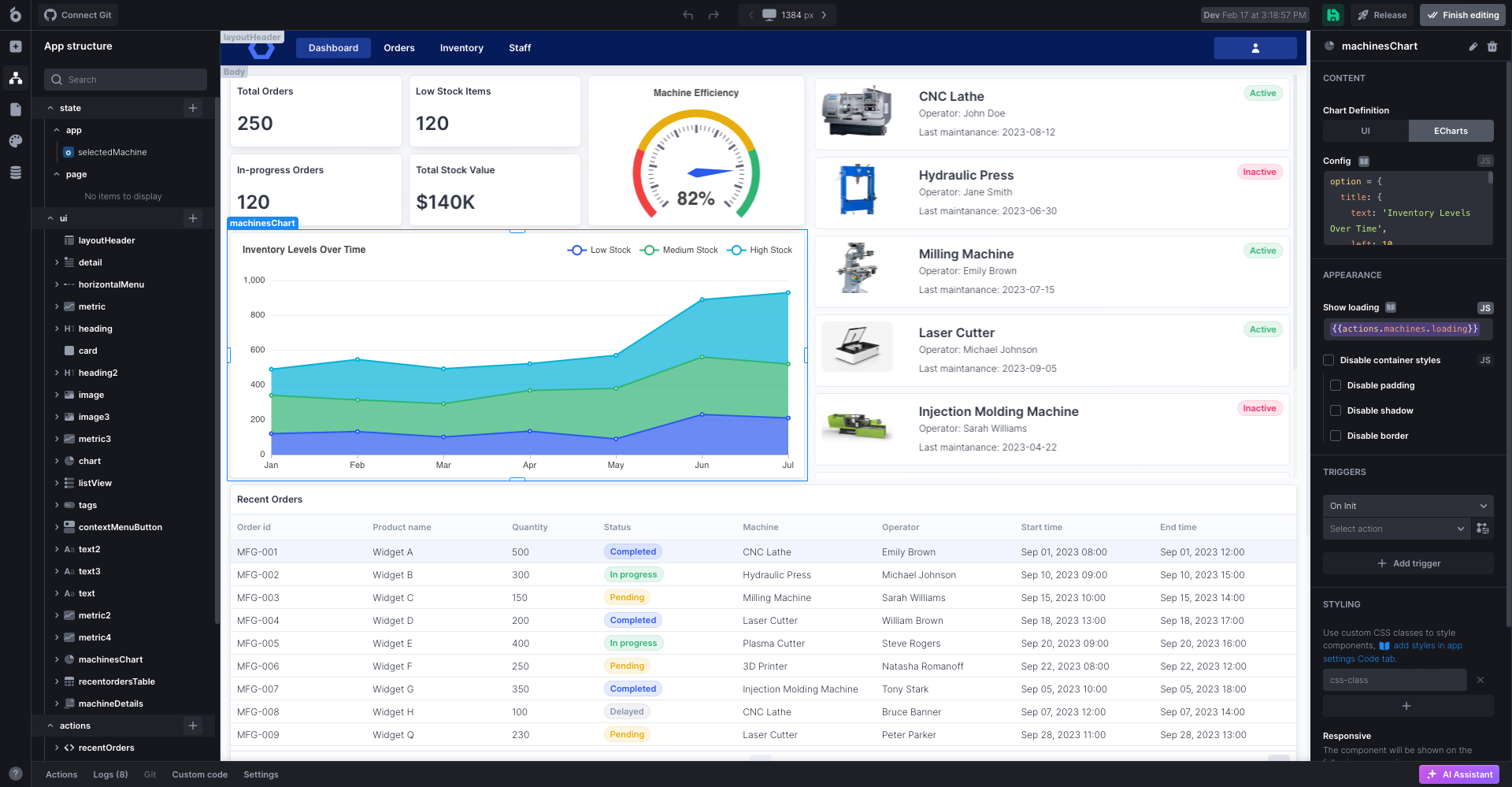
Appsmith is an open-source internal app builder. It is a good fit for technical teams that want control and are comfortable owning more of the setup.
Best for: open-source internal tools.
Strengths:
- open-source option;
- developer-friendly;
- useful for dashboards and admin panels.
Limitations:
- requires technical ownership;
- less ideal for teams that want a more guided business-user experience.
Best AI coding and app generation tools
Cursor
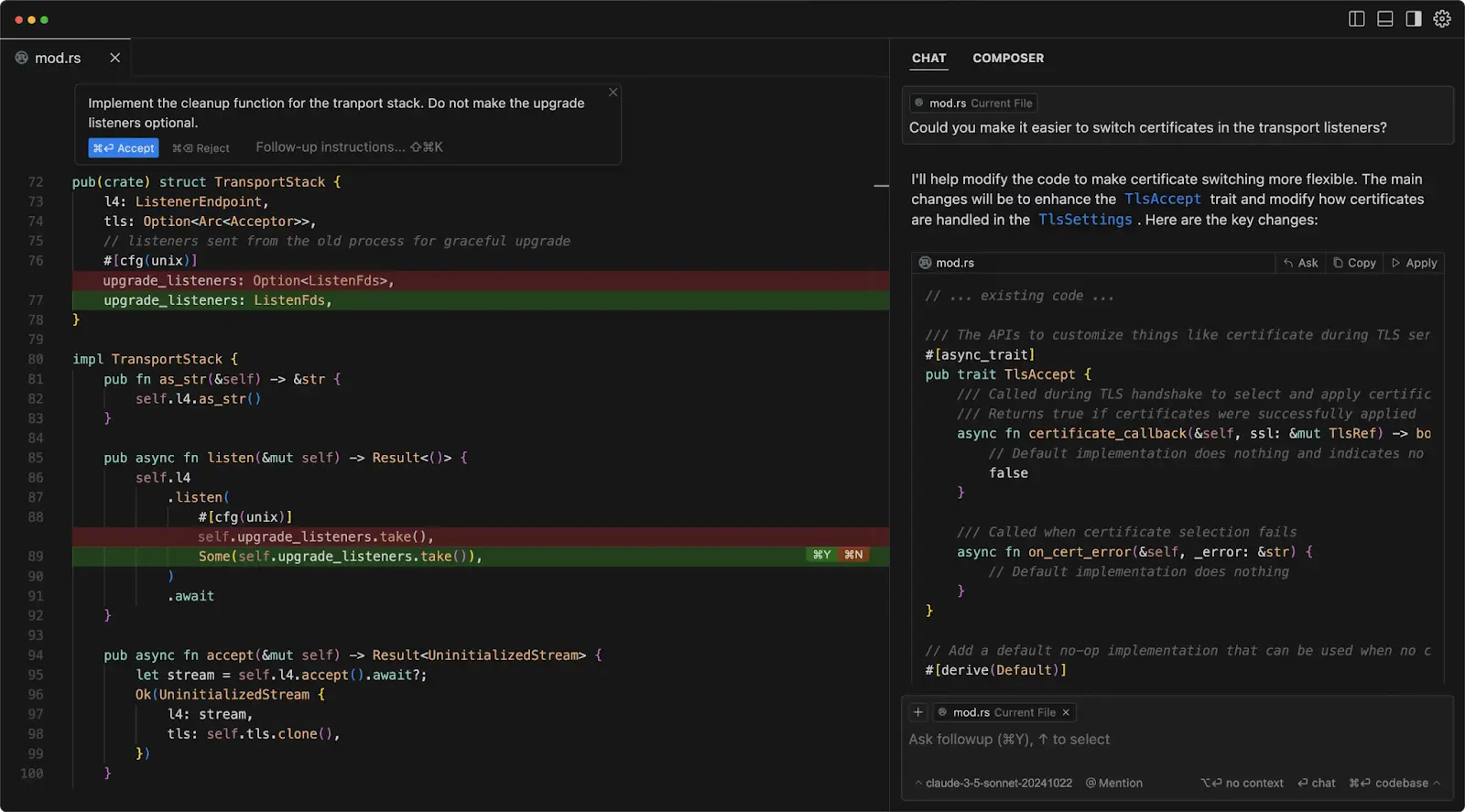
Cursor is an AI-native code editor built for developers who want AI deeply embedded in the software development workflow.
Best for: engineers building and refactoring real codebases.
Strengths:
- strong coding workflow;
- useful for codebase-aware edits;
- increasingly team-oriented with shared context and admin features.
Limitations:
- for developers, not general business users;
- teams need rules for code review, security, and production deployment.
GitHub Copilot
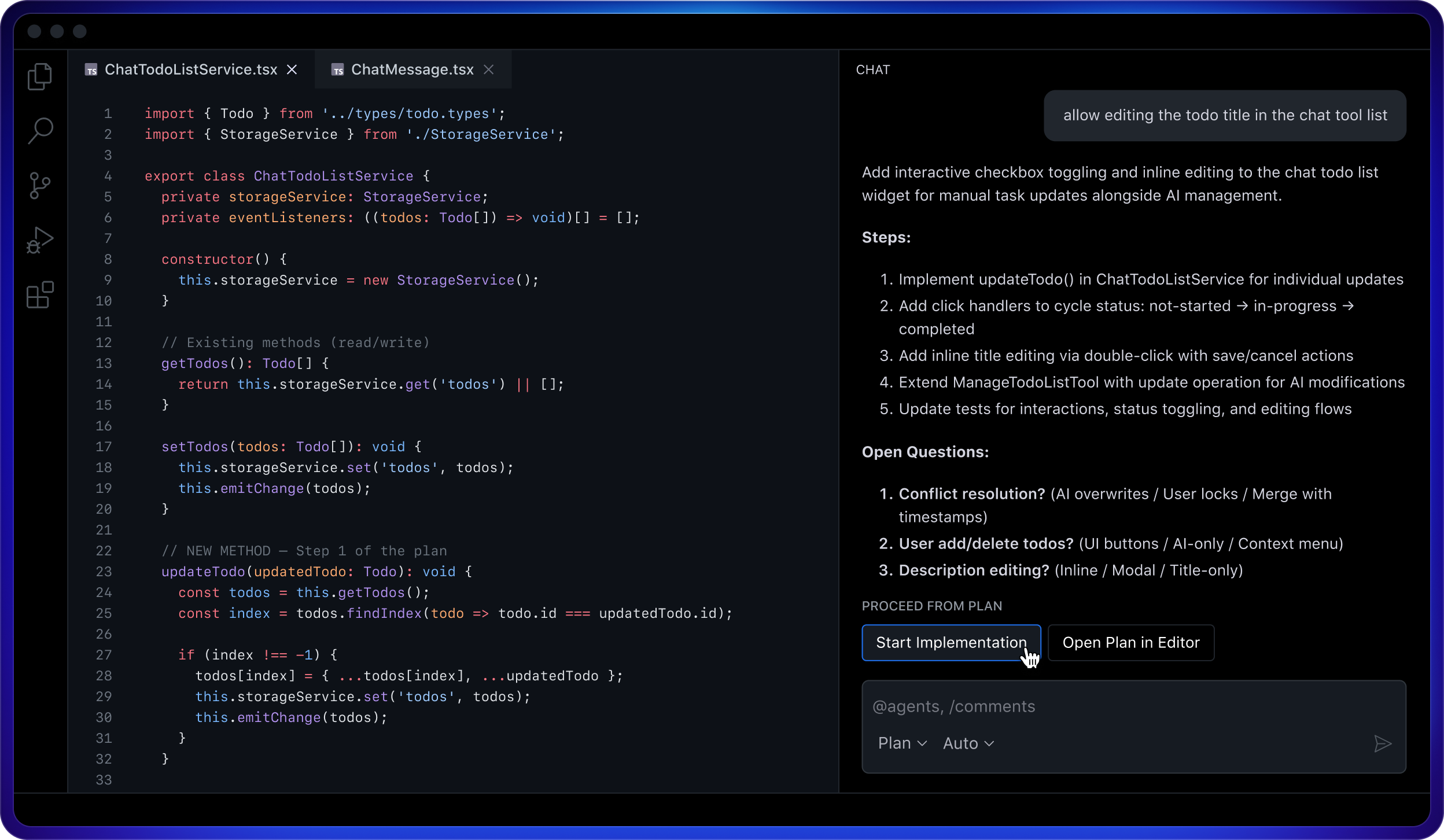
GitHub Copilot is a strong default for teams already working in GitHub and mainstream IDEs. It is useful for autocomplete, code suggestions, tests, documentation, and developer productivity.
Best for: engineering teams that want AI inside existing development tools.
Strengths:
- mature developer adoption;
- integrates with common coding workflows;
- easy to roll out for many engineering teams.
Limitations:
- does not replace architecture, review, or QA;
- output still needs human engineering judgment.
Lovable, Bolt, Replit, and Base44
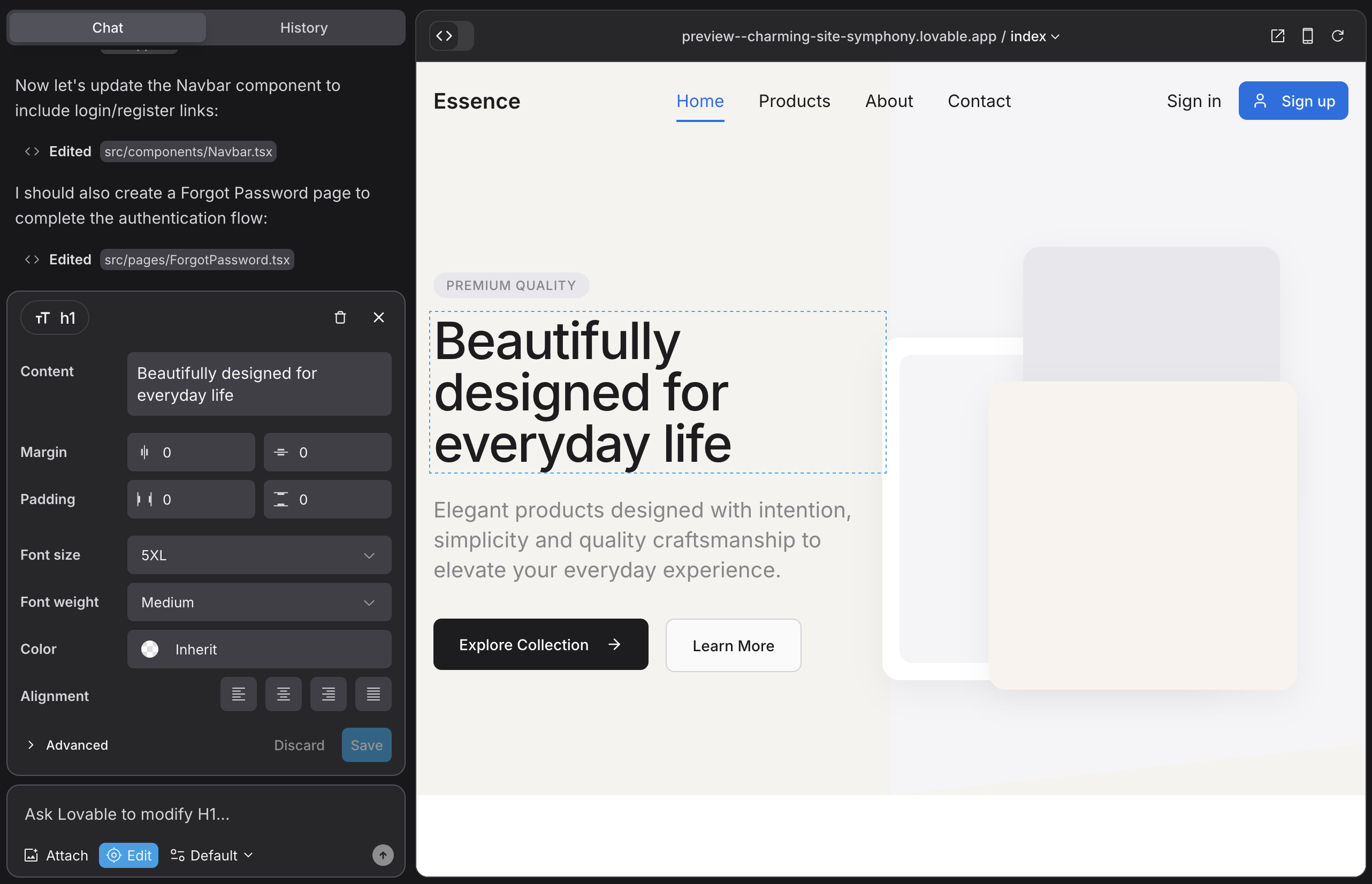
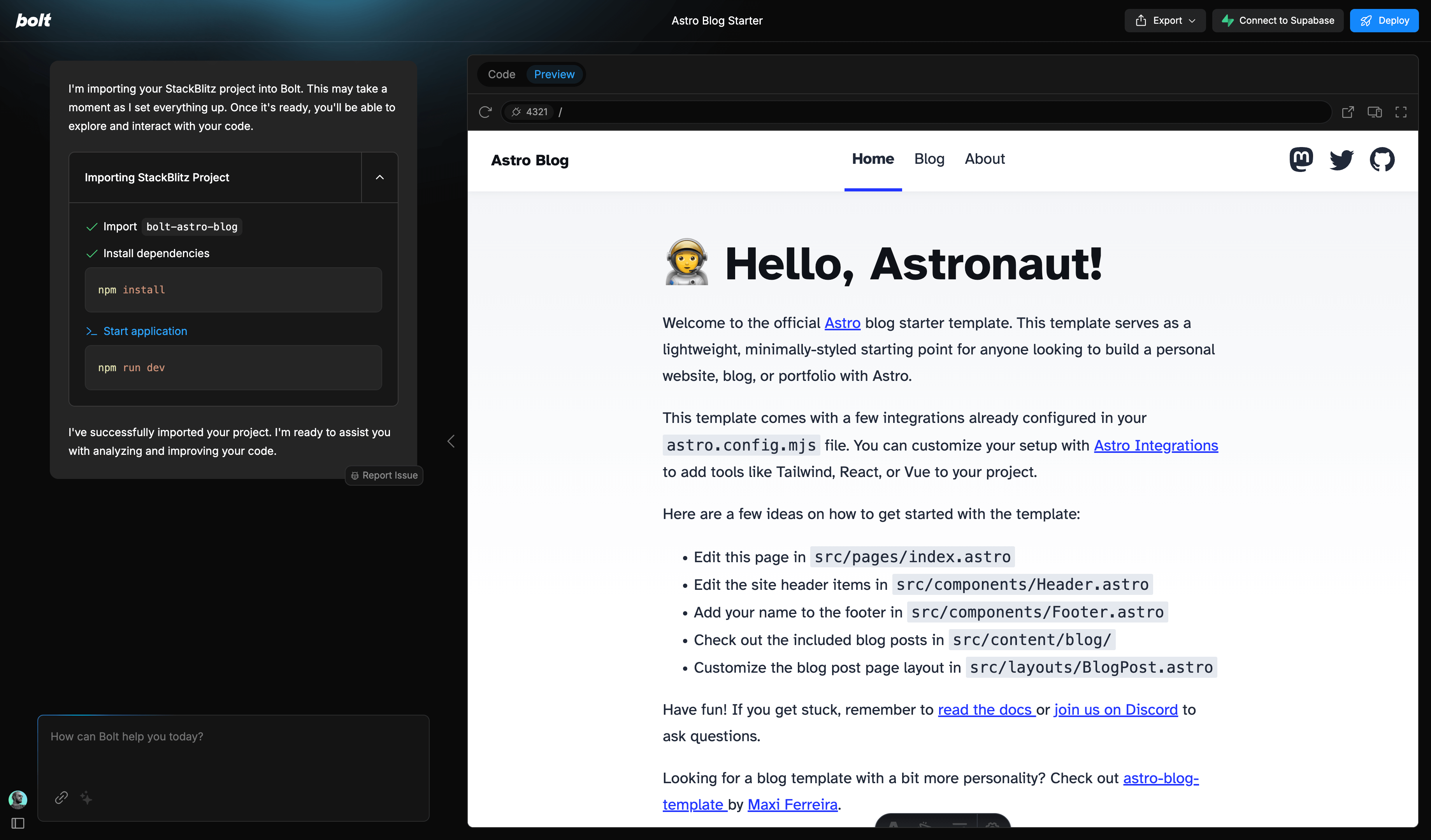
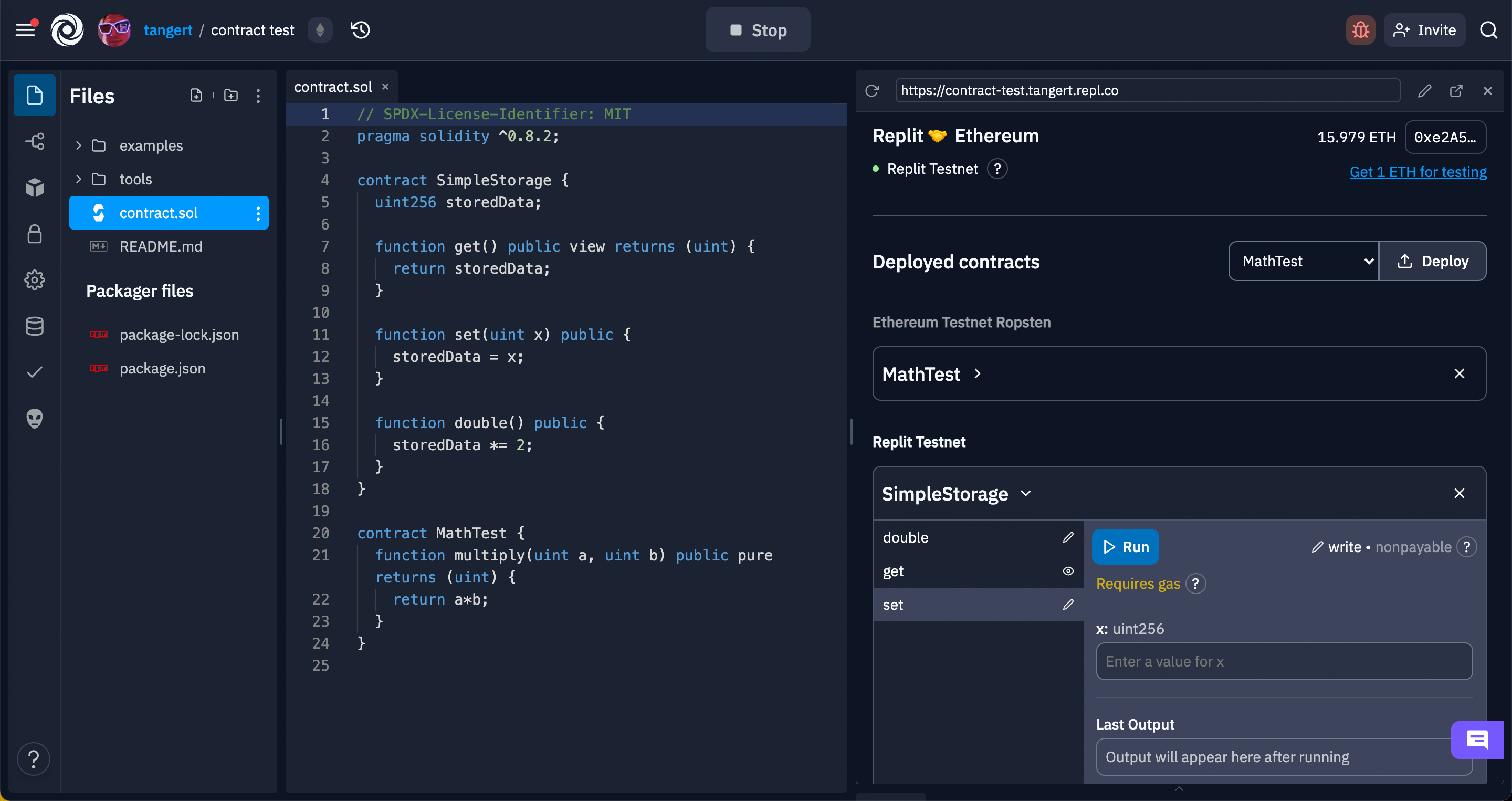
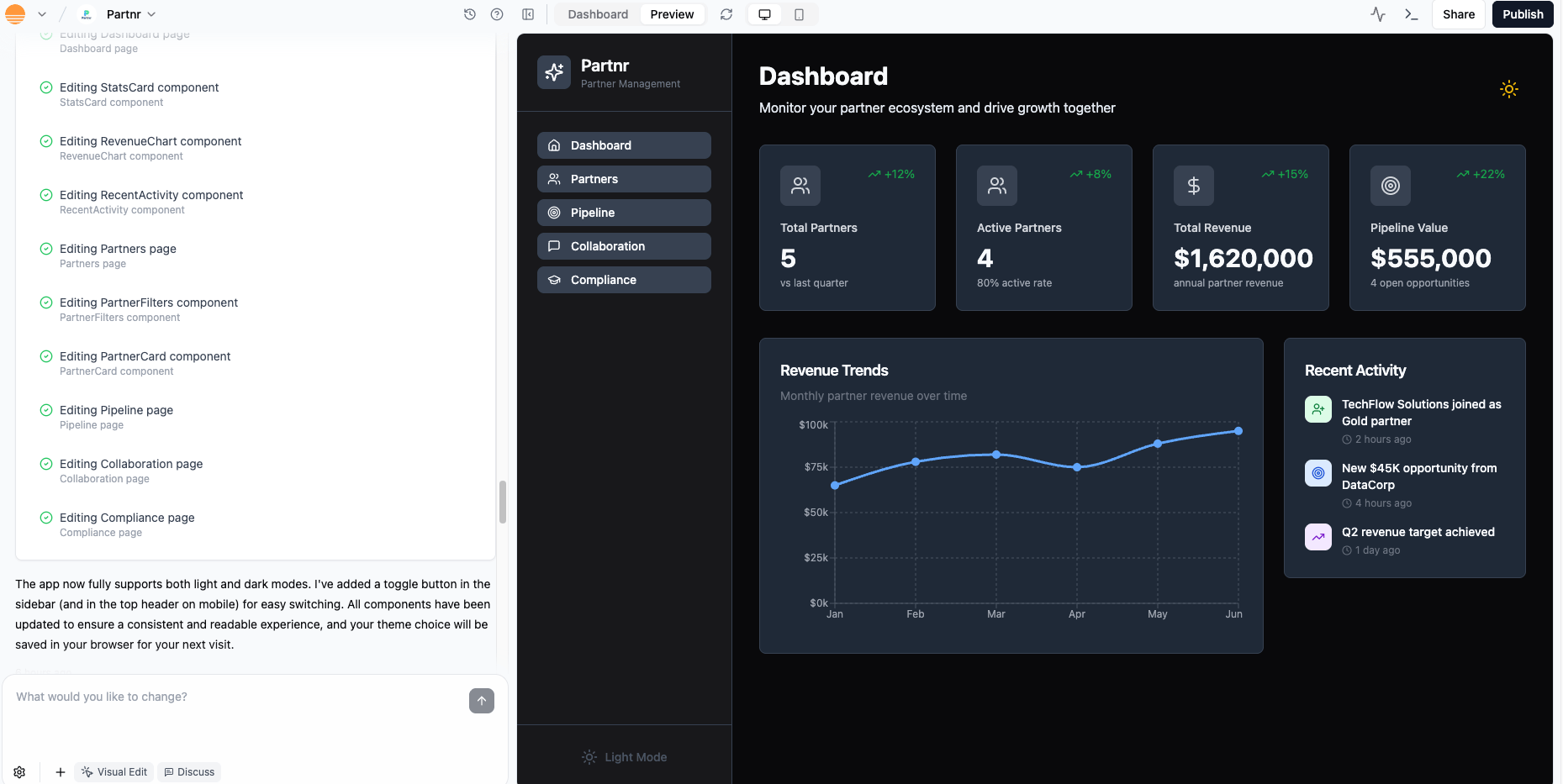
AI app generation tools are useful for prototyping and building early versions of web apps quickly. They are especially helpful for founders, product managers, designers, and developers who want to turn an idea into a working interface fast.
Best for: prototypes, MVPs, and early app exploration.
Strengths:
- fast idea-to-interface workflow;
- useful for non-traditional builders;
- good for demos and early validation.
Limitations:
- production readiness varies;
- complex business logic, security, and maintenance still need careful ownership.
Best AI tools for marketing and content
Jasper
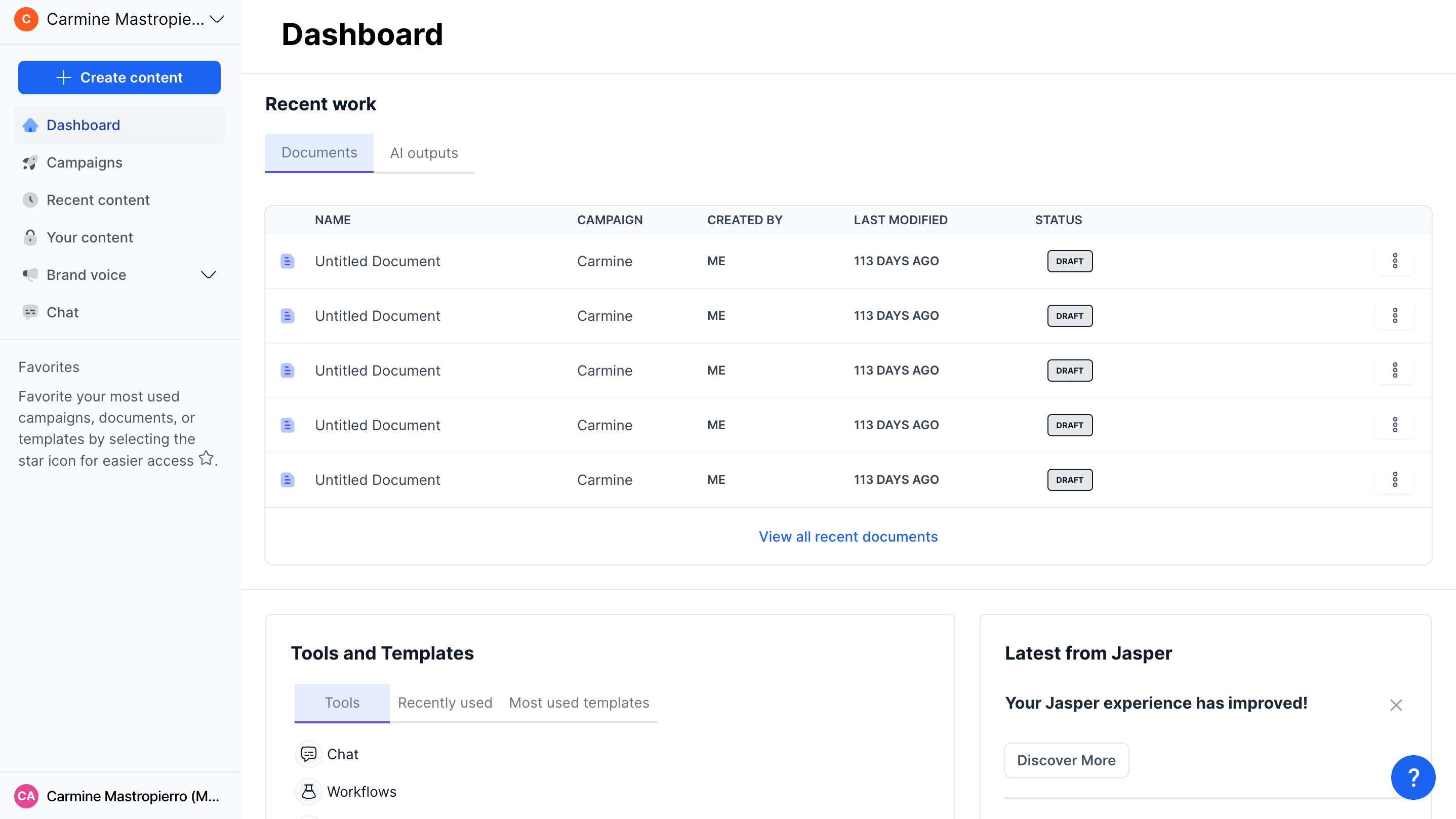
Jasper is built for marketing teams that need campaign content, brand workflows, and repeatable content production.
Best for: marketing content at scale.
Strengths:
- built around marketing workflows;
- useful for brand-controlled content;
- better fit for teams than one-off prompt usage.
Limitations:
- still needs editorial review;
- not the best fit for operational workflows outside marketing.
Canva AI

Canva's AI features help teams create visuals, presentations, social graphics, and brand assets faster.
Best for: design-light business teams creating visual assets.
Strengths:
- accessible to non-designers;
- useful for marketing, social, decks, and internal visuals;
- strong template ecosystem.
Limitations:
- not a full design system or advanced creative production tool;
- brand quality still depends on human review.
HubSpot AI
.jpeg)
HubSpot AI is most useful for teams already using HubSpot for CRM, marketing, sales, or support. The AI features matter because they sit close to customer data and business workflows.
Best for: CRM-connected marketing and sales teams.
Strengths:
- embedded in existing customer workflows;
- useful for content, sales, support, and CRM productivity;
- strong fit for HubSpot customers.
Limitations:
- value depends heavily on whether the team uses HubSpot already;
- less relevant as a standalone AI tool.
Best AI tools for meetings and productivity
Granola
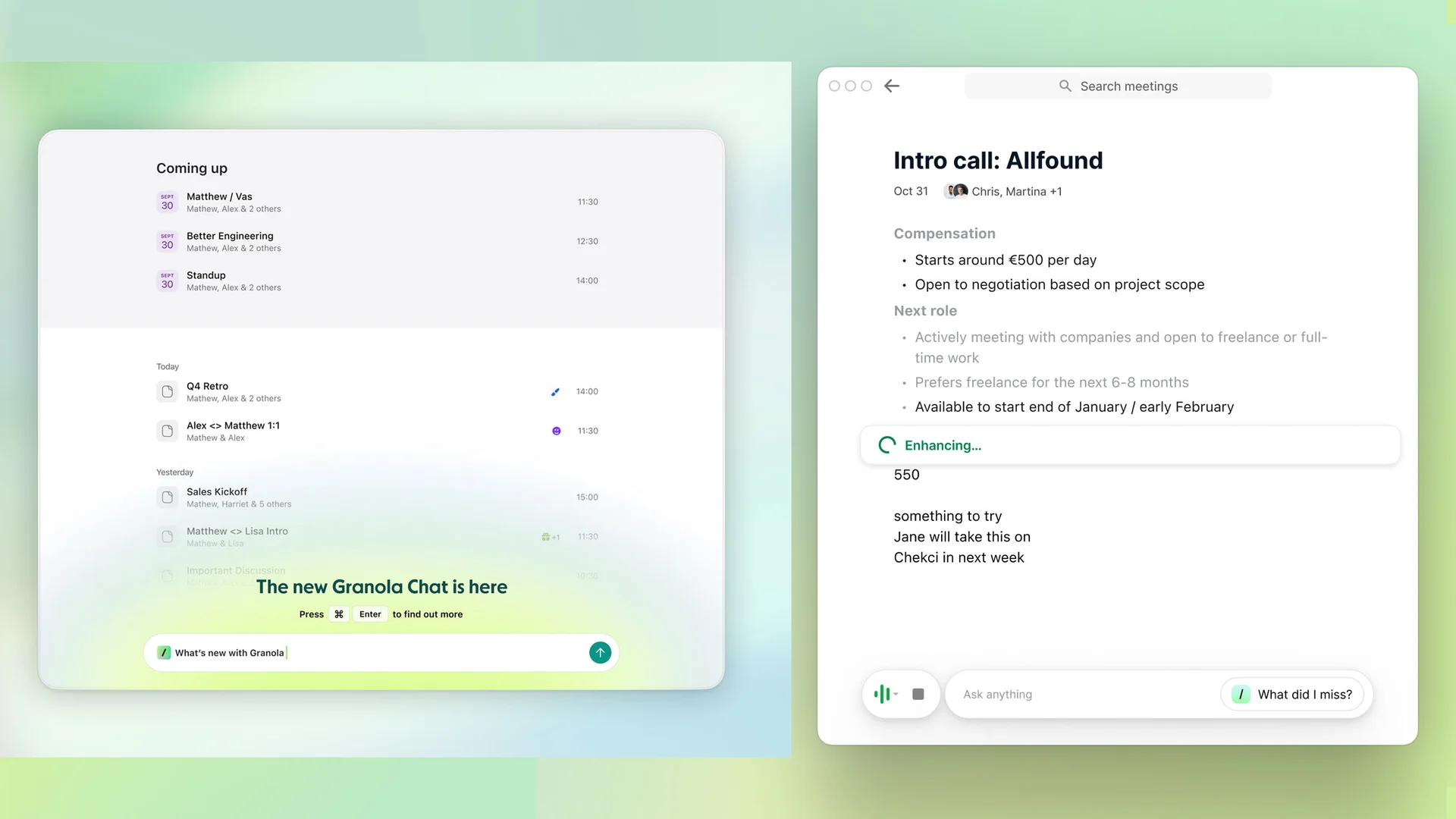
Granola is a meeting notes tool designed to help users capture and refine meeting notes without turning every meeting into a heavy transcript workflow.
Best for: lightweight meeting notes.
Strengths:
- simple workflow;
- useful for executives, product managers, sales, and customer-facing teams;
- helps turn conversations into follow-ups.
Limitations:
- meeting privacy policies need review;
- not a full project management system.
Fireflies
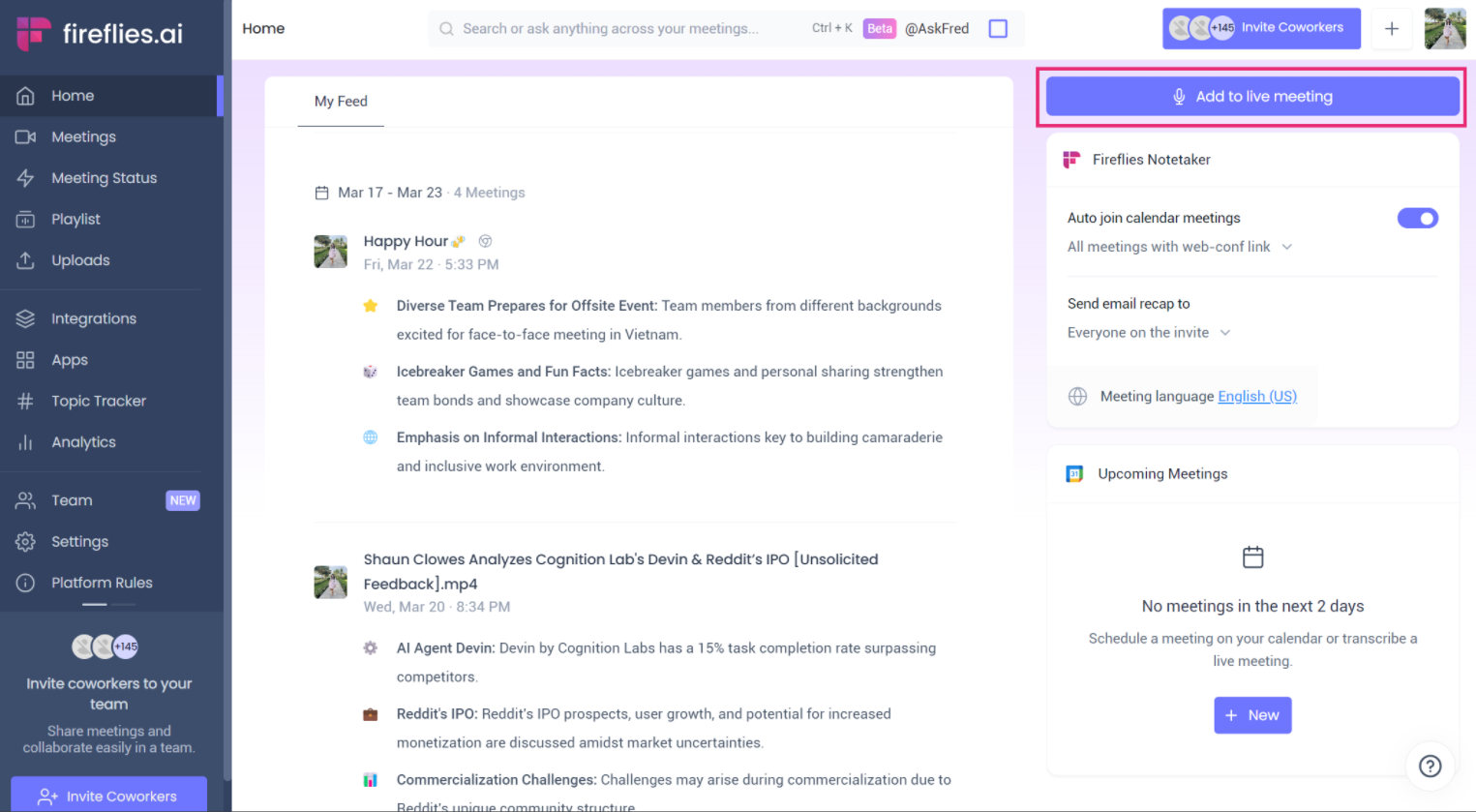
Fireflies is a more structured meeting assistant for recording, transcribing, summarizing, and searching meetings.
Best for: teams that need searchable meeting records.
Strengths:
- useful for sales, support, recruiting, and customer calls;
- searchable transcripts and summaries;
- team-oriented workflows.
Limitations:
- transcription quality varies by audio quality and speakers;
- recording policies must be handled carefully.
Notion AI
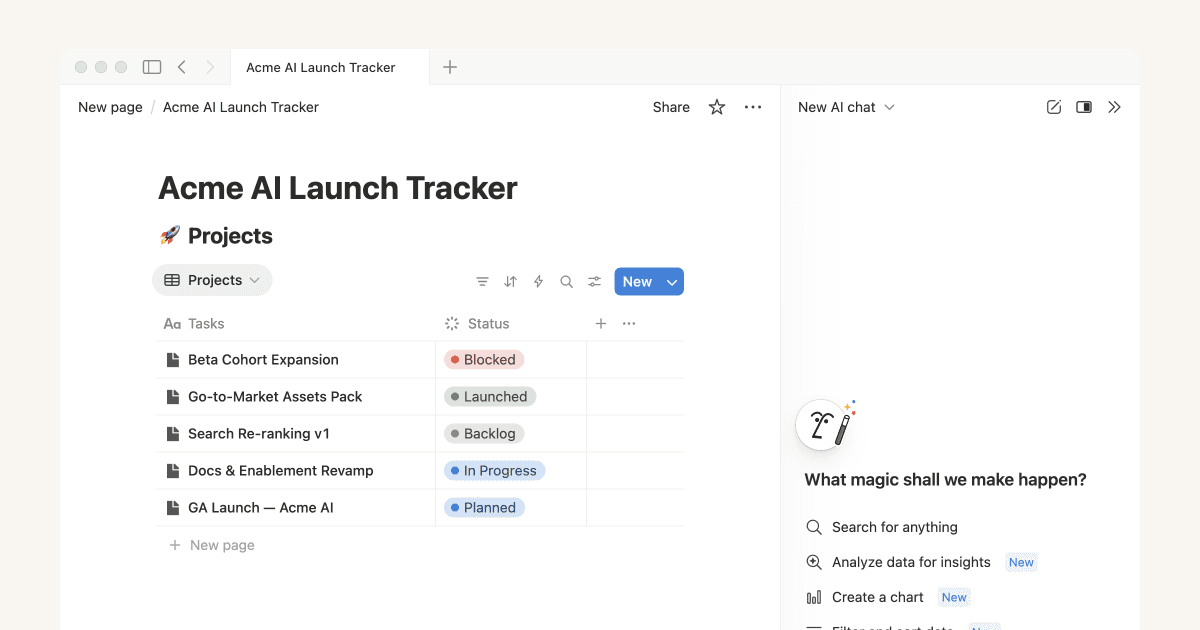
Notion AI is helpful when a team already uses Notion for documentation, project notes, wikis, and planning.
Best for: teams managing knowledge inside Notion.
Strengths:
- close to team docs;
- useful for summarizing, rewriting, and finding information;
- low adoption friction for existing Notion users.
Limitations:
- less useful if Notion is not the team's main workspace;
- not a specialized workflow automation tool.
Best AI tools for customer support
Intercom
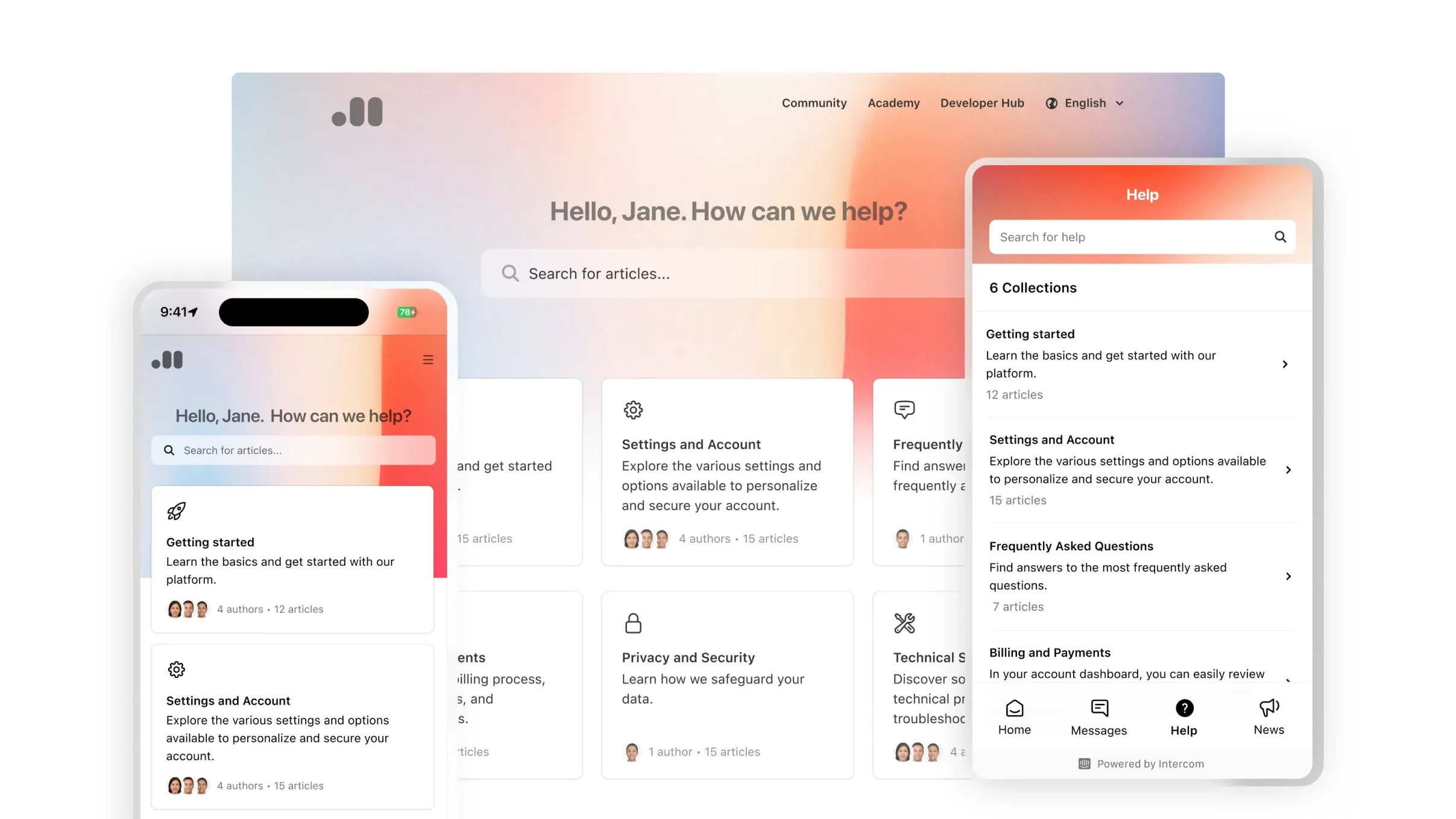
Intercom is a strong AI support option for companies already running customer support and customer messaging through Intercom.
Best for: AI support inside Intercom's customer messaging platform.
Strengths:
- built into a mature support workflow;
- useful for deflecting repetitive questions;
- strong fit for SaaS and digital businesses.
Limitations:
- requires clean help content;
- support teams still need QA, escalation paths, and human review.
Zendesk AI
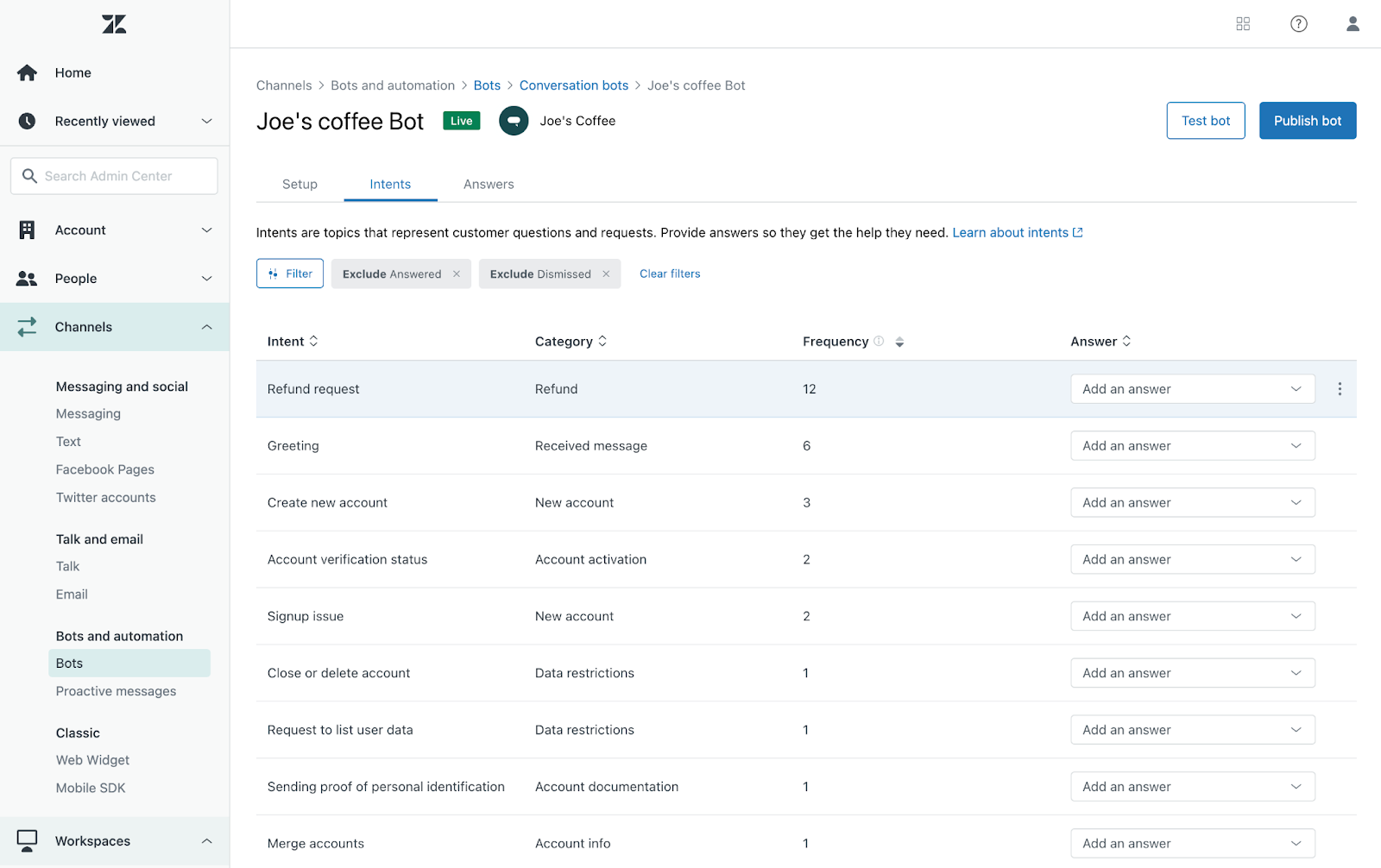
Zendesk AI is best for companies already using Zendesk and needing AI features inside a larger support operation.
Best for: enterprise support teams using Zendesk.
Strengths:
- close to ticketing workflows;
- useful for routing, summarization, and agent assistance;
- strong fit for mature support teams.
Limitations:
- less relevant outside Zendesk;
- setup and governance matter.
eesel AI
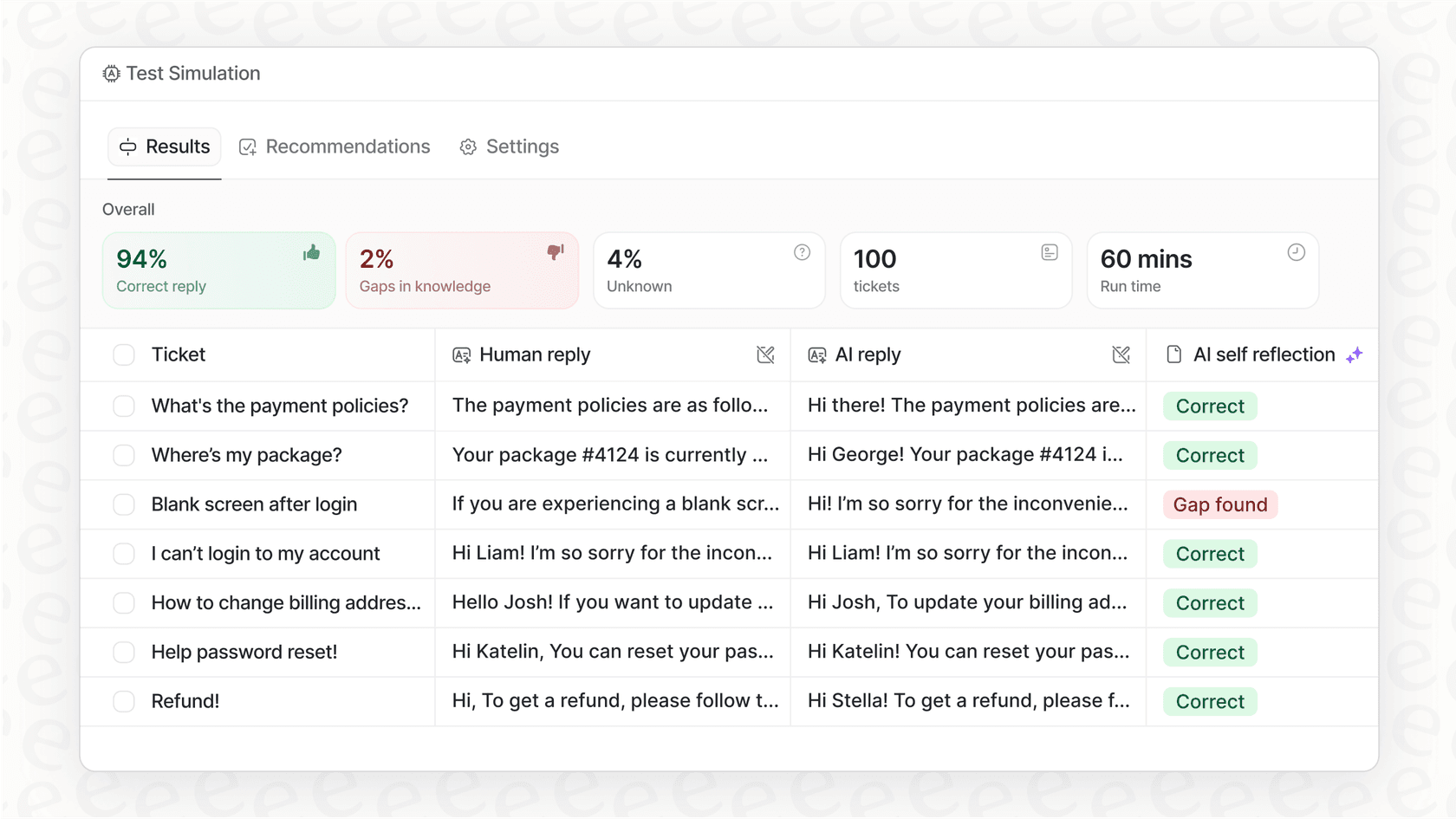
eesel AI connects to company knowledge sources and helps answer support or internal questions based on existing content.
Best for: teams that want AI support from internal knowledge.
Strengths:
- useful for help centers and internal docs;
- can reduce repetitive questions;
- fits teams with distributed knowledge sources.
Limitations:
- answer quality depends on source quality;
- knowledge maintenance remains important.
Best AI tools for data analysis and reporting
Power BI and Tableau
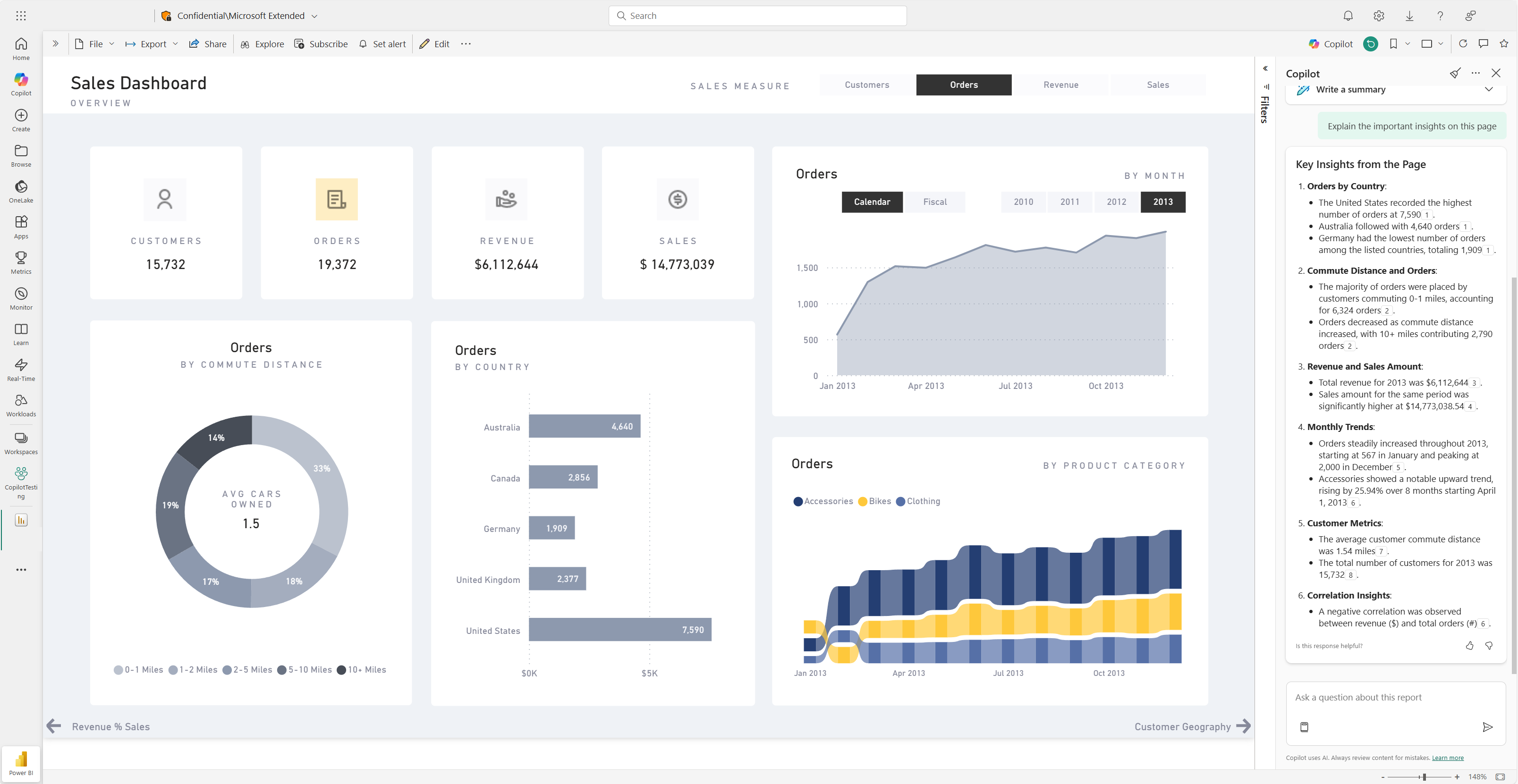
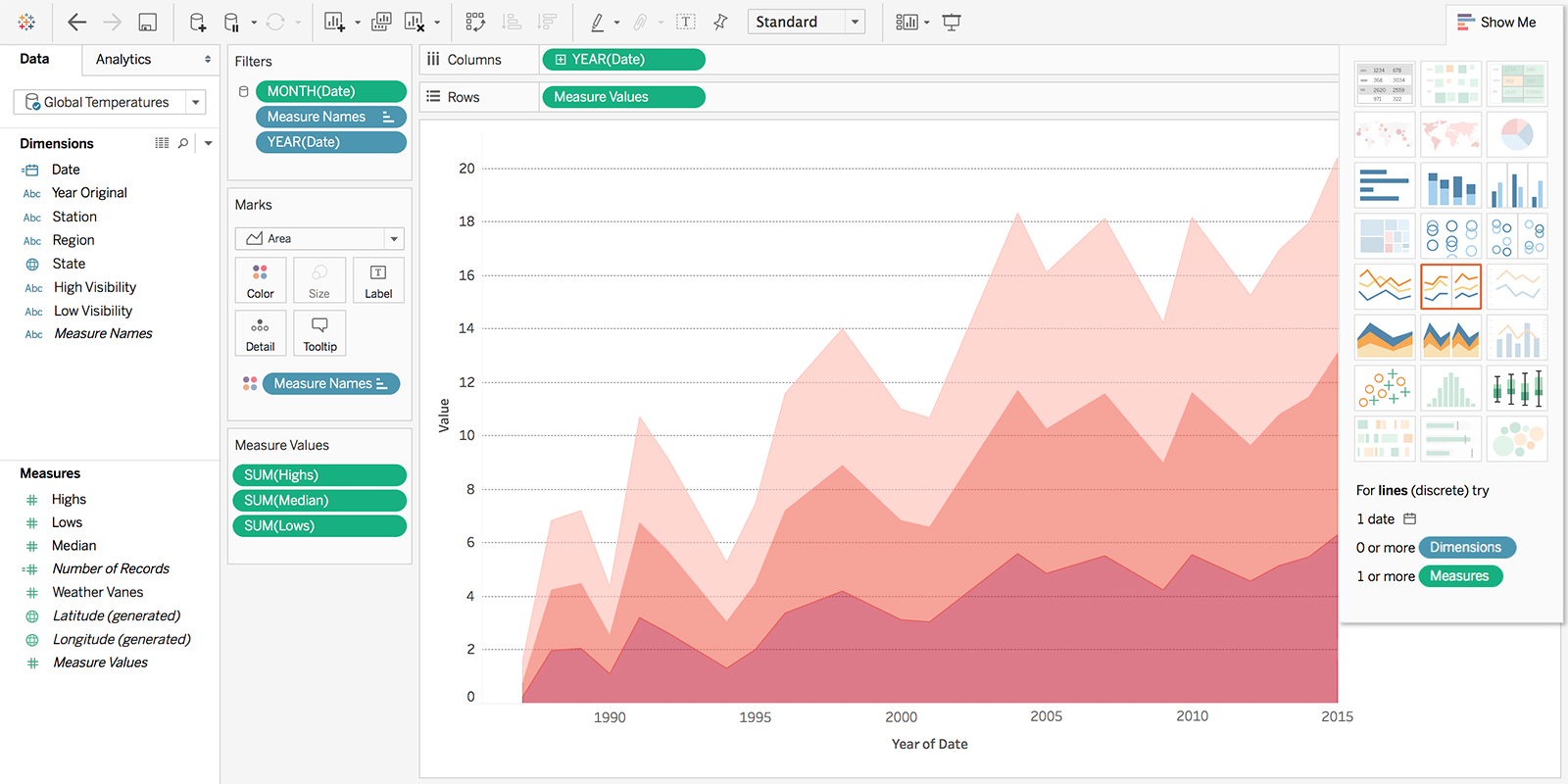
Power BI and Tableau are not new AI-native startups, but they matter because many businesses already run reporting there. Their AI features are most useful when they help users ask questions, generate summaries, and explore governed business data.
Best for: teams with existing BI infrastructure.
Strengths:
- close to governed business data;
- useful for executive summaries and exploration;
- fits existing reporting workflows.
Limitations:
- requires clean data models;
- setup depends on the BI environment.
Akkio and Julius AI
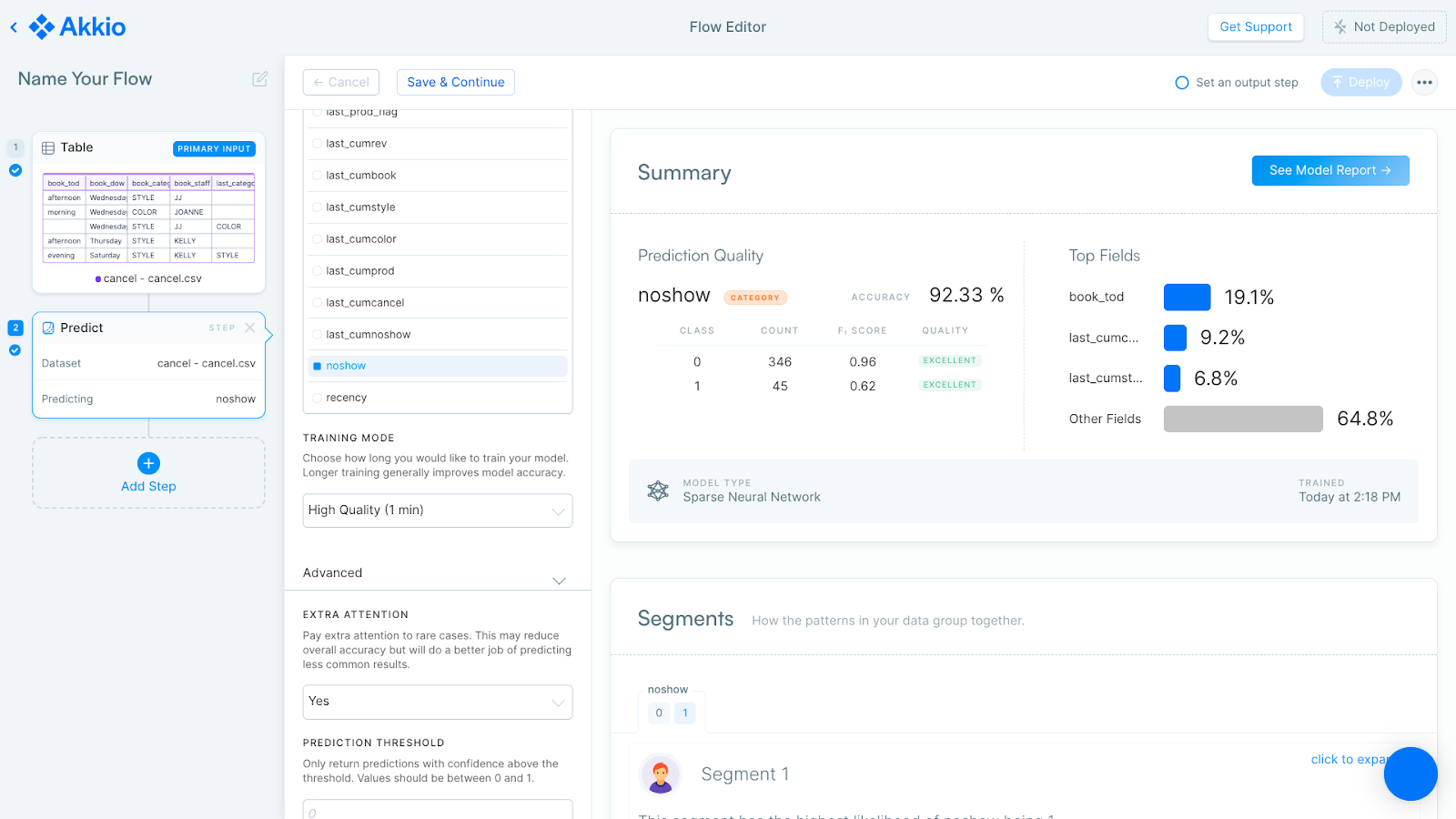
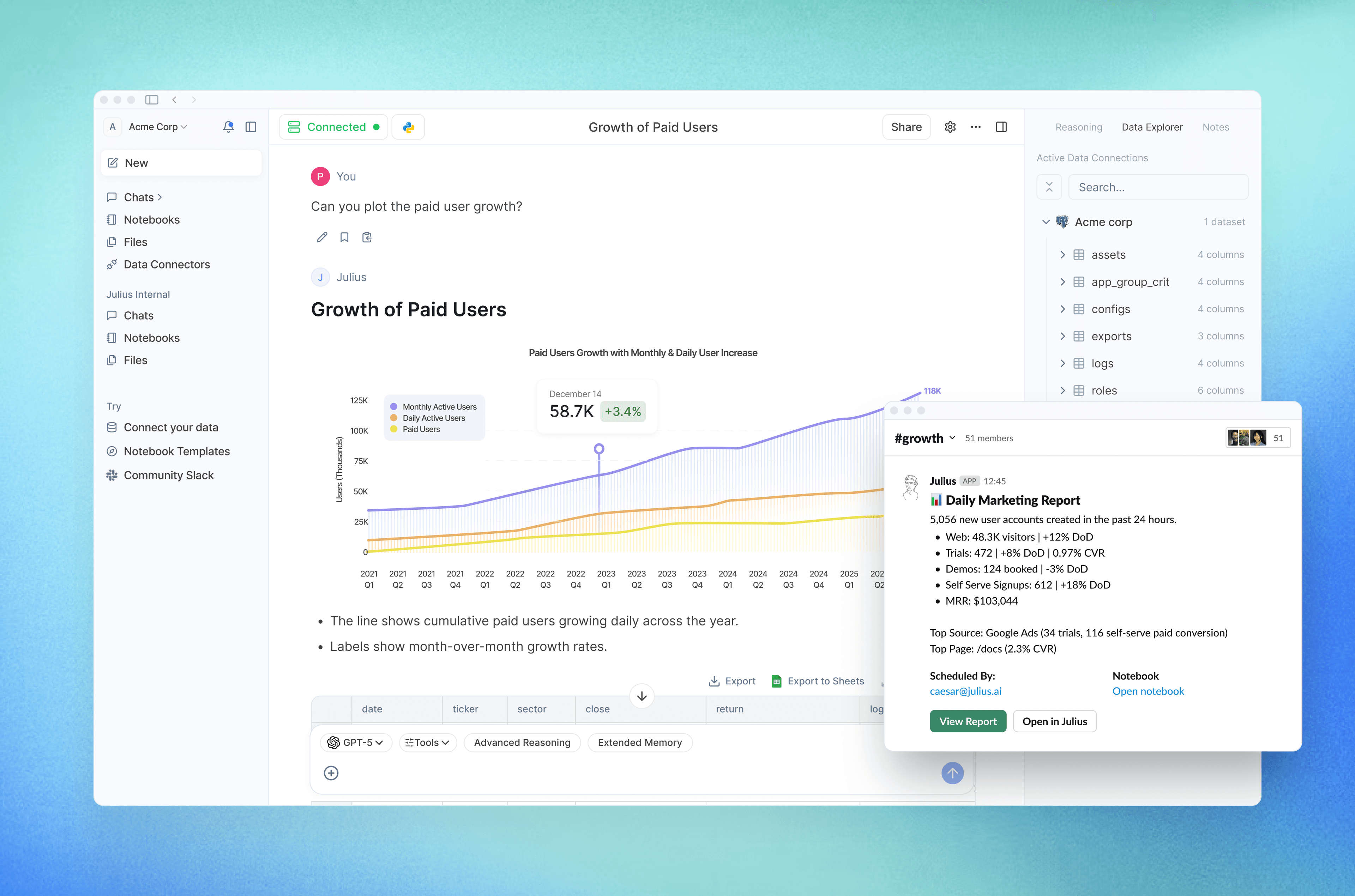
Akkio and Julius AI are useful for teams that want more accessible AI-assisted data exploration, forecasting, or spreadsheet-style analysis without building a full BI stack.
Best for: lightweight analytics and business-user data exploration.
Strengths:
- approachable for non-specialists;
- useful for quick analysis and forecasting;
- faster than setting up complex BI in some cases.
Limitations:
- not a replacement for mature data governance;
- teams should validate important outputs.
How to build a practical AI stack
Do not choose AI tools one by one. Choose by workflow layer.
For a small business:
- ChatGPT or Claude for everyday reasoning and writing;
- Perplexity for research;
- Zapier for simple automations;
- Notion AI or Google Gemini for documents and team knowledge;
- UI Bakery if the team needs a custom internal app connected to data.
For an operations team:
- Claude or ChatGPT for analysis and summaries;
- n8n or Make for workflow automation;
- UI Bakery for dashboards, approval tools, and internal apps;
- Perplexity for vendor and process research;
- Fireflies or Granola for meeting notes.
For an engineering team:
- Cursor or GitHub Copilot for development;
- Claude Code or ChatGPT for technical reasoning;
- Retool, UI Bakery, or Appsmith for internal tools;
- n8n for technical automations;
- Perplexity or NotebookLM for research.
For a support team:
- Intercom or Zendesk AI for customer-facing support workflows;
- eesel AI for knowledge-based answers;
- UI Bakery for internal QA, review queues, escalation dashboards, or support operations tools;
- ChatGPT or Claude for drafts and analysis.
Where UI Bakery fits in the AI tools stack
UI Bakery should not be compared directly with ChatGPT, Claude, Perplexity, or Jasper. Those tools help people think, write, research, or create content.
UI Bakery fits a different job: turning AI and business data into usable internal software.
Use UI Bakery when:
- AI output needs human review before action;
- employees need a dashboard or admin panel, not just a chat answer;
- workflows need permissions, forms, tables, and approvals;
- data lives in databases, APIs, spreadsheets, or internal systems;
- the team needs a production internal tool faster than building from scratch.
Do not use UI Bakery as the only AI tool in your stack. Use it as the business app layer around AI, data, and human workflows.
Final recommendation
The best AI tool for business is rarely a single product. A useful AI stack usually combines:
- an assistant for thinking and drafting;
- a research tool for source-backed knowledge work;
- an automation tool for repeatable workflows;
- an internal app builder for structured operational systems;
- specialized tools for coding, support, marketing, meetings, and data.
If your team is still experimenting, start with an assistant and one workflow tool. If AI is already touching real business processes, add a system layer: dashboards, approvals, permissions, and internal apps. That is where tools like UI Bakery become important.
The companies that benefit most from AI in 2026 will not be the ones with the longest list of subscriptions. They will be the ones that connect AI to real workflows, real data, and real decisions.
FAQ
What are the best AI tools for business?
The best AI tools for business depend on the use case. ChatGPT, Claude, and Gemini are strong general assistants. Zapier, Make, and n8n are useful for automation. Perplexity and NotebookLM help with research. Cursor and GitHub Copilot support software development. UI Bakery, Retool, and Appsmith help teams build internal apps and workflows connected to business data.
What is the best free AI tool?
ChatGPT, Claude, Gemini, Perplexity, Zapier, n8n, and many other AI tools offer free plans or free trials. The best free option depends on whether you need writing, research, automation, coding, or internal workflows.
What is the best AI automation tool?
Zapier is often the easiest AI automation tool for non-technical teams. Make is better for visual multi-step workflows. n8n is a strong option for technical teams that want more control, including self-hosting.
What is the difference between an AI assistant and an AI workflow tool?
An AI assistant helps users think, write, summarize, and analyze. An AI workflow tool connects apps and triggers actions. Businesses often need both: the assistant for reasoning and the workflow tool for repeatable execution.
When should a business use an AI app builder?
Use an AI app builder when a workflow needs a real interface: dashboards, forms, approval steps, tables, permissions, data connections, or human review. A chatbot can answer questions, but an internal app helps run a process.
How do I avoid AI tool overload?
Choose AI tools by workflow layer instead of collecting random subscriptions. Start with one assistant, one research tool, one automation layer, and one internal app layer if your team needs structured operational workflows.
Next step
Planning a HIPAA-sensitive internal app?
Use the checklist above to map data flow, roles, audit events, vendors, and deployment decisions before the first production workflow ships.
Healthcare operations example
Action Behavior Centers scaled internal operations across clinics with UI Bakery
For a real operational example, review UI Bakery customer stories and healthcare operations patterns.
5,000+users supported in the customer story
400+clinics mentioned in the case study



"The UI Bakery platform offers a cost-effective approach to creating applications. With UI Bakery, you can achieve your app development goals without breaking the bank."

"Before switching to UI Bakery we developed a number of apps within the Retool system. The Retool system was good but ultimately did not have the flexibility and feature sets that we required."
Check the Story