Open source roots. 55’000 + stars across our repos.
Used by thousands of developers worldwide.


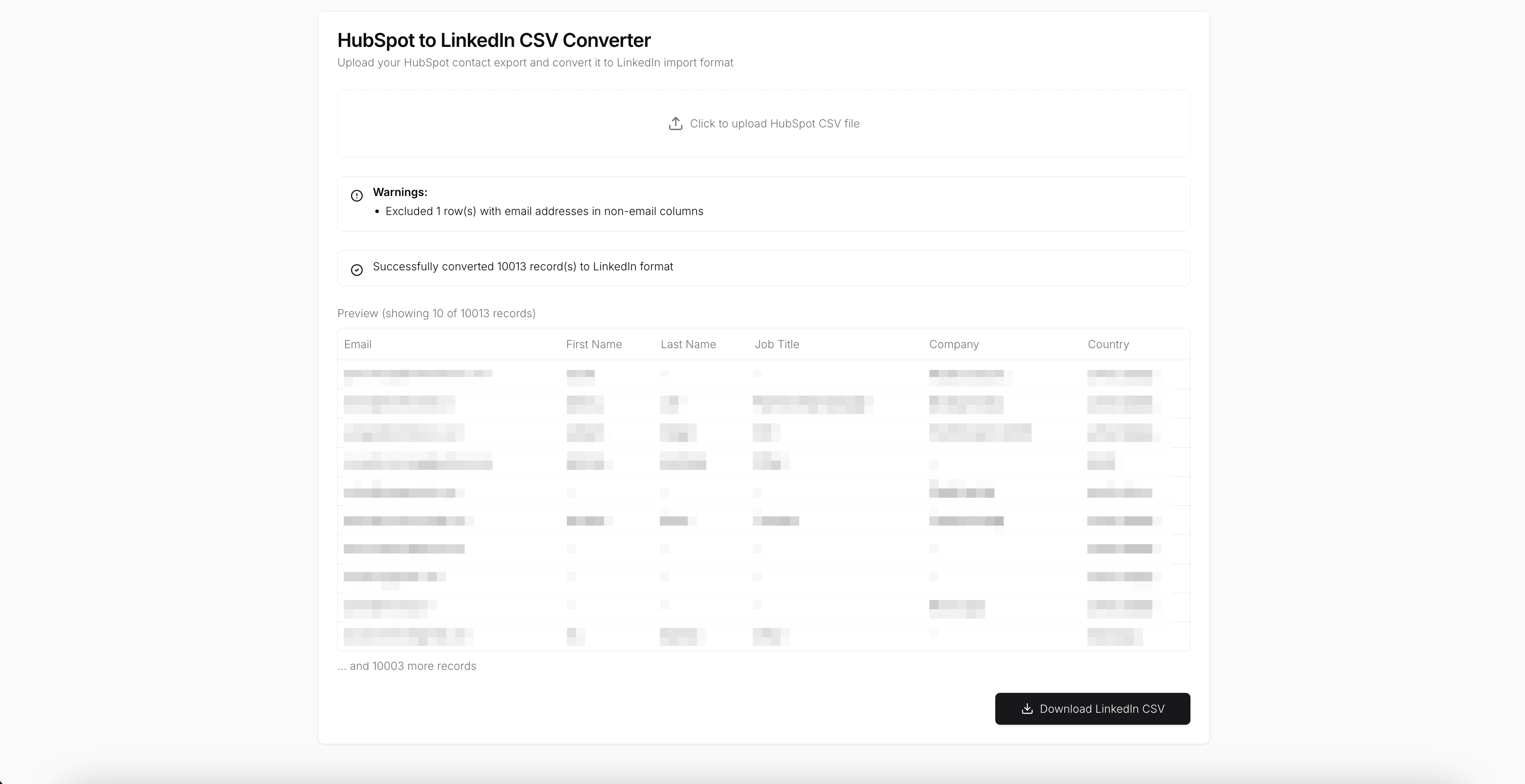
LinkedIn does not accept CSV files exported directly from HubSpot.The HubSpot to LinkedIn CSV Converter fixes this by transforming HubSpot contact exports into a LinkedIn-compatible format entirely in your browser. No servers, no uploads, and no data leaving your machine, so your customer data stays private and secure.
HubSpot CSV exports include columns and formats that LinkedIn rejects. The app automatically cleans and remaps the data so the file imports successfully on the first try.
All parsing, validation, and conversion happens locally in your browser. No files are uploaded and no customer data is sent to any server.
Convert HubSpot contact properties into LinkedIn-supported fields such as email, first name, last name, job title, company, and country without manual spreadsheet work.
Detect and exclude problematic rows, including email addresses in non-email columns. Clear warnings explain exactly what was skipped and why.
Review a preview of the converted contacts before downloading to ensure everything looks correct.
Process thousands of HubSpot contacts in a single upload with consistent results.
Download a clean CSV that can be imported directly into LinkedIn without further edits.
Use this app to bridge the gap between HubSpot and LinkedIn while keeping all customer data on your device. Upload your CSV, convert it locally, and get a LinkedIn-ready file in minutes.
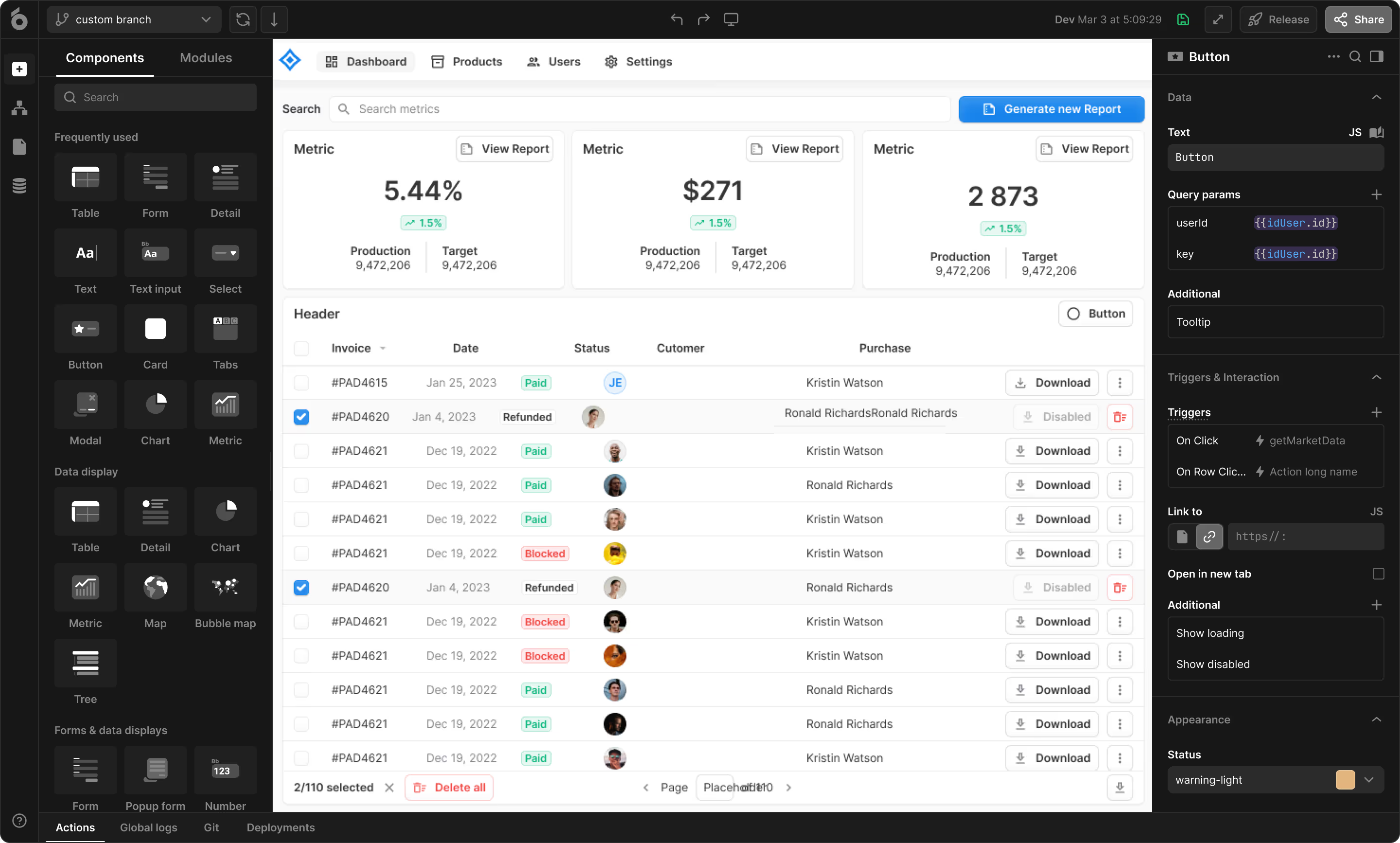
UI Bakery enables you to transform your data into dynamic internal tools, leveraging a combination of pre-built and customized components.
Used by thousands of developers worldwide.




Top 3 Product of the Week. 1st Product of the day.


Companies trusted our expertise many years.